
 Happy New Year Flat 10% off on our Unlimited Access Yearly Membership plan!


Cool PowerPoint Templates

Make your project planning easier, with this template, for project stages! Created for professionals handling tasks at work smoothly and efficien....
 Download

Enhance your storytelling using this all encompassing project management template that aims to simplify your project conversations and interactio....

Enhance your presentation, with this captivating case study template crafted for storytelling purposes.The layout of this template is sleek and r....

Make sharing information easier, with this template for managing project phases efficiently and effectively! The layout is visually engaging wit....

Make sharing information with this template, for product reviews! Created to display ratings in an impactful way with a blue design that grabs at....

Enhance your presentations impact, with a captivating dark themed circular puzzle infographic tailored for business strategy talks.This design sh....

Enhance your narrative skills using this circular puzzle illustration that simplifies concepts effectively! This captivating design is ideal, for....

Grab your audiences interest, from the get go with this captivating template crafted for management presentations. With an structured design layo....

Craft captivating staff profiles using this design tailored for presenting unique abilities and qualities of each team member effectively. This f....
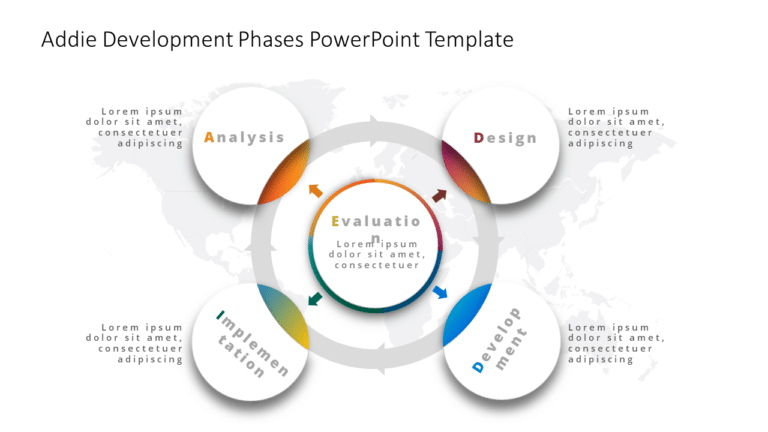
Enhance your meetings using this template tailored for the ADDIE development stages! Ideal, for teachers and professionals, in education and corp....

Turn your information into insights using this visually appealing SWOT analysis format! This template is skillfully crafted to assist you in diss....

Enhance your influence using this captivating funnel slide crafted to showcase the phases of the sales journey, with style and flair! With its bl....
How To Make Cool PowerPoint Slides?
Infographics are probably the best way to make your business presentations more attractive and attention-grabbing. It results in increased engagement as compared to other visual media. And also make sure to choose the font size appropriately, use strong contrast with the text, and try not to use too much text and too many colors on your PowerPoint slides.
How to make Cool PowerPoint presentation?
To make your presentations more appealing and memorable you need cool backgrounds, simple transitions, clean fonts, & attractive graphics to make the presentation more engaging.
Here are a few ways to make a cool presentation,
- Use a consistent theme
- Use more images & less text
- Use animations to highlight each bullet point
- Convey one message in each slide
- Use 2/4/8 rule - The 2/4/8 rule is-don't spend more than 2 minutes on a one slide, don't use more than 4 bullets per slide, and no more than 8 words per bullet.