

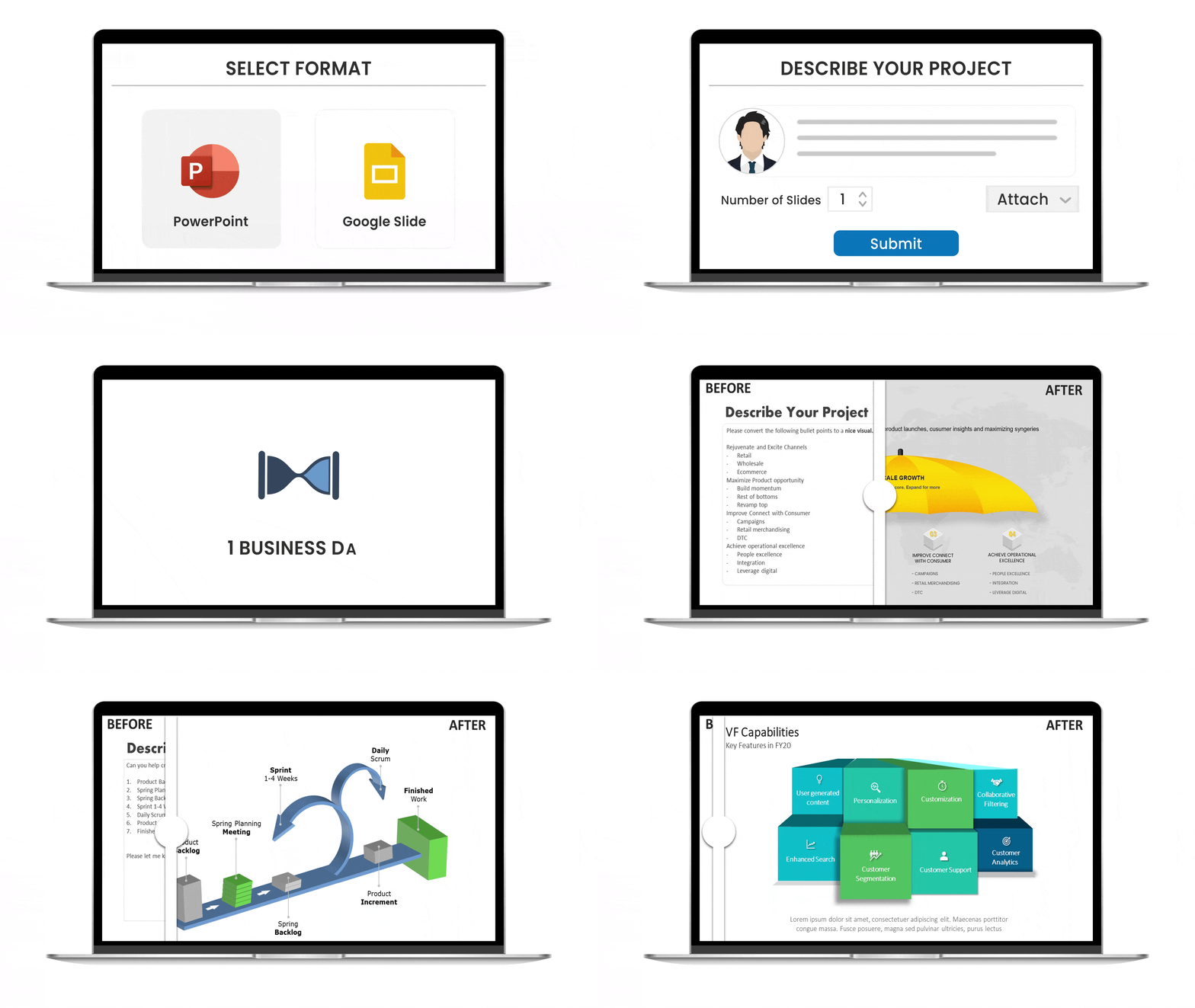


[before image]
[after image]
AI Background Remover
Get a clean transparent PNG in one click. Perfect for slide overlays, product shots, and team headshots.

 Spring Sale
  Flat 10% off on our Unlimited Access Yearly Membership plan!
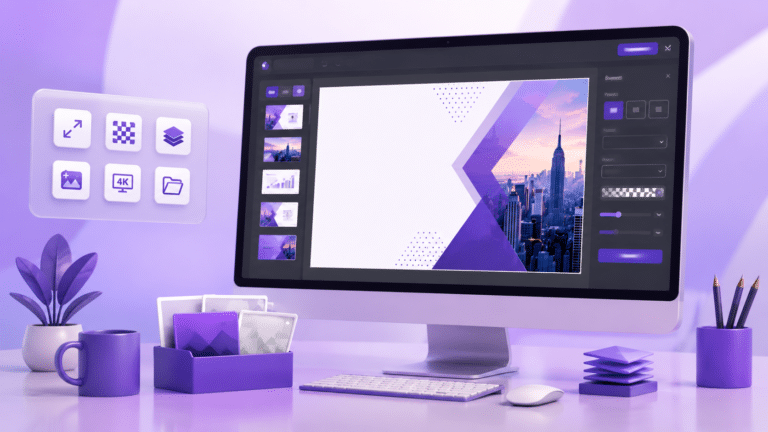
Crop, resize, remove backgrounds, and enhance images with professional-grade tools. Built for presentation creators, marketers, and anyone who needs slide-ready visuals — fast.
Most-used tools, one click away
No software to install. No account needed for your first 2 edits.
Drag and drop, paste from clipboard, or upload from your device. JPG, PNG, WebP, HEIC, and SVG all supported.
Crop, resize, remove backgrounds, enhance quality, or add text.
Export as JPG, PNG, transparent PNG, or WebP. Use it in slides, on the web, or share to social — never with a watermark.
Most online image editors treat presentations as an afterthought. We don't. Every export is slide-ready — the right size, the right format, the right resolution.
The honest comparison. We're built different — for a reason.
| SlideUpLift | Canva | Pixlr | Photopea | |
|---|---|---|---|---|
| Edit without signup | ✓ Yes | ✗ Required | ✓ Yes | ✓ Yes |
| No watermark on export | ✓ Always free | ✓ Yes | ✗ Premium only | ✓ Yes |
| True transparent PNG export | ✓ Yes | ✗ Pro only | ✓ Yes | ✓ Yes |
| Slide-ready export presets | ✓ Built-in | ✗ Manual | ✗ Manual | ✗ Manual |
| AI background remover (free) | ✓ Yes | ✗ Pro only | ✓ Yes | ✗ Limited |
| Bundled with template library | ✓ 10,000+ | ✓ Yes | ✗ No | ✗ No |
| Learning curve | Beginner-friendly | Beginner-friendly | Moderate | Steep (Photoshop-like) |
From Fortune 500 marketing teams to solo creators — see why people switched.
"I used to bounce between Photoshop, Canva, and three different background removers. Now I just live in SlideUpLift's image editor. Saves me hours on every deck I make."
"The slide-ready exports are a genius idea. Every other editor makes me resize manually. This one just gets it. Transparent PNGs come out perfectly clean every time."
"My team builds 50+ slide decks a month. Batch editing alone has paid for our subscription ten times over. Best surprise feature in any creative tool we use."
"As someone who's not a designer, this is the first image editor that actually makes sense to me. AI does the hard parts, I just click 'enhance' and it works."
"No watermarks, no signup popup, no upsell pressure. I came for the free background remover and stayed for everything else. The tool just works."
"Switched from Pixlr after trying the smart resize. Being able to drop an image into a 16:9 frame without cropping the subject is exactly what I needed for client decks."
Your first 2 edits are free. No download, no signup, no watermark. Just open the editor and go.