
 Fall Sale
  Flat 10% off on our Unlimited Access Yearly Membership plan!


About Me Slides To Make Great First Impressions
Free About Me Templates

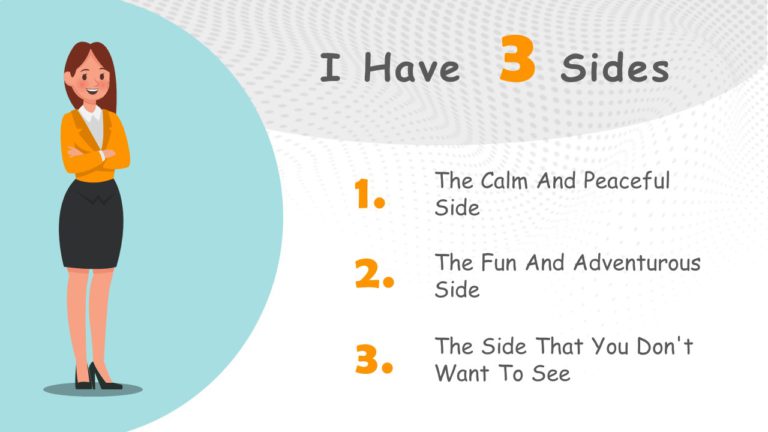
This free template is a creative and entertaining way to introduce yourself to others. Whether you’re using it for a job interview, a socia....


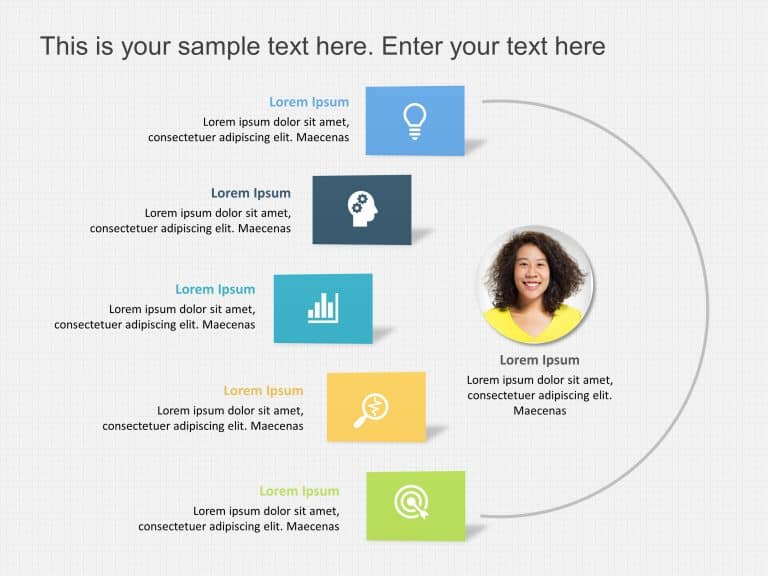
The Resume Profile Template helps portray your strengths and strong suits in a systematic and appealing format. It features visual elements to he....
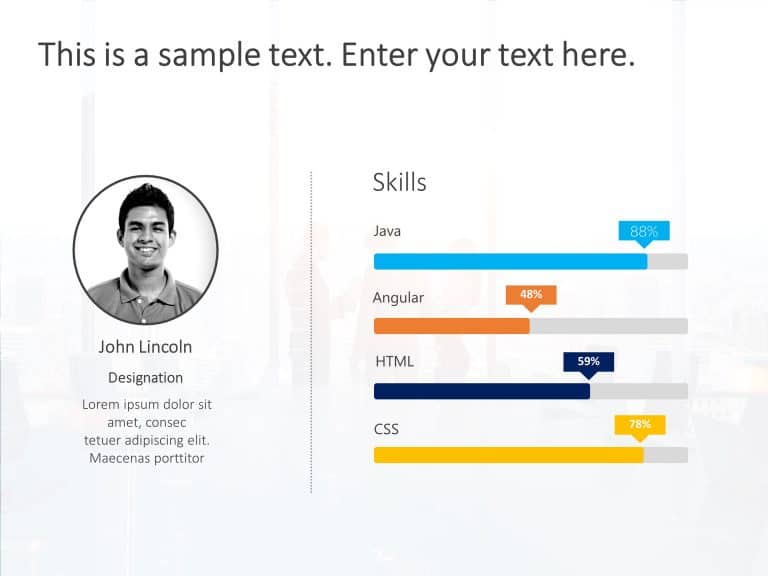
The Employee Resume PowerPoint Template is a visually appealing and useful presentation template that can be used to show your proficiency levels....
About Me Slides

Enhance your influence using this personal profile design layout that highlights your attributes and experiences in a visually striking manner, w....
The Interview Resume Presentation PowerPoint Template is a well-defined and easy-to-follow presentation template that can be used to display a pe....
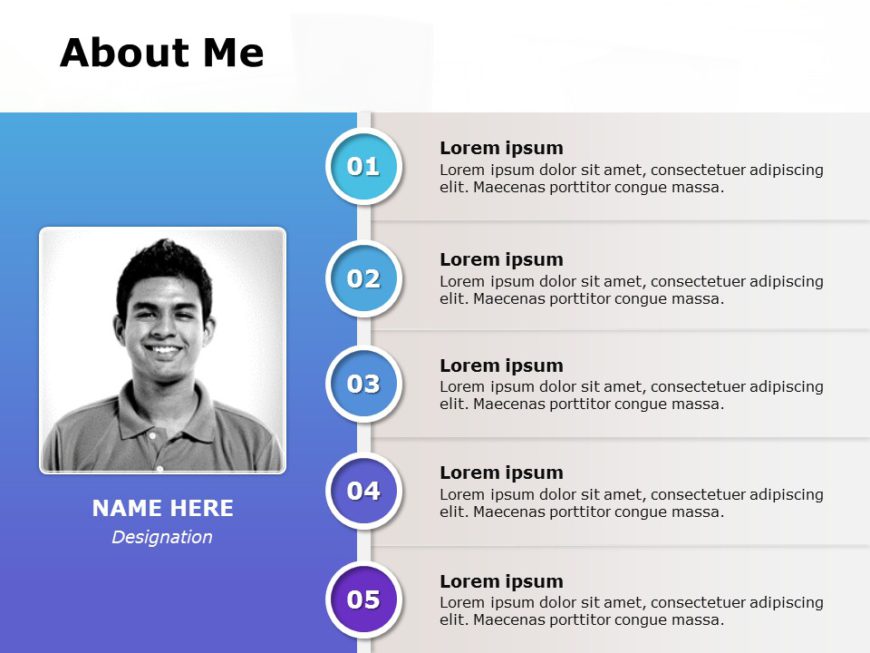
Are you looking for a simple yet attractive Powerpoint template to present your own set of skills and capabilities? This about me slide is the pe....

Showcase your story, in a captivating profile infographic that will wow stakeholders! This template highlights your background expertise and acco....

Presenters or speakers can make use of this self introduction PowerPoint template to introduce themselves and their qualifications to an audience....

Grab the interest of your viewers, from the get go using this eye catching profile summary template that features a blue gradient design! Not doe....

Start off strong by grabbing the attention of your audience using this personal profile design at the beginning! This layout is crafted to highli....

Crafted to be clear and impactful; elevate your presentations using this captivating profile slide template that seamlessly blends shades of blue....

Share your perspective using this captivating personal profile design template! Ideal, for introducing yourself this slide presents your informat....

Make sharing information with this slide created for personal introductions! Ideal, for professionals who want to introduce their backgrounds and....

The Professional Resume Slide Design is a well-organized and defined presentation template that you can use to present an overall summary of your....
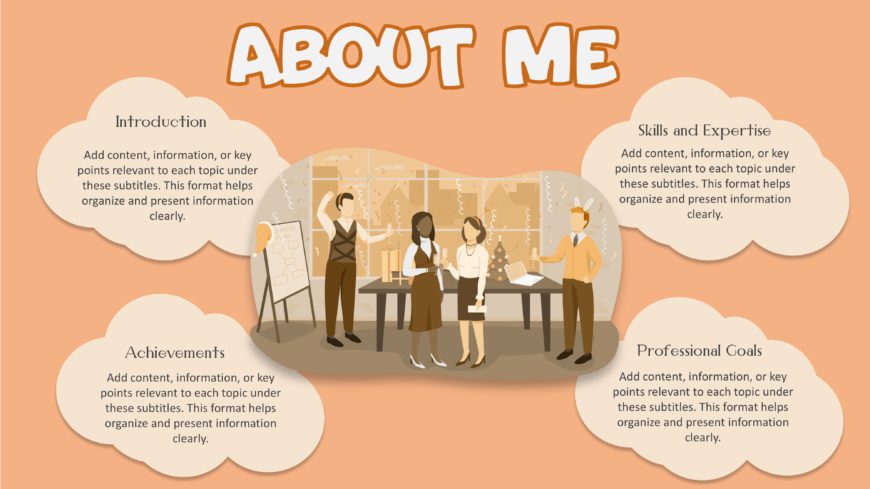
This Fun About Me slide is used to provide the audience with insight into the presenter’s background, expertise, and motivations. This template c....
Related Presentations
-

Asking Queries
34 templates>
-
Ask Me Anything
28 templates>
-
Welcome Slide
47 templates>
-
Thank You
63 templates>
-
Question Answer
31 templates>





What Is an About Me Slide Template?
An About Me PowerPoint template is a ready-made slide that helps you talk about yourself and what you have, without starting from scratch. You just need to add your name, what you do, your skills, experience, and a bit about your background. You definitely can add a fun fact about yourself or your hobbies as well. It is super easy to share about who you are without worrying about the designs.
What Should an ‘About Me’ Slide Template Include?
To make an effective and impressive About Me slide, you need to make sure that you add these elements to the template you choose to make yours. They are:
- A catchy title: It should be something short that grabs attention.
- A short bio: Here, you include your job title, role, or what you’re known for.
- A photo: It helps people recognize and connect with you.
- Your top achievements: All of your big wins or proud moments.
- Your main skills: That is what you’re really good at.
- A fun fact or hobby: It can be something personal or interesting.
- How to reach you: Like your email, LinkedIn, or personal website.
- A call-to-action: It could be like “Let’s connect” or “See my work”.
- Simple, clean design: It should be pretty easy to read.
Who Can Use All About Me Slides?
An About Me PowerPoint template is for anyone who needs to let others know who they are. They can be:
- Students: class presentations or projects.
- Teachers: first-time introduction to new students.
- Job seekers: during the interviews, resume, or portfolio presentations.
- Working professionals: HR meetings, team intros, or company profile.
- Freelancers: pitch themselves to clients.
- Startup founders: pitching a deck or investor slides.
- Public speakers: connect with their audience.
- Trainers or coaches: at the start of a session or workshop.
- Content creators/influencers: share their story or brand on social media.
- Anyone: Literally anybody who needs to introduce themselves in a presentation.
Which Pitfalls to Avoid in an All About Me Template?
Here are some common mistakes to watch out for when creating one:
- Writing too much text: It should be short and easy to read.
- Not adding your photo: This helps people connect with you.
- Using a boring or generic bio: You have to make it personal and real.
- Overcrowding the slide: You need to avoid too many graphics or visuals.
- No clear layout: It is necessary to organize the info into sections.
- Forgetting contact info or call-to-action (CTA).
- Using too many fonts or bright colors: Just keep it clean and readable.
- Being too formal or too casual: Know about them first, and then match your tone to the audience.
What is an About Me template, and how do I use it in PowerPoint?
It is a ready-made slide that helps one to introduce themselves in a stylish manner. You do not have to make it yourself. All you need to do is add your own content, like name, role, photo, and other details you want to put forth to your audience. Just download the template it and replace the placeholders with your own information.
How do I tailor the About Me slide for different audiences?
For this, first, you have to think about who you are presenting it to. If it is for a job interview, then highlight your work experience and skills; if it is for a client or portfolio, then focus more on your style and achievements. Keep it relevant to the people you will be speaking with.
How can I make my About Me slide visually appealing?
To keep it visually interesting, keep everything in your introduction slide organized. Use a professional photo of yours. Also use bold headlines, icons for skills, and enough white space so it does not look stuffy. Choose hues that match your personality and are easy to read. Good layout=great impression.
Are SlideUpLift all About Me slides compatible with Google Slides and Keynote?
Yes! They are compatible with both platforms. Just upload the PowerPoint version to Google Slides or open it in Keynote, and you are good to go. Explore all About Me Google Slides templates on SlideUpLift.
Can I customize the All About Me templates for PowerPoint presentations for school, work, or portfolio use?
These templates are versatile and can be used by anyone. Students, professionals, freelancers, and creatives, etc., be it for a job interview or personal brand portfolio, you can easily tweak the layout however you want to.
How can I effectively summarize my professional background in an About Me template?
To effectively summarize it in your About Me slide, follow these tips:
– Stick to the key points (that is, your job title, achievements, experience, and core skills).
– Use bullet points or icons instead of using long sentences.
– Make sure you are clearly vocalizing the details so they understand it on the first go.
Are there free About Me PPT templates available for download?
Absolutely! SlideUpLift offers free and fully editable About Me slides for PowerPoint and Google Slides. You can customize colors, text, photos, and more to reflect your personality and purpose.
What are some ideas for creating creative About Me slides for presentations?
Here are some creative ideas for your About Me slide:
- Mood board: Show your vibe with pics, colors, and quotes.
- Magazine cover: Make yourself the headline with bold titles and fun sections.
- Social profile: Style it just like Instagram or LinkedIn with a pic, bio, and highlights.
- Infographic: Using icons, charts, or a timeline to tell your story will make it visually interesting
- Cartoon version: You can add an avatar or illustration of yourself.
- Map layout: Highlight places you’ve lived, worked, or traveled.
- Before vs. now: Show how you’ve grown or changed.
- Playlist theme: Use song-style “tracks” to share parts of your journey.
- Vision board: Add visuals of your goals and dreams.
- Comic strip: Tell your story with short panels and captions.