
 Happy New Year Flat 10% off on our Unlimited Access Yearly Membership plan!


Cool PowerPoint Templates

Show your stakeholders an chart that clearly lays out the different stages of project execution to impress them! This handy template is crafted t....
 Download

Craft persuasive project proposals using this checklist template tailored for project submissions! This easy, to use design enables you to method....

Here is a detailed guide tailored for IT projects to help interpret your data and create insights, for better decision making! This structured fr....

The Executive Summary PowerPoint Template for Brands is a must-have presentation template for professionals. It is for those who aim to showcase ....

The Company Executive Summary PowerPoint Template is a presentation template for crafting narratives about a company in a clear and impactful man....

Show off this captivating aid to impress those involved by laying out the advantages and disadvantages of any choice, at hand.This design is craf....

The Org Chart PowerPoint Template is a minimal and simplistic presentation template that can help in setting a flow of decision-making at an orga....

The Org Chart Template is a neat, well-organized, and easy-to-understand template that can be used to set a defined flowing structure for an orga....
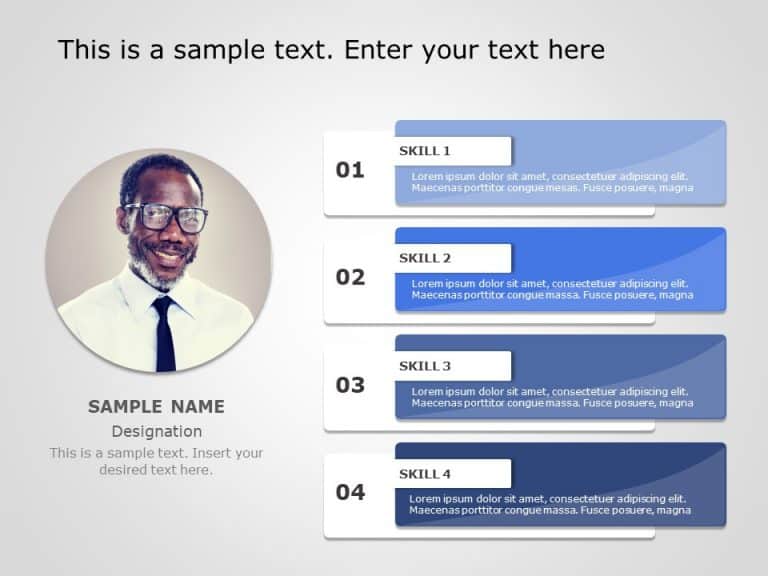
Craft engaging presentations using this captivating skills display template!. Ideal, for individuals seeking to showcase their proficiency The de....

The Social Media Marketing PowerPoint Template is a resource to present your social marketing strategy clearly and engagingly. This template help....

The Executive Summary Business Planning PowerPoint Template is a presentation template crafted to showcase a business plan’s main aspects. ....

The AIDA Marketing Framework PowerPoint Template is a resource for understanding customer purchasing behavior. AIDA represents Awareness, Interes....
How To Make Cool PowerPoint Slides?
Infographics are probably the best way to make your business presentations more attractive and attention-grabbing. It results in increased engagement as compared to other visual media. And also make sure to choose the font size appropriately, use strong contrast with the text, and try not to use too much text and too many colors on your PowerPoint slides.
How to make Cool PowerPoint presentation?
To make your presentations more appealing and memorable you need cool backgrounds, simple transitions, clean fonts, & attractive graphics to make the presentation more engaging.
Here are a few ways to make a cool presentation,
- Use a consistent theme
- Use more images & less text
- Use animations to highlight each bullet point
- Convey one message in each slide
- Use 2/4/8 rule - The 2/4/8 rule is-don't spend more than 2 minutes on a one slide, don't use more than 4 bullets per slide, and no more than 8 words per bullet.