
 Happy New Year Flat 10% off on our Unlimited Access Yearly Membership plan!


Cool PowerPoint Templates

This Marketing Case Study Template is designed to convey the marketing analysis and results. This template is well organized to assist in deliver....
 Download

The Product Portfolio Detailed PowerPoint Template is a well-organized and detailed presentation template that can be used to compare the outcome....

The Online Marketing Dashboard PowerPoint Template provides an overview of various marketing metrics and social media statistics. It helps identi....
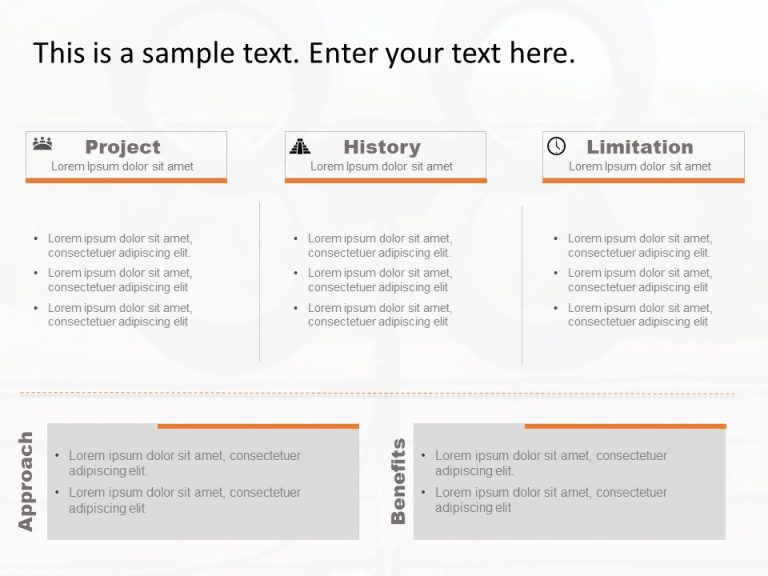
Ensure your business proposal stands out with the Business Case Executive Summary PowerPoint Template. This template enhances the clarity of your....

The Marketing Cost And Benefits PowerPoint Template displays the expenses and advantages associated with various marketing strategies. This templ....

The 3Cs Marketing PowerPoint Template is a layout created for analyzing and presenting essential marketing principles. It is ideal for marketing ....

The 4Ps Marketing PowerPoint Template is a resource for organizing your marketing mix. This slide divides the marketing mix into the known 4Ps: P....

The Executive Summary 26 PowerPoint Template is a presentation template. It is created to present important company information concisely. Execut....

The Marketing Awareness Campaign PowerPoint Template is a resource created to help marketing experts. They can effectively present the key phases....

The Project Portfolio PowerPoint Template is a simplistic and well-organized presentation template that can be used to present the findings and d....

Start your project presentations clearly with the Project Charter Executive Summary PowerPoint Template. It offers a structured format to present....

The Marketing WordCloud PowerPoint Template can be used to present marketing ideas effectively. This template uses a visually compelling arrangem....
How To Make Cool PowerPoint Slides?
Infographics are probably the best way to make your business presentations more attractive and attention-grabbing. It results in increased engagement as compared to other visual media. And also make sure to choose the font size appropriately, use strong contrast with the text, and try not to use too much text and too many colors on your PowerPoint slides.
How to make Cool PowerPoint presentation?
To make your presentations more appealing and memorable you need cool backgrounds, simple transitions, clean fonts, & attractive graphics to make the presentation more engaging.
Here are a few ways to make a cool presentation,
- Use a consistent theme
- Use more images & less text
- Use animations to highlight each bullet point
- Convey one message in each slide
- Use 2/4/8 rule - The 2/4/8 rule is-don't spend more than 2 minutes on a one slide, don't use more than 4 bullets per slide, and no more than 8 words per bullet.