
 Spring Sale
  Flat 10% off on our Unlimited Access Yearly Membership plan!


Cool PowerPoint Templates


This free template is a creative and entertaining way to introduce yourself to others. Whether you’re using it for a job interview, a socia....
 Download

Here is a captivating circular support model diagram that is tailored for presenting application support strategies engagingly! The template boas....

Enhance your presentation flow by using this dynamic team introduction design showcasing portraits! This layout is crafted to highlight your team....

Enhance your presentations with an eye catching balance scale infographic that’s visually appealing and impactful, for illustrating compari....

Showcase this thoughtfully crafted layout to impress stakeholders, for internal assessment purposes effortlessly.Use this template to highlight m....

This Conclusion Slide provides a summary at the end of a presentation. It serves as a recap, action plan, or key takeaway slide of the presentati....
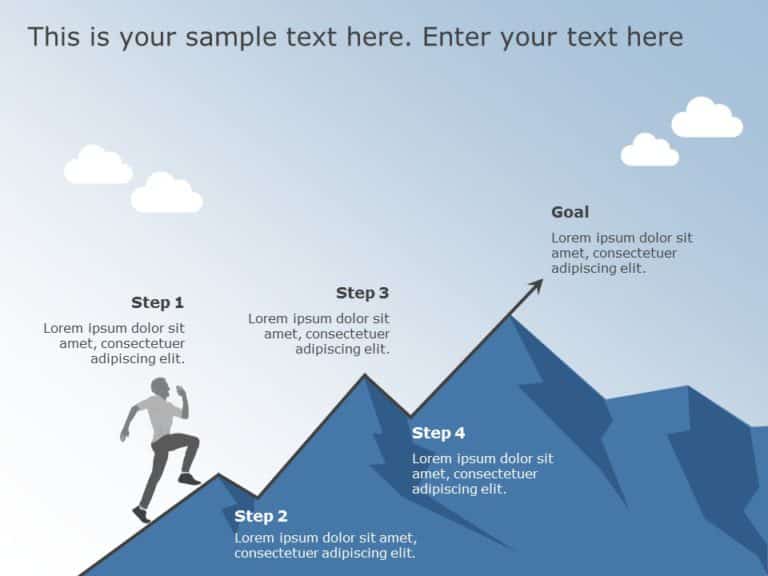
Enhance your presentation flow using this captivating infographic crafted to showcase your path to achievement! This design showcases a blue grad....

The 5W 1H is used to answer basic questions like What, Where, When, Who, Why, and How. These questions are asked for information gathering purpos....

This template is great, for team meetings as it makes root cause analysis with its fishbone diagram layout that engages the audience effectively!....

Explore your thoughts using this design that highlights your vision statement in an impactful way.The lively color scheme, with calming teal and ....

Service Level Agreement Highlights Presentation Template Use this Service Level Agreement Highlights PowerPoint template to create visually appea....

Enhance your planning with this crafted framework template that simplifies intricate concepts, for optimal communication during discussions, on c....
How To Make Cool PowerPoint Slides?
Infographics are probably the best way to make your business presentations more attractive and attention-grabbing. It results in increased engagement as compared to other visual media. And also make sure to choose the font size appropriately, use strong contrast with the text, and try not to use too much text and too many colors on your PowerPoint slides.
How to make Cool PowerPoint presentation?
To make your presentations more appealing and memorable you need cool backgrounds, simple transitions, clean fonts, & attractive graphics to make the presentation more engaging.
Here are a few ways to make a cool presentation,
- Use a consistent theme
- Use more images & less text
- Use animations to highlight each bullet point
- Convey one message in each slide
- Use 2/4/8 rule - The 2/4/8 rule is-don't spend more than 2 minutes on a one slide, don't use more than 4 bullets per slide, and no more than 8 words per bullet.