
 Happy New Year Flat 10% off on our Unlimited Access Yearly Membership plan!


Cool PowerPoint Templates
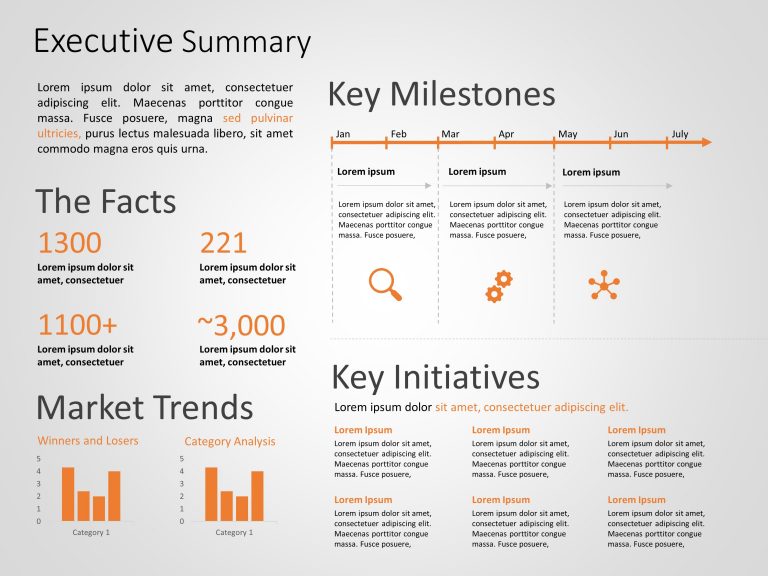
This Executive Summary Template aims to communicate important information and strategic details concisely. It provides an organized layout. This ....
 Download

The Creative Agenda Slide Template can help the presenter start the meetings with a defined and interesting template. The design clearly states t....

The Modern Business Presentation Template is designed to display concise business presentations. This template enables users to express their tho....

The Pharmacy Template is designed for creating professional pharmacy-related presentations. It includes seven varieties of slides designed for di....

The PMO’s Role in Project Life Cycle Presentation can be used to present a project smoothly. It has a well-structured design that presents ....

The Project Management Procedures Presentation has a set of templates that can be used to present a detailed procedure involved in managing a pro....

The different marketing analysis tools let professional market planners assess market segments, budgeting, and target markets. This marketing pla....

This arrow-shaped template highlights the key performance indicators related to various marketing methods for an effective analysis. The Marketin....

This template is crucial for those who need to maintain an organized schedule throughout the year. It facilitates efficient planning and tracking....

The Calendar PowerPoint Template 2025 is designed to help users create visually appealing and organized presentations for scheduling and planning....
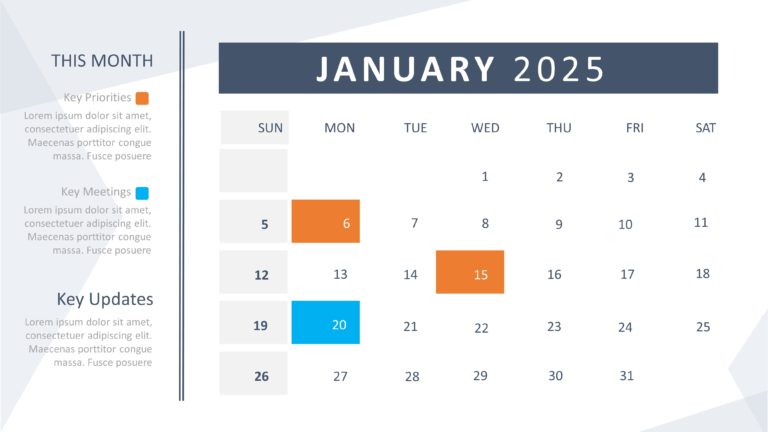
The 2025 PowerPoint Calendar Template is designed for individuals and organizations to effectively manage time, improve productivity, and achieve....
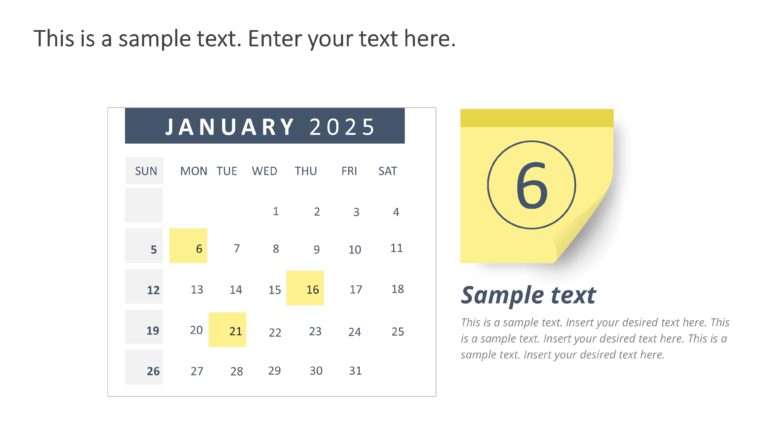
The PowerPoint Weekly Calendar Template 2025 offers a professional design to help you plan, track, and organize your weekly schedule. It includes....
How To Make Cool PowerPoint Slides?
Infographics are probably the best way to make your business presentations more attractive and attention-grabbing. It results in increased engagement as compared to other visual media. And also make sure to choose the font size appropriately, use strong contrast with the text, and try not to use too much text and too many colors on your PowerPoint slides.
How to make Cool PowerPoint presentation?
To make your presentations more appealing and memorable you need cool backgrounds, simple transitions, clean fonts, & attractive graphics to make the presentation more engaging.
Here are a few ways to make a cool presentation,
- Use a consistent theme
- Use more images & less text
- Use animations to highlight each bullet point
- Convey one message in each slide
- Use 2/4/8 rule - The 2/4/8 rule is-don't spend more than 2 minutes on a one slide, don't use more than 4 bullets per slide, and no more than 8 words per bullet.