
 Happy New Year Flat 10% off on our Unlimited Access Yearly Membership plan!


Executive Summary PowerPoint Templates and Google Slides
Free Executive Summary PowerPoint Templates


The Executive Summary PowerPoint Template is structured to deliver concise and impactful overviews of projects, reports, or business proposals. This user-friendly template helps you present points effectively to your audience. This helps to ensure that they understand the main ideas. Crafted with a focus on clarity, the template comprises three sections. Each section has a colored header, ample space for...
read more
 Download

The executive summary PowerPoint template makes it easy to summarize information into five main points. You can use this template to present to decision-makers or leaders of firms to give them context about documents or lengthy reports. The template has a central gray theme with multi-colored accents that make it engaging and attractive. The icons on the left side are...
read more
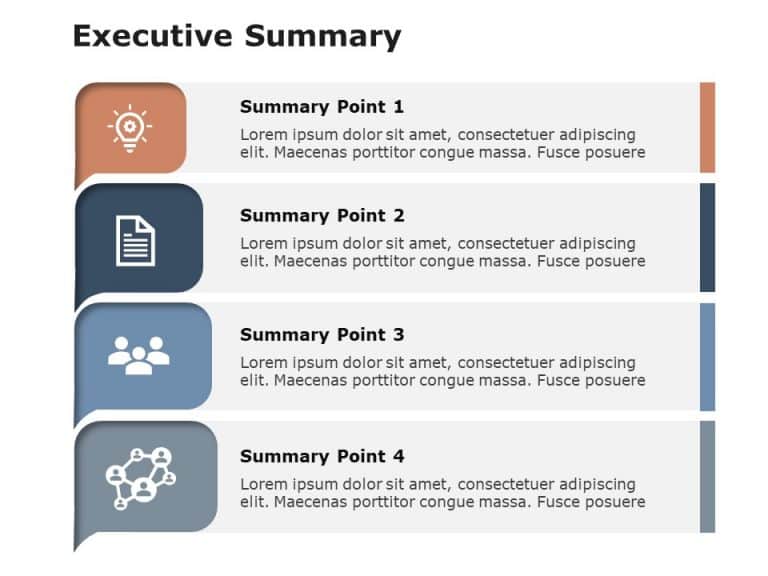
The Executive Summary Slides Pointer PowerPoint Template is an easy-to-understand presentation template that allows users to showcase lengthy information through pointers. This template includes textual and visual elements to help the audience engage throughout the presentation. These business PowerPoint templates feature a plain background with multiple visual elements on top of it. The left side of the template features text-box-like...
read more
PowerPoint Executive Summary Templates
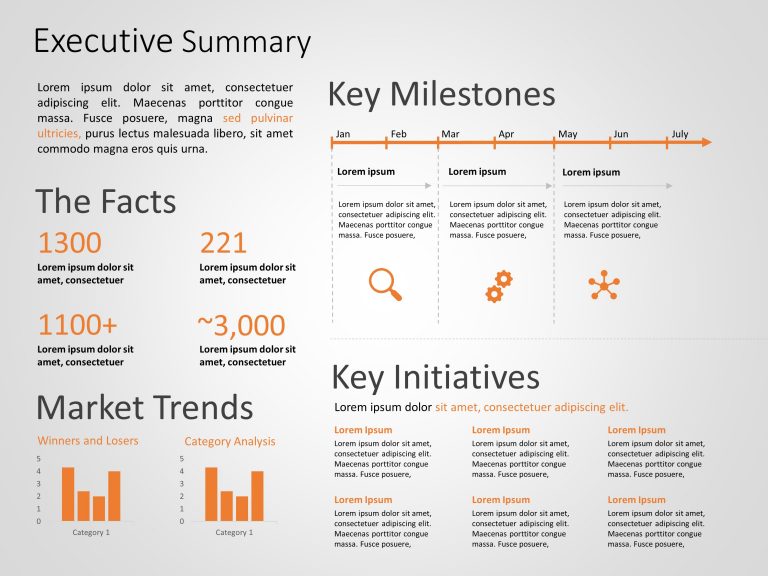
This Executive Summary Template aims to communicate important information and strategic details concisely. It provides an organized layout. This ....

This executive summary template for PowerPoint & Google Slides is a collection of some of the most useful and necessary presentation template....
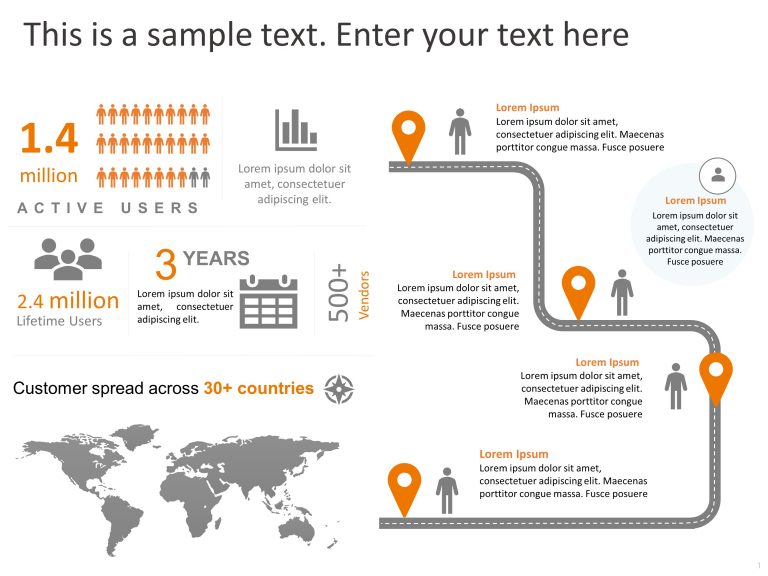
This executive summary PowerPoint template for Customer Journeys is a valuable presentation template for showcasing how customers interact with y....

The Executive Summary PowerPoint Template for Brands is a must-have presentation template for professionals. It is for those who aim to showcase ....

Consider using this executive summary PowerPoint template to summarize the key points regarding your company. This template is designed to help y....
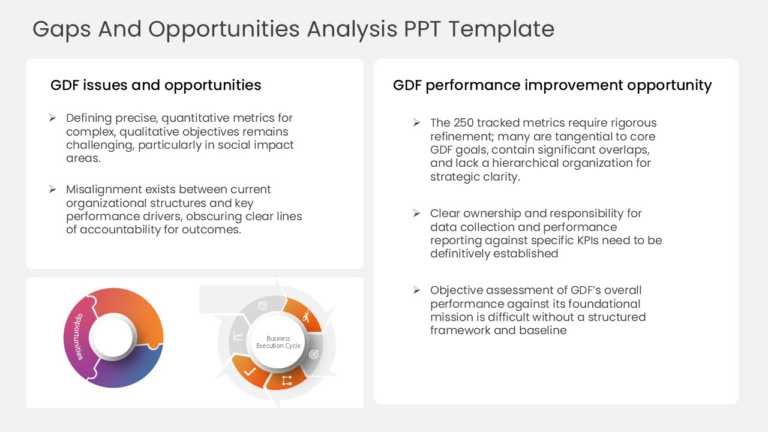
Capture your audience’s attention right from the start with this comprehensive analysis template designed for identifying gaps and opportun....
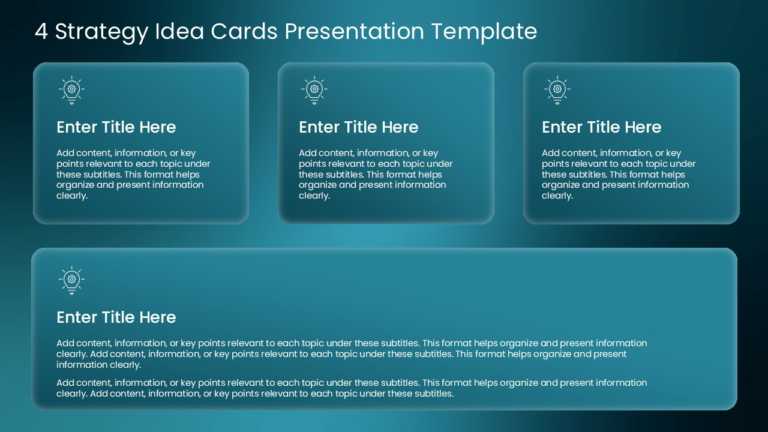
Designed for clarity and impact, enhance your presentations with this innovative card-style layout that effectively organizes your strategic idea....
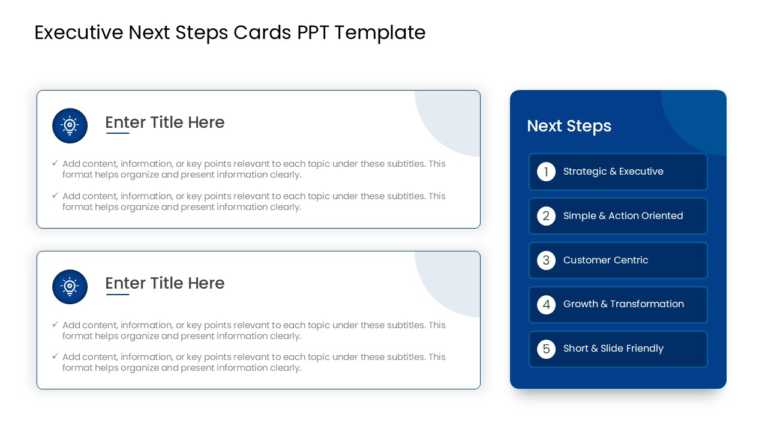
Elevate your storytelling with this professional template designed for outlining next steps in executive meetings. This layout features sleek, or....
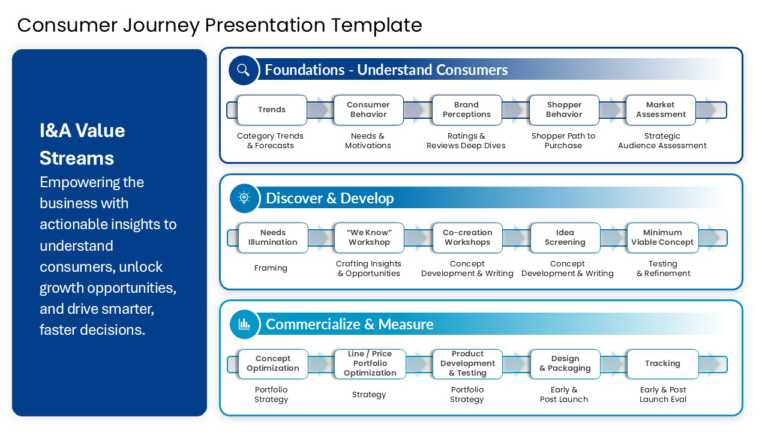
Create compelling presentations with this expertly designed template that guides you through the consumer journey. Perfect for marketing professi....
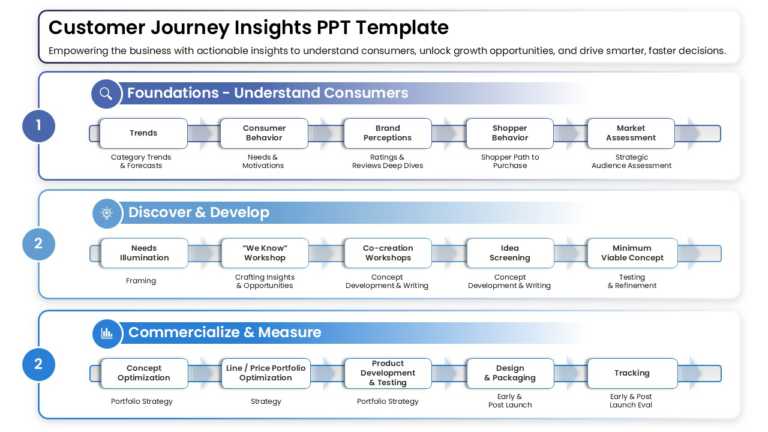
Simplify complex ideas with this comprehensive template designed to enhance your understanding of customer journeys. This visually appealing pres....
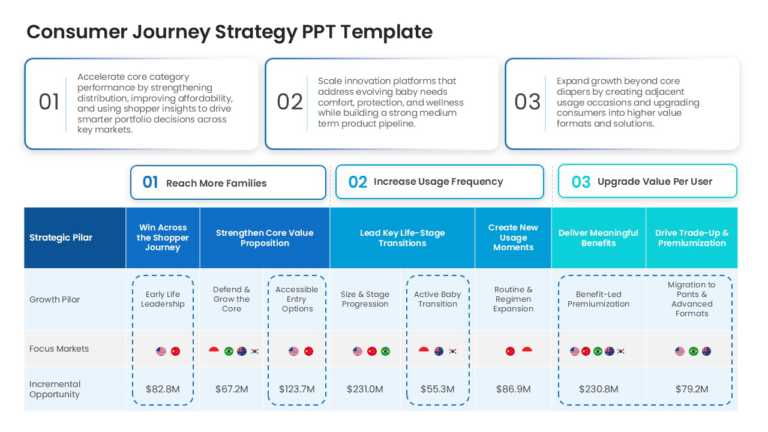
Craft a clear narrative with this comprehensive strategy template designed for mapping out the consumer journey. Perfect for marketing teams and ....
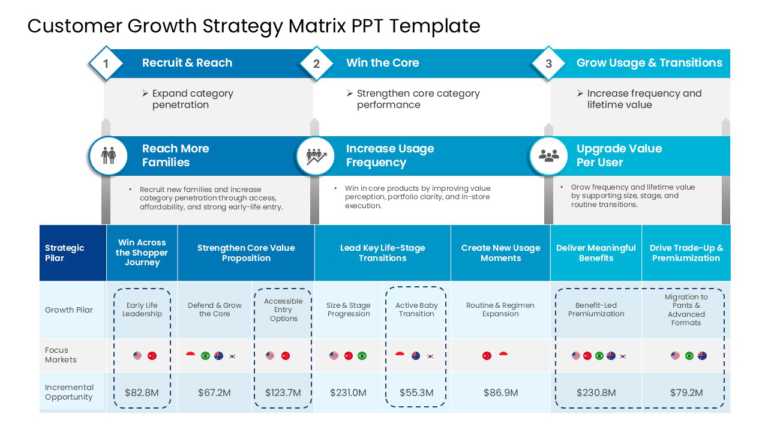
Bring your data to life with this comprehensive strategy matrix designed for customer growth. This template is perfect for marketing professional....
Related Presentations
-

Business
6,397 templates>
-
Business Plan
495 templates>
-
Business Proposal
99 templates>
-
Pitch Deck
142 templates>
-
Business Case
40 templates>




What is an Executive Summary Template?
An executive summary template is a ready-made slide that helps you to share the main idea of a larger report in seconds, typically placed right after the title page. Think of it as a cheat sheet, where you simply need to fill in your key points (what the report is about, the important points regarding the problem, solution, or recommendation, and the expected key results). It gives the audience a valuable presentation template that provides the gist of the entire report or full report presentation without needing them to read everything.
Why do We Need an Executive Summary Slide Template?
You need an executive summary PowerPoint slide when you want to give your audience a quick, clear overview of the report, presentation, or plan, especially when you have a time constraint. Here are some factors why to use them:
- To quickly get to the point, without overwhelming.
- To highlight only what really matters.
- To make a confident first impression.
- To help decision-makers take action faster.
- To simplify complex ideas into one powerful slide.
That is what makes this presentation template essential for effective communication in business settings. Therefore, you can use them:
- At the beginning of a presentation, set the context quickly.
- At the end of a pitch deck, recap the bigger chunks.
- In meetings with busy executives who don’t have time for every detail.
- When sending proposals or updates to clients or stakeholders.
- During project reviews to highlight progress, issues, and next steps.
What Key Components should be included in an Executive Summary PowerPoint Template?
A well-designed executive summary PowerPoint slide should give your entire message at a glance. It should include:
- Title and Purpose: What is this presentation about?
- Key Problem or Objective: What are you trying to solve or achieve?
- Summary of Solution or Approach: How are you addressing the issue?
- Highlights or Key Findings: Share important stats, insights, or progress.
- Recommendations or Strategy: What do you propose as the next step?
- Conclusion or Call to Action: What should the audience do with this action? (approve, decide, or provide feedback)
Ensure your summary is sharp and impactful by using the principles outlined in our guide on how to write an executive summary.
What are the Types of Executive Summary PowerPoint Templates?
| Type | What It’s For |
| Business Proposal Summary | Quick overview of a business plan, business idea, product, or partnership proposal. |
| Project Summary Slide | Highlights project goals, progress, challenges, and next steps. |
| Startup Pitch Summary | Shows key points of a startup pitch, problem, solution, market, and traction. |
| Marketing Summary | Summarizes marketing plans, marketing strategy, market analysis, campaign performance, or strategy updates. |
| Financial Summary | Presents key financials, financial projections, forecasts, and recommendations. |
| Report or Research Summary | Gives a short version of a larger report or research findings. |
| Client/Stakeholder Summary | Helps share updates or plans clearly with clients, investors, or executives. |
Present data-driven insights effectively with our one-page fact sheet slides and PPT templates to ace your presentation.
What are Some Tips to make the Executive Summary Slide Design more engaging?
To make your creative executive summary slide more visually attractive, follow these smart design tips:
- Start with a strong headline: Use a clear, benefit-driven title that will summarize the main takeaway.
- Use visual hierarchy: Highlight key points using bold fonts, larger text sizes, or color differentiation.
- Utilize icons or visuals: Replace plain text with visuals like icons, diagrams, or simple charts to improve readability.
- Stick to one idea per section: Break down information into digestible blocks with clear headers.
- Match your brand: Customize colors and fonts to reflect your brand for a polished look.
- Consider a one-page format: A single-slide executive summary or a one-page business plan layout helps deliver all key information quickly, making it ideal for pitches and overviews.
What mistakes should I avoid when using a PowerPoint executive summary template?
| Mistake | Quick Fix |
| Too much detail | Keep it high-level and focused on key takeaways. |
| Vague messaging | Be specific about the purpose, problem, and solution. |
| No clear structure | Use a logical flow: Intro → Problem → Solution → Outcome. |
| Missing a clear takeaway | End with a recommended action or next step. |
| Overuse of jargon | Use simple, clear business language. |
| Ignoring the audience | Customize content for executives, clients, or stakeholders. |
| Lack of visuals | Use icons or charts to simplify and enhance key points. |
| Not customizing the template | Adjust the layout and content to fit your unique context. |
What is a PowerPoint Executive Summary Template?
An executive summary template is a ready-made slide that helps you to quickly explain the main points of your project proposals, report, or idea, providing an informative brief document overview for team members. It is like a shortcut that shows the big picture, what it is about, why it matters, and what should happen next, without going into all the details. Utilizing bullet points can help emphasize key aspects. It helps you save time and makes your message clear and easy to understand.
How Can I Customize an Executive Summary Template in PowerPoint and Google Slides?
Customizing a template is quick and helps make the summary fit your message and brand. Here’s how to do it in PowerPoint & Google Slides:
In PowerPoint:
- Click and replace the text with your own points.
- Change colors and fonts under the “Design” tab.
- Add charts or icons using the “Insert” option.
- Move things around to match your content flow.
- Use Slide Master (under “View”) to edit all slides at once.
In Google Slides:
- Edit the text boxes with your summary content.
- Use the Theme panel to change fonts, colors, or backgrounds.
- Insert visuals like images, charts, or icons from the “Insert” menu.
- Drag and drop items to adjust the layout.
- Go to Slide → Edit Theme to make bigger design changes.
Who Can Use an Executive Summary Template?
Executive summary template PPT are useful for anyone who needs to present key information clearly and quickly. This includes:
- Business professionals – for project updates, proposals, and board meetings.
- Startups and entrepreneurs – for pitching ideas to potential investors.
- Consultants and freelancers – to present findings or strategies to clients.
- Students and researchers – to summarize reports or research papers.
- Team leads and project managers – to highlight progress and next steps.
Why is using an Executive Summary PowerPoint Template important in Business Presentations?
Using an effective executive summary template helps you to communicate the main message quickly and clearly, as well as providing an executive summary example. It gives your target audience an overview of the key points, like the document’s purpose, problem, solution, and results, without needing to go through the entire presentation. This saves time, keeps things organized, and makes your presentation look more professional, exuding a sense of professionalism. So, it is easier to understand, especially for busy decision-makers.
What should be included in an Executive Summary Template?
A good executive summary template powerpoint should include:
- Title or topic – What the presentation is about.
- Purpose or goal – Why it matters.
- Main problem or need – What issue is being addressed?
- Your solution or idea – How you’re solving it.
- Key highlights or results – Important data or findings.
- Next steps or recommendations – What should happen next
Are there any free executive summary templates available?
Yes! SlideUpLift offers free executive summary templates that you can download and start using right away. They’re designed to help you quickly present the key points of your project or idea in a clean and professional format. No design skills needed. Perfect for business reports, pitch decks, or client meetings.
