
 Happy New Year Flat 10% off on our Unlimited Access Yearly Membership plan!


Cool PowerPoint Templates

The Digital Marketing Strategy PowerPoint Template serves as a resource to outline their digital marketing plans. This template is valuable for m....
 Download

The Marketing Budget Variance PowerPoint Template can be used to effectively manage your marketing budget. This template helps in comparing plann....

The Marketing Budget Variance PowerPoint Template is a resource for effectively managing and analyzing your marketing budget. This template facil....

You can use the Financial Executive Summary PowerPoint Template to present a robust financial summary effectively. This template is a tool for st....
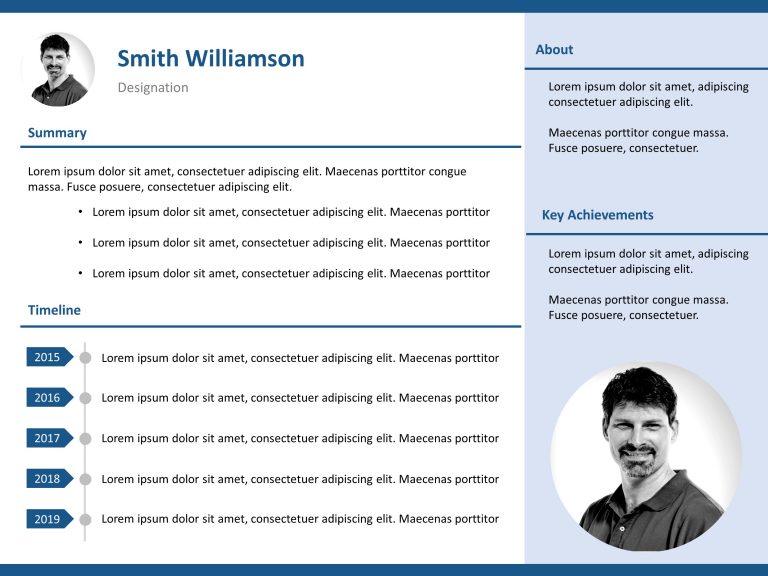
The Resume Executive Summary PowerPoint Template is a template to elevate your job application presentation. This template helps you in crafting ....

The Product Portfolio Launch Roadmap PowerPoint Template is a simple and easy-to-understand presentation template that can be used to show the li....

The Resume Timeline PowerPoint Template is visually appealing and a visual-reliant presentation template that throws light on your professional j....

The Executive Summary Slides Point Callout PowerPoint Template is a creative and visually appealing template that presents a summary in bullet po....
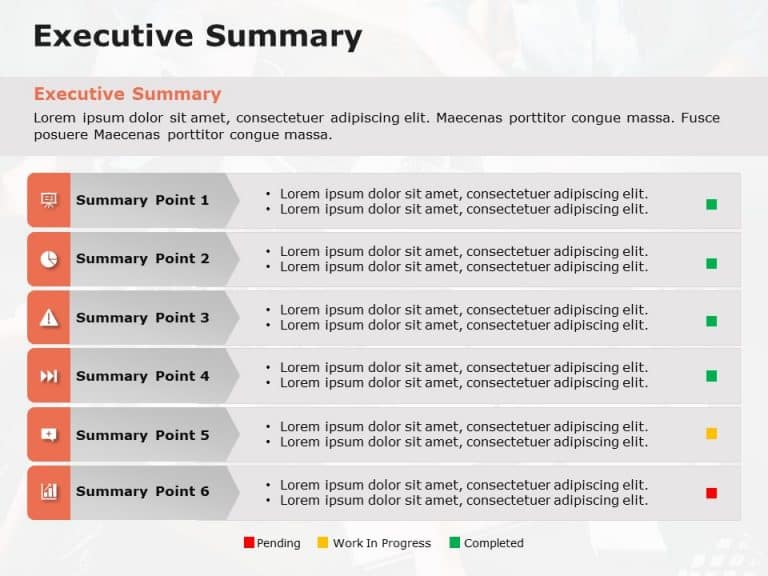
This executive summary PowerPoint template is a highly useful and important template that you can use across sectors. You can use this template t....

The executive summary PowerPoint template is a straightforward, effective presentation template that helps set goals. You can use it to update th....
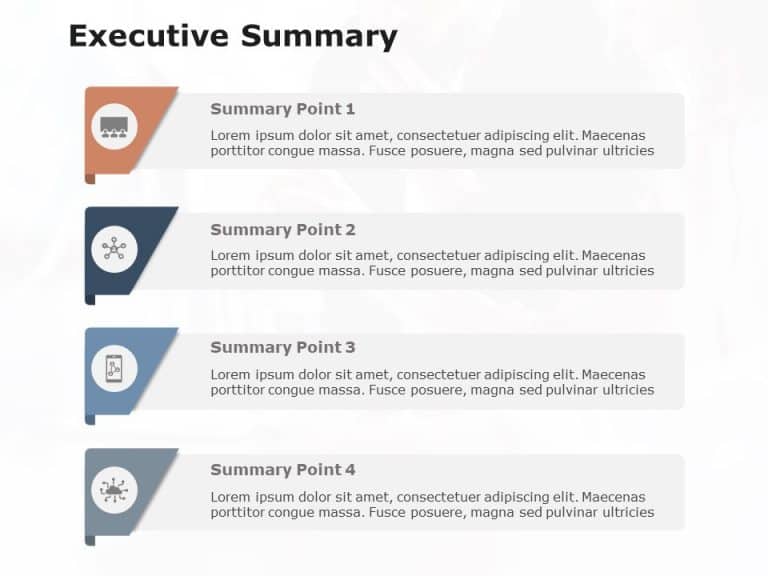
The Executive Summary Slide Points PowerPoint Template lays out heavy and lengthy information in short and concise bullet points for easy underst....
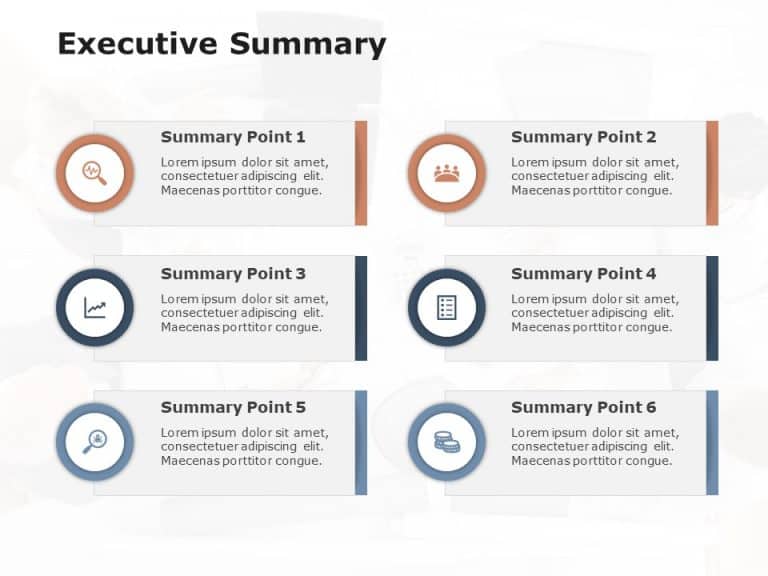
This executive summary PowerPoint template is a versatile and flexible presentation template that contains multiple points taken from a more deta....
How To Make Cool PowerPoint Slides?
Infographics are probably the best way to make your business presentations more attractive and attention-grabbing. It results in increased engagement as compared to other visual media. And also make sure to choose the font size appropriately, use strong contrast with the text, and try not to use too much text and too many colors on your PowerPoint slides.
How to make Cool PowerPoint presentation?
To make your presentations more appealing and memorable you need cool backgrounds, simple transitions, clean fonts, & attractive graphics to make the presentation more engaging.
Here are a few ways to make a cool presentation,
- Use a consistent theme
- Use more images & less text
- Use animations to highlight each bullet point
- Convey one message in each slide
- Use 2/4/8 rule - The 2/4/8 rule is-don't spend more than 2 minutes on a one slide, don't use more than 4 bullets per slide, and no more than 8 words per bullet.