
 Spring Sale
  Flat 10% off on our Unlimited Access Yearly Membership plan!


Cool PowerPoint Templates


Enhance your data presentation using this template crafted for outlining corrective measures to take action steps efficiently and effectively! Th....
 Download

The Project Status Report PowerPoint Template is a pre-designed presentation slide layout that enables project managers and teams to communicate ....

Enhance your storytelling using this tool crafted to elucidate your SMART goals ! This design template showcases an polished look, with engaging ....

Looking to spark some social media buzz? Check out this eye catching slide made for grabbing attention ! With its backdrop and sleek design eleme....
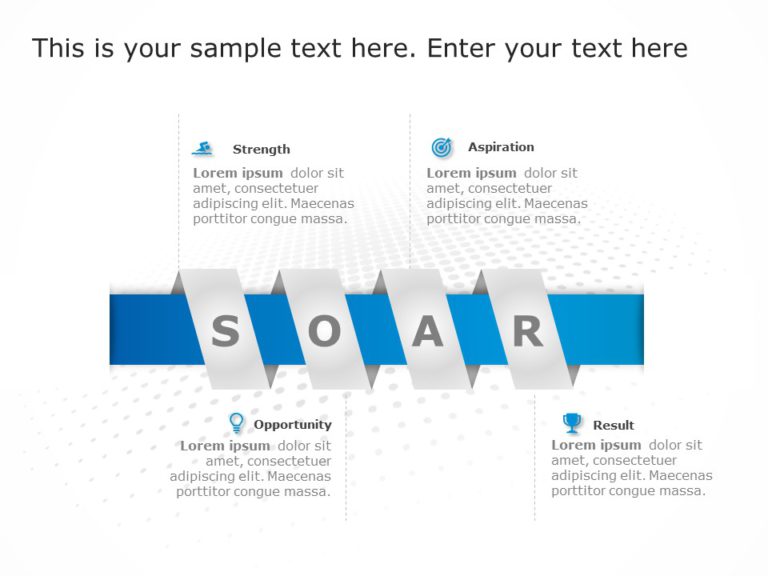
Create a storyline using this SOAR analysis chart that enhances your strategic conversations. This design showcases a ribbon format that neatly s....

Transform your presentations with a diagram showcasing IT infrastructure management in a visually captivating manner! This eye catching slide com....

Share your vision using this dynamic prioritization framework tool! This model is crafted to assist you in defining your project needs through th....

Craft engaging presentations using this Kanban workflow board tailor made for project management purposes! This design showcases an arrangement t....

Easily craft engaging slideshows using this template tailored for business experts, like you! With its design and polished appearance this PowerP....

About Marketing Strategy Presentation PowerPoint Template The Marketing Strategy Presentation PowerPoint Template helps professionals create c....

It is a very detailed template with 200+ slides that gives an in-depth illustration of how to reach from a problem to its solution with the help ....

Share your project goals using this template tailored for project management needs. The pleasing design incorporates blue tones to evoke a sense ....
How To Make Cool PowerPoint Slides?
Infographics are probably the best way to make your business presentations more attractive and attention-grabbing. It results in increased engagement as compared to other visual media. And also make sure to choose the font size appropriately, use strong contrast with the text, and try not to use too much text and too many colors on your PowerPoint slides.
How to make Cool PowerPoint presentation?
To make your presentations more appealing and memorable you need cool backgrounds, simple transitions, clean fonts, & attractive graphics to make the presentation more engaging.
Here are a few ways to make a cool presentation,
- Use a consistent theme
- Use more images & less text
- Use animations to highlight each bullet point
- Convey one message in each slide
- Use 2/4/8 rule - The 2/4/8 rule is-don't spend more than 2 minutes on a one slide, don't use more than 4 bullets per slide, and no more than 8 words per bullet.