 Fall Sale
  Flat 40% off on our Unlimited Access Yearly Membership plan!

Cool PowerPoint Templates

Ideal, for team meetings or presentations is this template that effectively showcases the phases of oil production and refining processes in an a....


Share your vision using this tool made for monitoring project progress and handling finances efficiently. This model includes an graph that clear....

Enhance your presentations with a look using this designed template tailored for the oil and gas industry sector. With an contemporary design, in....

Elevate your storytelling with this charming Polaroid-inspired template! Perfect for showcasing team members, project highlights, or personal sto....

Enhance your presentation, with this Polaroid mockup template to captivate your audiences attention creatively and effectively showcase your conc....

This appealing template showcases concepts of stability and harmony with a design of stacked stones. It’s ideal, for depicting growth strat....

Enhance your meetings with a service catalogue template that caters, to IT and service management professionals like yourself. This template offe....

Enhance your presentation, with this Kraljic Matrix template that is tailored for sourcing purposes. Utilize this template to categorize your pur....
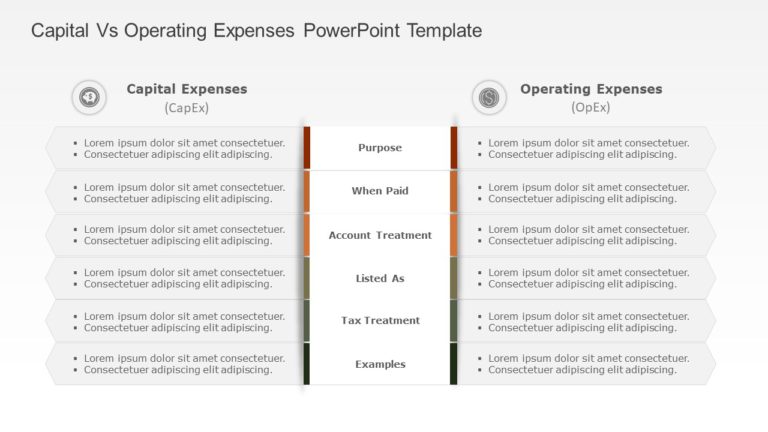
Share your perspective using this template crafted to explain the distinctions, between capital and operating costs concisely. This pleasing form....

Enhance your presentation organization using this crafted template, for analyzing capital expenditures tailored for finance experts and business ....

Introduce concepts using this design that embraces variety with enthusiasm and creativity.Available, for educators and cultural institutions or c....

Enhance your presentation structure using this captivating template crafted to highlight your organizations values and identity!. Ideal, for supe....
How To Make Cool PowerPoint Slides?
Infographics are probably the best way to make your business presentations more attractive and attention-grabbing. It results in increased engagement as compared to other visual media. And also make sure to choose the font size appropriately, use strong contrast with the text, and try not to use too much text and too many colors on your PowerPoint slides.
How to make Cool PowerPoint presentation?
To make your presentations more appealing and memorable you need cool backgrounds, simple transitions, clean fonts, & attractive graphics to make the presentation more engaging.
Here are a few ways to make a cool presentation,
- Use a consistent theme
- Use more images & less text
- Use animations to highlight each bullet point
- Convey one message in each slide
- Use 2/4/8 rule - The 2/4/8 rule is-don't spend more than 2 minutes on a one slide, don't use more than 4 bullets per slide, and no more than 8 words per bullet.