
 Spring Sale
  Flat 10% off on our Unlimited Access Yearly Membership plan!


Cool PowerPoint Templates

Ideal, for team meetings is this ending slide design intended to outline your ideas and perspectives. With a teal gradient background that grabs ....
 Download

Crafted to be clear and impactful this dynamic template is crafted to help you improve your presentations during the COVID 19 crisis challenges. ....

Enhance the professionalism of your presentations using this appealing slide template, for percentage analysis! With a color palette of white and....

This Conclusion Slide enhances the overall professionalism of the presentation by providing a structured and polished ending. It provides a conci....

Wow stakeholders, with this template created for data warehouse systems!The attractive design of this layout is ideal, for professionals who aim ....

Explore the concepts presented in this framework crafted to guide individuals through challenging situations, with efficiency and skillfully mana....
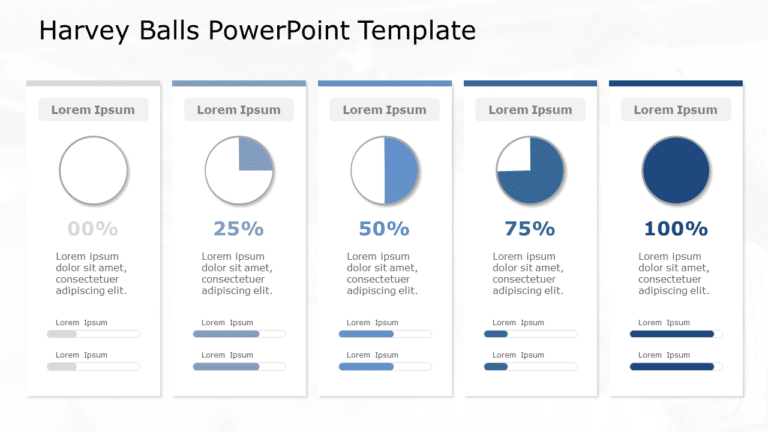
Grab the interest of your audience, from the get go using this captivating progress infographic template with percentages! With a stylish blue co....

This conclusion slide effectively summarizes the presentation’s main points while maintaining a visually appealing and professional aesthet....

Boost the effectiveness of your presentations, with this all tool crafted for data warehouse evaluations that prioritize clarity and influence! T....

Share your perspective using this captivating personal profile design template! Ideal, for introducing yourself this slide presents your informat....
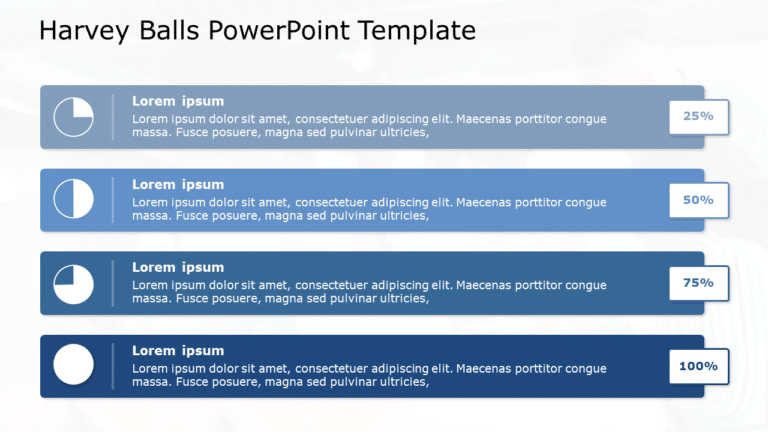
Turn your information into insights using this visually appealing infographic crafted for tracking progress purposes. This design template boasts....

Show your stakeholders this appealing template that showcases the evolving nature of change, in your company! The lively mix of teal and purple c....
How To Make Cool PowerPoint Slides?
Infographics are probably the best way to make your business presentations more attractive and attention-grabbing. It results in increased engagement as compared to other visual media. And also make sure to choose the font size appropriately, use strong contrast with the text, and try not to use too much text and too many colors on your PowerPoint slides.
How to make Cool PowerPoint presentation?
To make your presentations more appealing and memorable you need cool backgrounds, simple transitions, clean fonts, & attractive graphics to make the presentation more engaging.
Here are a few ways to make a cool presentation,
- Use a consistent theme
- Use more images & less text
- Use animations to highlight each bullet point
- Convey one message in each slide
- Use 2/4/8 rule - The 2/4/8 rule is-don't spend more than 2 minutes on a one slide, don't use more than 4 bullets per slide, and no more than 8 words per bullet.