 Fall Sale
  Flat 40% off on our Unlimited Access Yearly Membership plan!

Cool PowerPoint Templates

This Profitability Next Steps template helps businesses and professionals to outline the specific actions needed to improve financial performance....


Here is an appealing DESTEP analysis template that simplifies concepts and uses a combination of gray and blue tones, for easy comprehension and ....

Enhance the appeal of your presentation, with this captivating slide crafted for outlining business expansion tactics.The slide showcases a citys....

Unleash the power of your information with this captivating slide tailored for those who love adventure and motivational talks! With a picture of....

Elevate your meetings with this eye catching template created to display quotes in the field of intelligence at a higher standard. With its desig....

Enhance your presentation impact using this appealing staircase diagram tailored for value centered sales pitches.This design showcases a combina....

This template is great, for team meetings as it simplifies the process of going digital in a way that’s clear and interesting to follow alo....

Get the most out of this all template tailored for reliability engineering enthusiasts, like yourself! Its appealing format is ideal for individu....
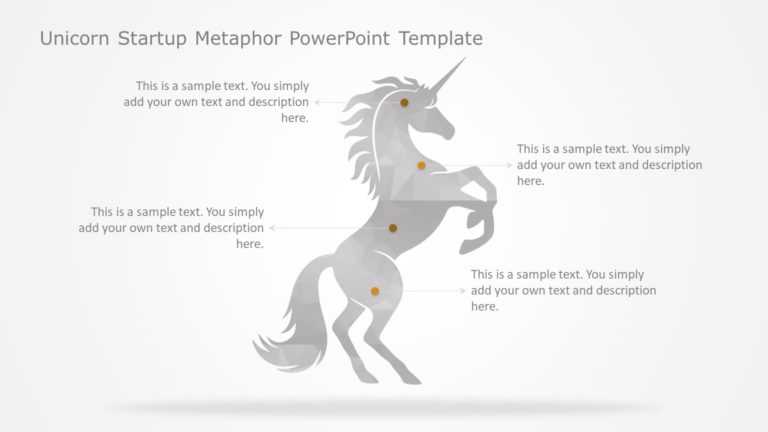
Create an impact, with this appealing template crafted for startup pitch decks! With a mix of teal and purple shades on display. This template is....

Enhance your data presentation using this template tailored for highlighting microservices architecture aspects! Ideal, for IT experts and softwa....

Enhance your influence using this captivating template crafted for teamwork and cooperation purposes! Ideal, for individuals seeking to elevate t....
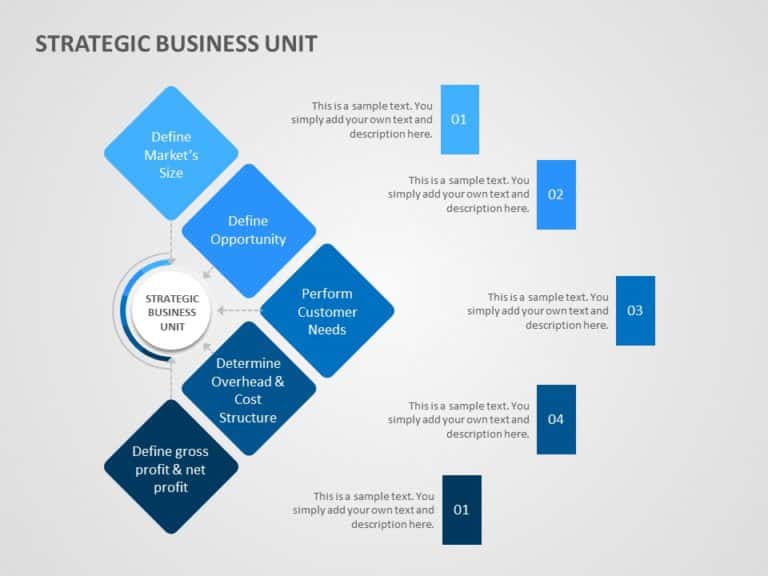
Enhance your presentation flow using this template tailored for discussions, on business unit strategies in a manner. The layout is designed to b....
How To Make Cool PowerPoint Slides?
Infographics are probably the best way to make your business presentations more attractive and attention-grabbing. It results in increased engagement as compared to other visual media. And also make sure to choose the font size appropriately, use strong contrast with the text, and try not to use too much text and too many colors on your PowerPoint slides.
How to make Cool PowerPoint presentation?
To make your presentations more appealing and memorable you need cool backgrounds, simple transitions, clean fonts, & attractive graphics to make the presentation more engaging.
Here are a few ways to make a cool presentation,
- Use a consistent theme
- Use more images & less text
- Use animations to highlight each bullet point
- Convey one message in each slide
- Use 2/4/8 rule - The 2/4/8 rule is-don't spend more than 2 minutes on a one slide, don't use more than 4 bullets per slide, and no more than 8 words per bullet.