 Fall Sale
  Flat 40% off on our Unlimited Access Yearly Membership plan!

Cool PowerPoint Templates

Create a story using this crafted template tailored to highlight the services your company provides effectively for corporate presentations.This ....


Start off by grabbing your audiences interest, with this captivating tree diagram template! Ideal, for portraying concepts and connections this s....

Here is an appealing organizational chart template that clearly shows your companys structure in a layout with a modern color scheme to highlight....
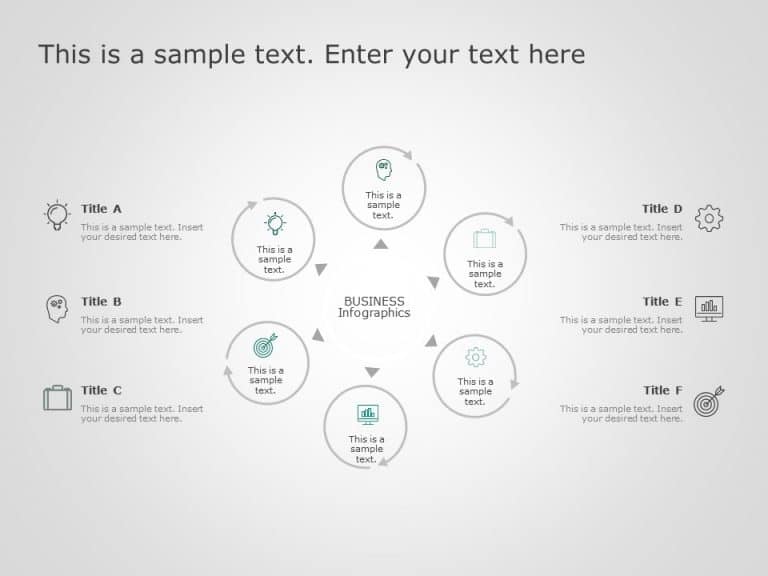
Maximize your impact with this engaging infographic designed for business strategy presentations. This template features a clean and modern layou....

Craft compelling visual narratives using this captivating template crafted to showcase the customer journey ! Ideal, for marketing teams and prof....
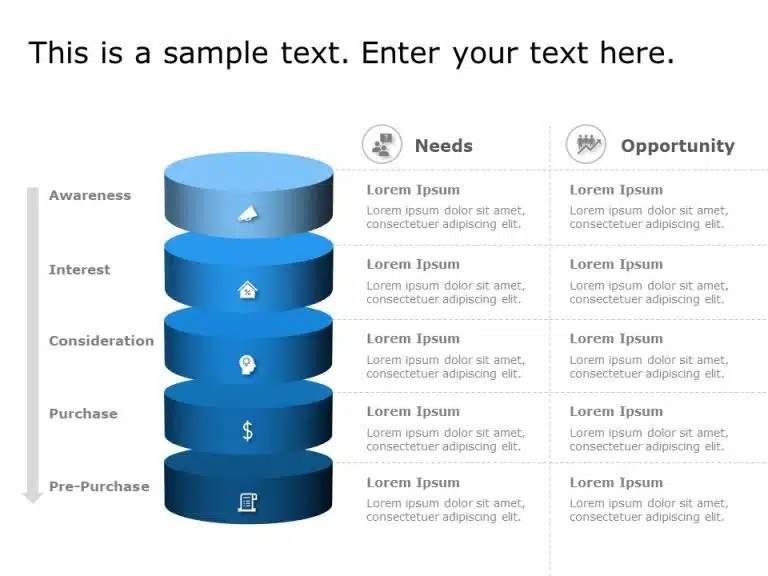
Elevate your presentations with a funnel diagram that showcases customer needs and opportunities in an impactful way! This modern template boasts....

Enhance the sharing of information, with this template created for assessing product risks efficiently. The attractive design includes a organize....

Engage your viewers from the get go using this eye catching case study infographic tailored for business analysis purposes! The design showcases ....

Great, for team meetings; this layout is crafted to simplify your presentations on go to market strategies.Its modern gray and orange color palet....

Showcase, to parties this eye catching waterfall chart that effectively presents alterations in resources within a designated timeframe in a simp....

Craft compelling narratives using this dynamic waterfall chart tailored to present share repurchases throughout the year. This design template si....
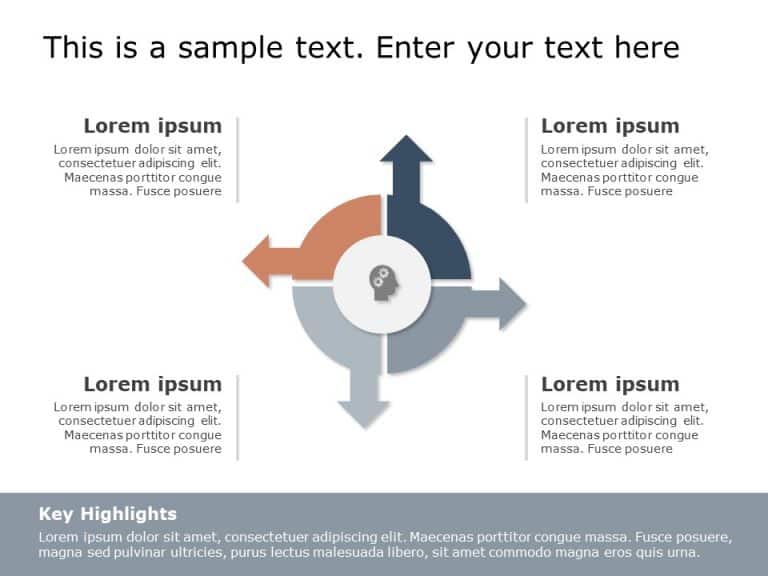
Enhance your presentations with this business strategy template that will elevate your conversations to the next level of engagement and professi....
How To Make Cool PowerPoint Slides?
Infographics are probably the best way to make your business presentations more attractive and attention-grabbing. It results in increased engagement as compared to other visual media. And also make sure to choose the font size appropriately, use strong contrast with the text, and try not to use too much text and too many colors on your PowerPoint slides.
How to make Cool PowerPoint presentation?
To make your presentations more appealing and memorable you need cool backgrounds, simple transitions, clean fonts, & attractive graphics to make the presentation more engaging.
Here are a few ways to make a cool presentation,
- Use a consistent theme
- Use more images & less text
- Use animations to highlight each bullet point
- Convey one message in each slide
- Use 2/4/8 rule - The 2/4/8 rule is-don't spend more than 2 minutes on a one slide, don't use more than 4 bullets per slide, and no more than 8 words per bullet.