 Fall Sale
  Flat 40% off on our Unlimited Access Yearly Membership plan!

Cool PowerPoint Templates
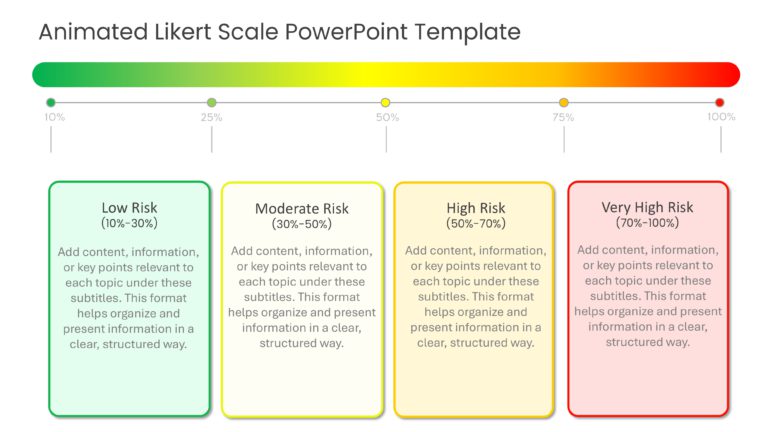
This template provides a clear, structured way to represent risk levels. It suits professional or business presentations requiring a detailed ris....


This SIAM slide is an animated template designed to display stages or levels in a sequence. The template improves audience engagement and makes i....
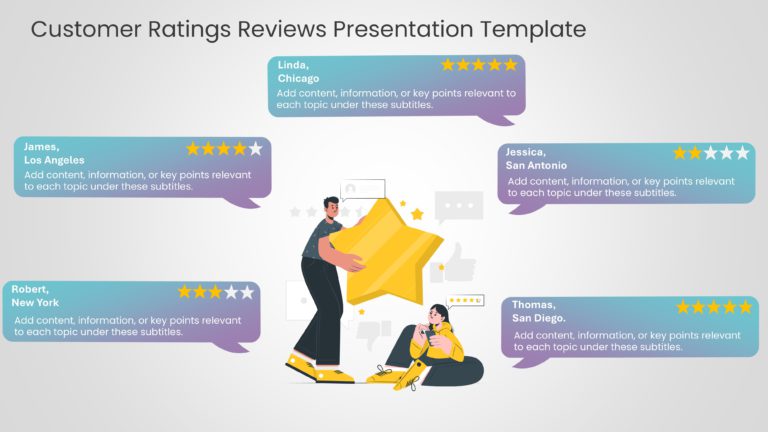
This template has a visually engaging and creative design to showcase and analyze customer feedback. Professionals can effectively support custom....

This template visually represents the structure and relationships within a service with multiple service providers. The template has a vertical f....
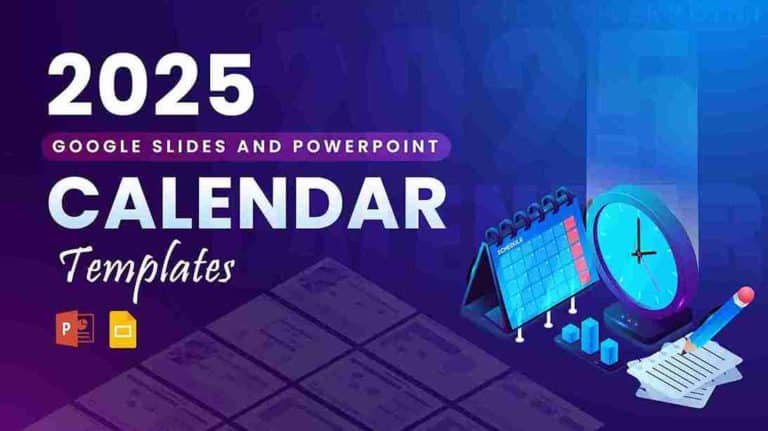
These slides are sets of calendar templates for the year 2025. They can be presented during meetings to plan the yearly events, tasks, activities....

These Brush Stroke Animated Slides have a modern animated effect to keep the audience engaged. The template introduces a brush stroke effect, all....

Use this Cool Animated Slideshow to grab the attention of your audience, featuring the beautiful northern lights this template can be perfect for....

This Monthly Startup Roadmap Slide provides a comprehensive overview of key milestones, turnover expectations, and funding stages for a startup&#....

This rocket slide showcases different phases or aspects of a project or strategic initiative. This well-organized and structured design allows th....

This Roadmap SmartArt template provides a design to outline key milestones and action steps for four consecutive years. This template is suitable....

This SmartArt Roadmap Slide presents a visual timeline featuring a road that symbolizes progression over time. It allows teams or individuals to ....
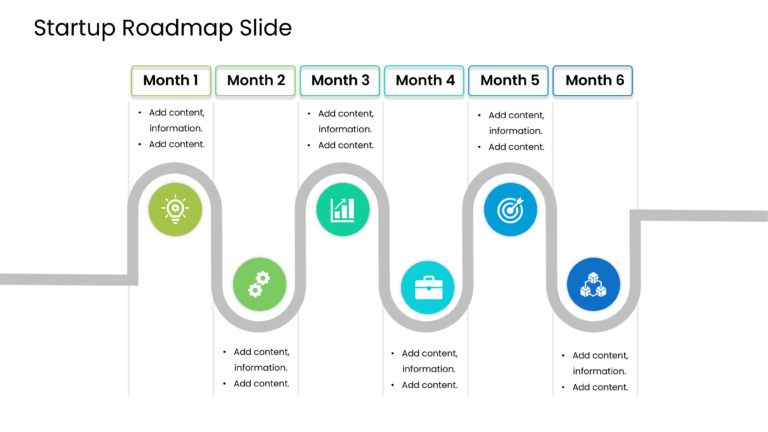
This Startup Roadmap Slide provides a clear, visually engaging representation of a six-month timeline for startups. It visually communicates a st....
How To Make Cool PowerPoint Slides?
Infographics are probably the best way to make your business presentations more attractive and attention-grabbing. It results in increased engagement as compared to other visual media. And also make sure to choose the font size appropriately, use strong contrast with the text, and try not to use too much text and too many colors on your PowerPoint slides.
How to make Cool PowerPoint presentation?
To make your presentations more appealing and memorable you need cool backgrounds, simple transitions, clean fonts, & attractive graphics to make the presentation more engaging.
Here are a few ways to make a cool presentation,
- Use a consistent theme
- Use more images & less text
- Use animations to highlight each bullet point
- Convey one message in each slide
- Use 2/4/8 rule - The 2/4/8 rule is-don't spend more than 2 minutes on a one slide, don't use more than 4 bullets per slide, and no more than 8 words per bullet.