 Fall Sale
  Flat 40% off on our Unlimited Access Yearly Membership plan!

Cool PowerPoint Templates
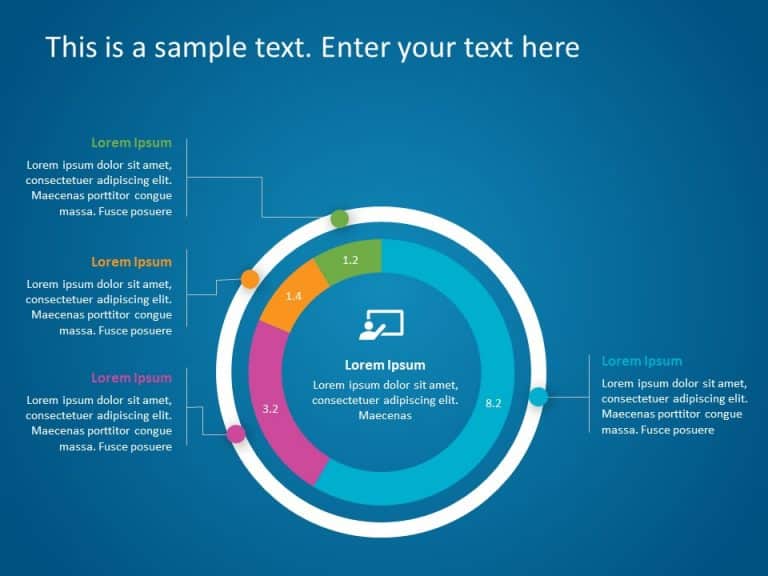
Enhance your storytelling using this infographic tailored for presenting data effectively and engagingly! This design template boasts a theme tha....


Craft compelling visual narratives using this captivating design crafted to display percentages.This template is ideal, for business pitches as i....

Ideal, for team meetings or updates, with colleagues and peers is this template that provides a method to communicate important data findings eff....

Enhance your presentation by using this striking percentage stairs diagram created for data visualization purposes! This template showcases a tea....

The 5 Whys technique is one of the most effective tools for root cause analysis in the business. This simple 5 Why Infographics PowerPoint can he....

Here’s an engaging infographic template crafted to enhance your idea development presentations, with style and sophistication! The combinat....

Make information sharing easier with this infographic created for mapping business processes! This design showcases an contemporary style, with a....

Enhance your presentation. Captivate your audience with this eye catching 3D staircase roadmap slide! Crafted to lead viewers through processes o....

Enhance your meetings with this timeline slide template featuring bubble shapes for a touch! Ideal, for highlighting project milestones or compan....
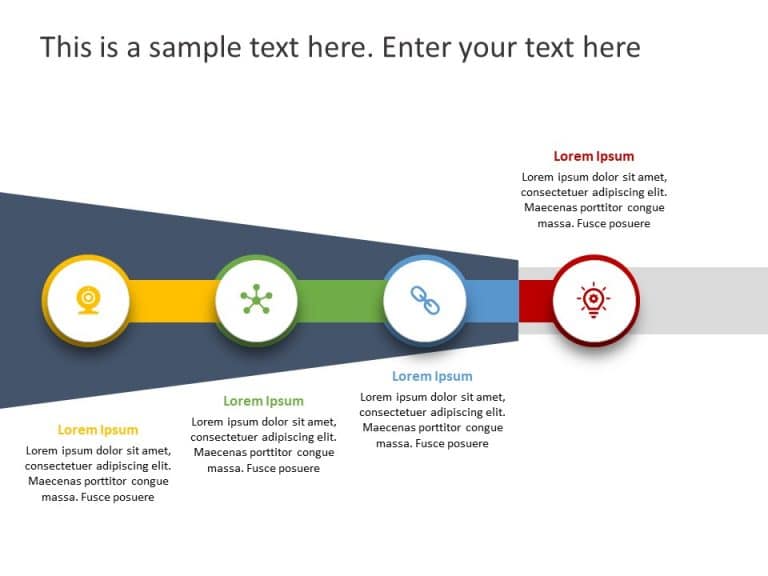
Elevate your meetings with this funnel diagram tailored for business roadmaps that takes your presentations to a level! This template showcases a....

Get your audience engaged from the beginning with this timeline presentation highlighting key milestones along the way! Tailored for project plan....

Make sure your presentation catches the eye with this appealing business strategy overview template! With a mix of blue hues incorporated into it....
How To Make Cool PowerPoint Slides?
Infographics are probably the best way to make your business presentations more attractive and attention-grabbing. It results in increased engagement as compared to other visual media. And also make sure to choose the font size appropriately, use strong contrast with the text, and try not to use too much text and too many colors on your PowerPoint slides.
How to make Cool PowerPoint presentation?
To make your presentations more appealing and memorable you need cool backgrounds, simple transitions, clean fonts, & attractive graphics to make the presentation more engaging.
Here are a few ways to make a cool presentation,
- Use a consistent theme
- Use more images & less text
- Use animations to highlight each bullet point
- Convey one message in each slide
- Use 2/4/8 rule - The 2/4/8 rule is-don't spend more than 2 minutes on a one slide, don't use more than 4 bullets per slide, and no more than 8 words per bullet.