 Fall Sale
  Flat 40% off on our Unlimited Access Yearly Membership plan!

Cool PowerPoint Templates

Observing Labor Day is an annual celebration of the social and economic achievements of workers. It is an opportunity to recognize and appreciate....


For new managers transitioning into a role, the 30 60 90 Day Plan for New Manager 4 PowerPoint Template provides a structured method to organize ....
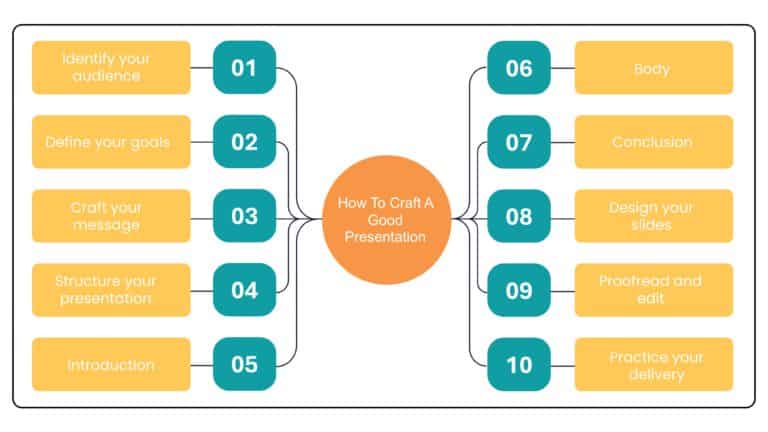
Maximize your impact with this engaging categorization template designed to help you clearly present complex information. This visually appealing....
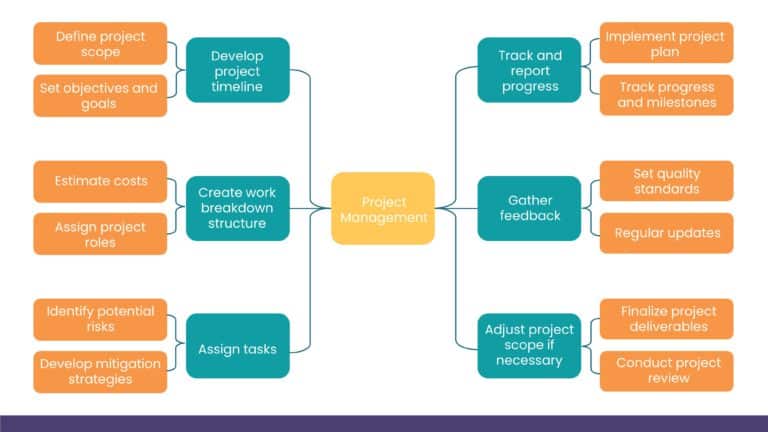
Impress stakeholders with this visually engaging project management template designed to streamline your planning process. Featuring a clear and ....
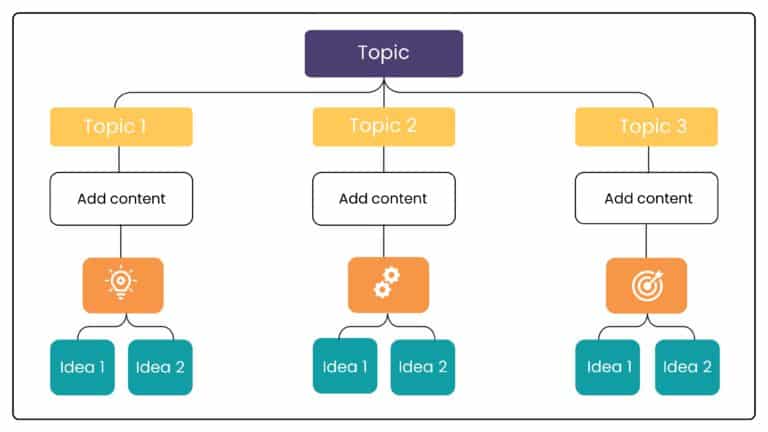
Perfect for team briefings, this template is designed to streamline your data classification process with clarity and ease. Featuring a clean and....

The Digital Transformation Background PowerPoint Template can be used as an introductory slide in presentations that are related to global transf....

The Digital Transformation Background PowerPoint Template is crafted to seek your audience’s attention with its visual appeal. This templat....

Enhance your storytelling using this SWOT analysis template created for engaging presentations! The striking design includes a grey backdrop that....

Enhance your effectiveness using this captivating SWOT analysis template! Ideal, for planning meetings; the design showcases a hexagonal arrangem....

SWOT analysis is a study to understand the various aspects of business, such as strengths, weaknesses, opportunities, and threats. It is disclose....

Enhance your planning sessions with this SWOT analysis template that offers a clear presentation of ideas and insights. The unique folded ribbon ....

Enhance your effectiveness using this SWOT analysis template! Created to streamline your assessments this attractive graphic showcases a modern m....
How To Make Cool PowerPoint Slides?
Infographics are probably the best way to make your business presentations more attractive and attention-grabbing. It results in increased engagement as compared to other visual media. And also make sure to choose the font size appropriately, use strong contrast with the text, and try not to use too much text and too many colors on your PowerPoint slides.
How to make Cool PowerPoint presentation?
To make your presentations more appealing and memorable you need cool backgrounds, simple transitions, clean fonts, & attractive graphics to make the presentation more engaging.
Here are a few ways to make a cool presentation,
- Use a consistent theme
- Use more images & less text
- Use animations to highlight each bullet point
- Convey one message in each slide
- Use 2/4/8 rule - The 2/4/8 rule is-don't spend more than 2 minutes on a one slide, don't use more than 4 bullets per slide, and no more than 8 words per bullet.