
 Fall Sale
  Flat 10% off on our Unlimited Access Yearly Membership plan!


Agenda PowerPoint Templates for Different Presentation Scenarios
Free Agenda Templates


This free table of contents slide is perfect for giving your audience a broad overview of the entire presentation’s structure in an engagin....


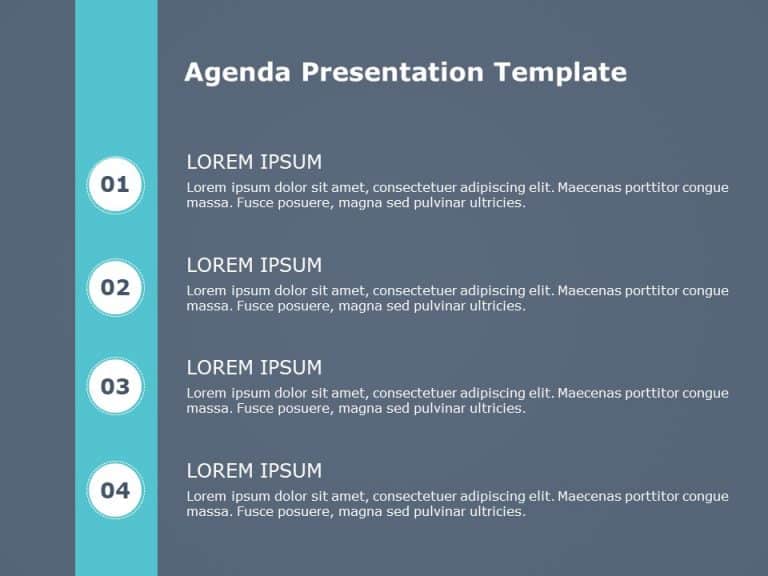
The Meeting Agenda Template is designed to bring clarity and organization to your presentation. This template simplifies the way you present the ....
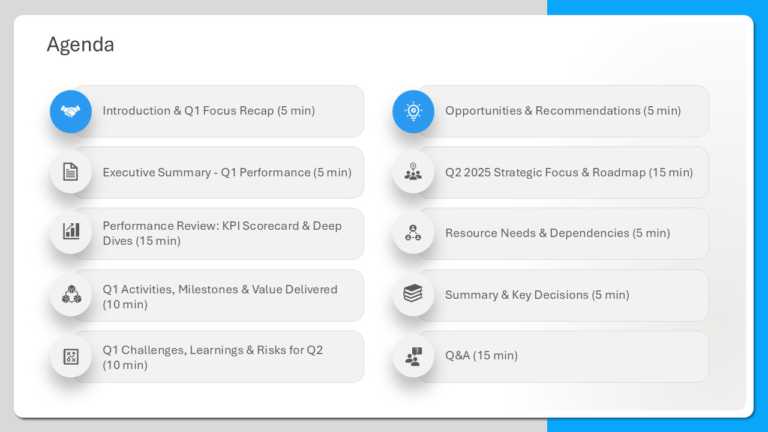
This template is great for team meetings as it simplifies your agenda presentation using a polished design with a touch of blue that boosts clari....
Meeting Agenda Templates

The Bulb Agenda Slide Template is a creative and engaging way to shine a light on the list of agenda topics in the presentation. It is designed t....

Agenda Templates Collection for PowerPoint & Google Slides Templates Before starting any formal meeting, it is essential to brief your audien....

Enhance the organization of your presentation using this agenda format crafted to captivate and educate your audience effectively. With its sleek....

The Agenda Slides Template is a tool created to simplify meeting preparations and encourage discussion. With its concise layout, this template al....

Enhance your information sharing using this agenda infographic template! Crafted with a blend of teal hues, in mind for a polished look that appe....

Enhance your presentation organization using this captivating agenda infographic design template that features a teal and green color palette – f....

Welcome your new employee with the Agenda Slides Template PowerPoint 5, briefing them about the work and providing them with their schedule of th....
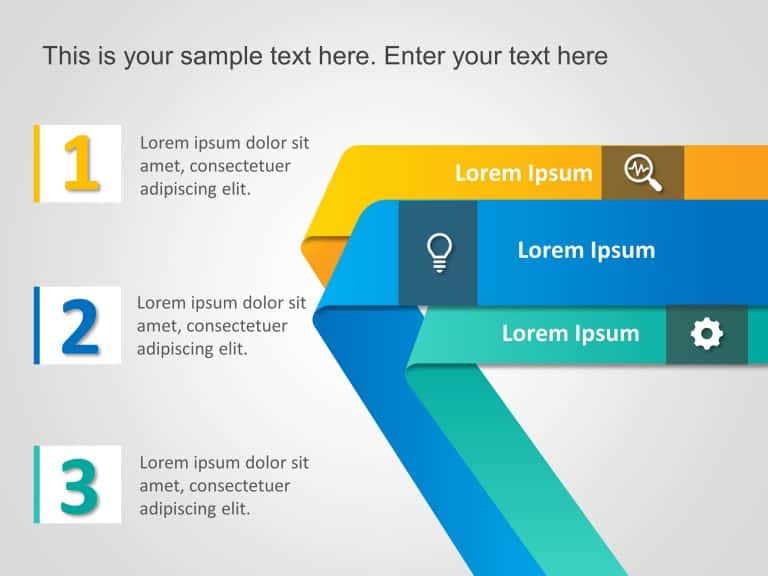
Business Strategy Agenda 3 Steps PowerPoint Template Presenting the Business Strategy Agenda 3 Steps PowerPoint Template, a vibrant and engaging ....

Online Editable Template for PowerPoint & Google Slides 24 The Online Editable PowerPoint Agenda Template 24 is a highly customizable tool de....

The Agenda PowerPoint Template is designed to present meeting agendas, discussion topics, and session flow using a structured agenda slide layout....
Create compelling presentations with this sleek agenda template designed to streamline your discussions and keep your audience engaged. Featuring....
Make your presentation stand out with this visually engaging agenda layout! Designed with a fresh blue and green color scheme, this template is p....
Related Presentations
-

Minutes Of Meeting
11 templates>
-

Context Setting
6 templates>
-

Meet The Team
105 templates>
-

Leadership
262 templates>
Which Agenda Slide Should You Use?
Choosing the right agenda slide depends on the purpose of your presentation and the audience you are addressing.
-
Agenda slides for meetings help keep discussions focused and organized by clearly outlining topics and flow.
-
Agenda slides for project kickoffs are ideal for presenting objectives, scope, milestones, and stakeholder alignment.
-
Agenda slides for business presentations provide structure and guide the narrative across multiple sections.
-
Agenda slides for executive presentations focus on priorities and outcomes rather than detailed discussion points.
The agenda templates on this page are designed to help you quickly select a slide that fits your presentation goal.
Agenda Slide vs Table of Contents: What’s the Difference?
An agenda slide outlines the topics or discussion points that will be covered during a presentation, while a table of contents focuses on sections or chapters of the deck.
Agenda slides are commonly used in meetings and business presentations where guiding the conversation is important. A table of contents is better suited for long reports or document-style presentations. In most business presentations, agenda slides are preferred because they are more conversational and easier for audiences to follow.
| Aspect | Agenda Slide | Table of Contents |
| Purpose | Outlines the topics or discussion points that will be covered during the presentation | Focuses on sections or chapters of the presentation deck |
| Tone | Conversational and presentation-friendly | Formal and document-style |
| Typical Use Case | Meetings and business presentations where guiding the conversation is important | Long reports or detailed, document-heavy presentations |
| Audience Experience | Helps audiences easily follow the flow of the discussion | Helps readers quickly locate specific sections |
| Preferred For | Most business presentations | Reports, proposals, and reference-style decks |
When Should You Use Agenda Slides in Presentations?
Agenda slides are typically placed at the beginning of a presentation, immediately after the title slide. They are most effective when a presentation includes multiple topics, stakeholders, or decision points. Agenda slides help audiences understand what will be discussed and how the presentation will progress, making them especially useful for meetings, project kickoffs, business reviews, and client presentations.
Where does the agenda slide go in a presentation?
An agenda slide usually appears after the title slide and before the main content to set expectations and outline the flow.
Can the same agenda slide be used for meetings and presentations?
While similar in structure, meeting agendas often focus on discussion points, while presentation agendas focus on narrative flow. Choosing the right template helps match the context.
Should the agenda slide include time allocations for each topic?
Yes, setting time limits for each topic helps in managing the schedule well. It gives both the presenter and the audience a clear timeline. This way, discussions stay on track and go smoothly. This method is especially useful for meetings that have tight time limits.
How often should you update your agenda slide for recurring presentations?
Always update the agenda PowerPoint before each recurring presentation. This helps show any changes in the content or layout. Keeping the agenda up to date makes sure it stays relevant and clear. This way, the audience can understand and stay engaged in every presentation.
How many agenda slides should a presentation have?
Most presentations use one agenda slide. Longer presentations may use additional agenda slides to introduce major sections.
Are agenda slides necessary for short presentations?
Agenda slides are optional for very short presentations but are recommended whenever multiple topics or decisions are involved.
What are the common mistakes to avoid when creating an agenda slide?
Common mistakes are cramming too much onto the Google Slides Agenda Template, having mismatched designs, and not organizing agenda points in a clear way. You should avoid using unclear images or tiny fonts that make it hard to read. Keeping a simple and matching design helps the agenda slide do its job well.
Should I include an Agenda Slide in the presentation?
Yes, adding an agenda template PowerPoint improves the structure of your presentation. It helps set the tone, shows the main topics, and gives the audience a clear roadmap. This makes it a key part of a good and organized presentation.
Creative agenda slide design not only improves your presentation’s structure but also makes it look better. Use these fun designs for a smooth and engaging experience in your next presentation.