
 Happy New Year Flat 10% off on our Unlimited Access Yearly Membership plan!


Cool PowerPoint Templates
 Download

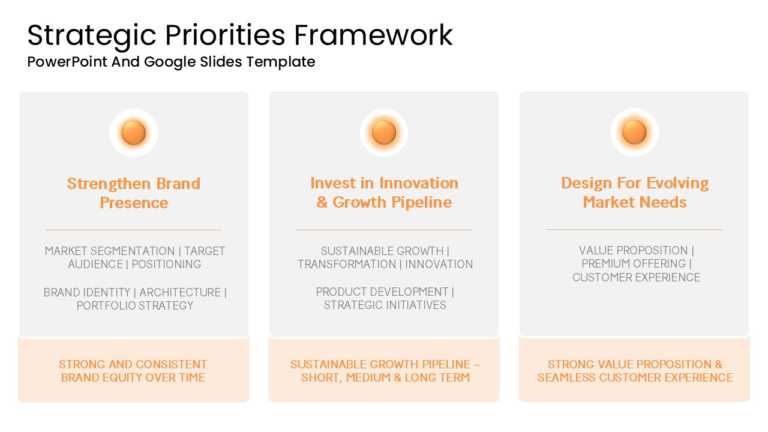
Make a bold statement with this comprehensive framework designed to guide your strategic priorities! This PowerPoint and Google Slides template i....
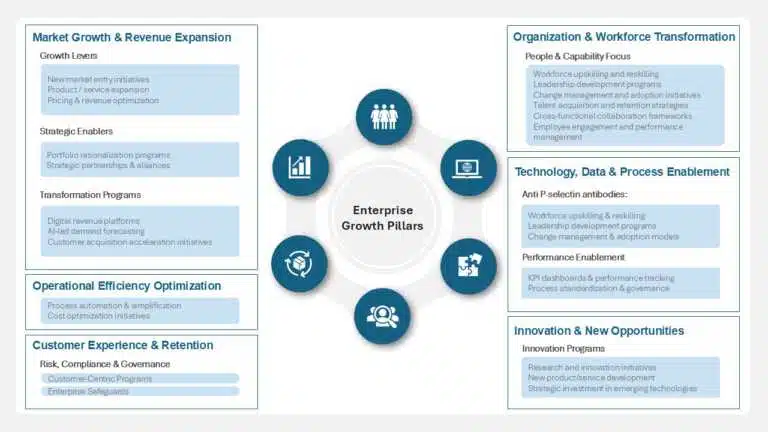
Present ideas with this dynamic framework designed to showcase the essential pillars of enterprise growth. This template is perfect for corporate....
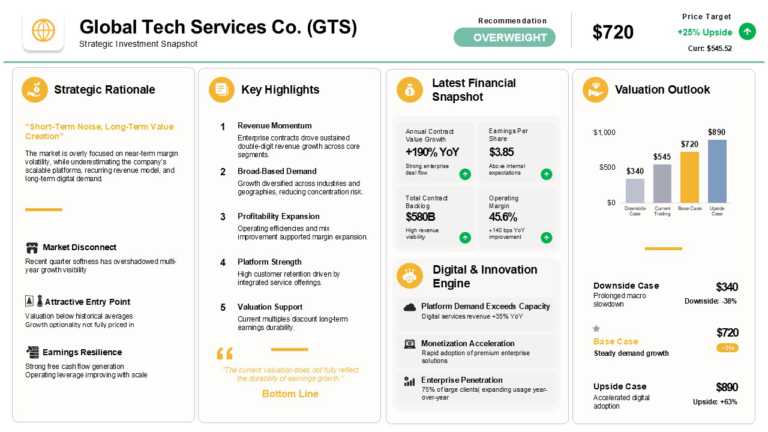
Take your meetings to the next level with this expertly crafted investment snapshot template! Designed specifically for financial professionals, ....
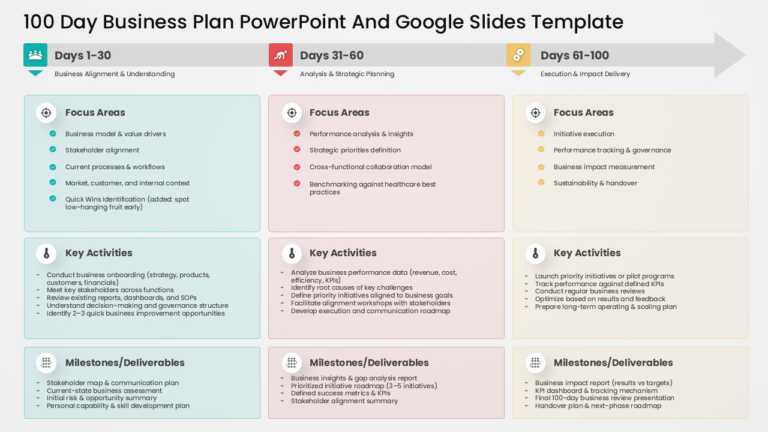
Bring your data to life with this comprehensive business plan template designed for a 100-day strategy. Perfect for entrepreneurs and corporate t....

Designed for clarity and impact, this template enhances your presentations with a modern and engaging approach to artificial intelligence in heal....

Designed for Hispanic Heritage Month presentations, this Google Slides background features a bold floral pattern in deep blues, purples, and warm....

Maximize your impact with this comprehensive project review template designed for strategic planning and analysis. Featuring a sleek, modern desi....

Take your meetings to the next level with this dynamic animated product demo presentation! Designed to captivate your audience, this template fea....
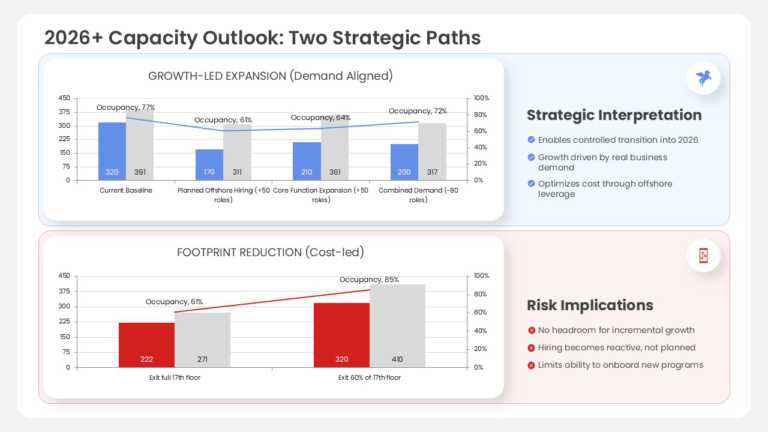
Create powerful visual stories with this insightful capacity analysis template designed to help you navigate the complexities of growth and cost ....
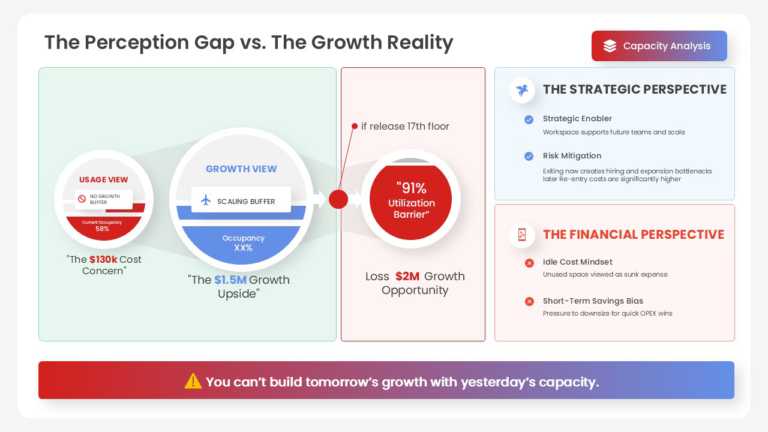
Capture your audience’s attention right from the start with this insightful analysis template designed to bridge the gap between perception....
How To Make Cool PowerPoint Slides?
Infographics are probably the best way to make your business presentations more attractive and attention-grabbing. It results in increased engagement as compared to other visual media. And also make sure to choose the font size appropriately, use strong contrast with the text, and try not to use too much text and too many colors on your PowerPoint slides.
How to make Cool PowerPoint presentation?
To make your presentations more appealing and memorable you need cool backgrounds, simple transitions, clean fonts, & attractive graphics to make the presentation more engaging.
Here are a few ways to make a cool presentation,
- Use a consistent theme
- Use more images & less text
- Use animations to highlight each bullet point
- Convey one message in each slide
- Use 2/4/8 rule - The 2/4/8 rule is-don't spend more than 2 minutes on a one slide, don't use more than 4 bullets per slide, and no more than 8 words per bullet.