 Fall Sale
  Flat 40% off on our Unlimited Access Yearly Membership plan!

Cool PowerPoint Templates

Looking for a way to present your company’s objectives and goals clearly and engagingly? Look no further than this Presentation graphics sl....


Instead of downloading roadmap slides one at a time, this curated deck gives you 20+ roadmap layouts in a single file — ready to drop into your n....

Start by grabbing your audiences interest, with this captivating template that takes them on a journey showcasing customer experiences! The layou....

The Business Review Deck is a detailed presentation that helps review a business’s performance. Business Reviews are quarterly or annual publicat....

About COVID-19 Business Impact Presentation PowerPoint Template The recent coronavirus pandemic has forced many businesses and industries to stop....

Use this International Women’s Day PowerPoint template to create visually appealing presentations in any professional setting. Its minimali....

Enhance your presentations with this captivating template illustrating the customer journey pathway experience efficiently designed for marketing....

The Business Review Dashboard Template is a thorough and aesthetically pleasing tool created for professionals to effectively and quickly present....

With the help of change management theme template, you can introduce a new way of thinking throughout the organization and teach change managemen....
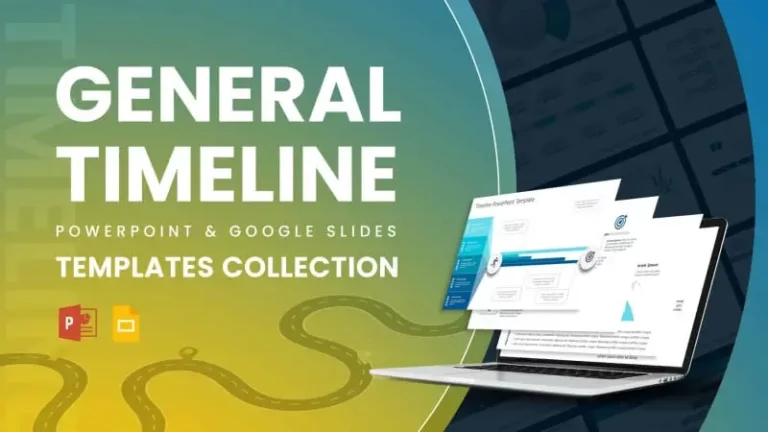
Enhance your narrative using this set of timeline templates that breathe life into your projects! Ideal, for professionals aiming to highlight th....
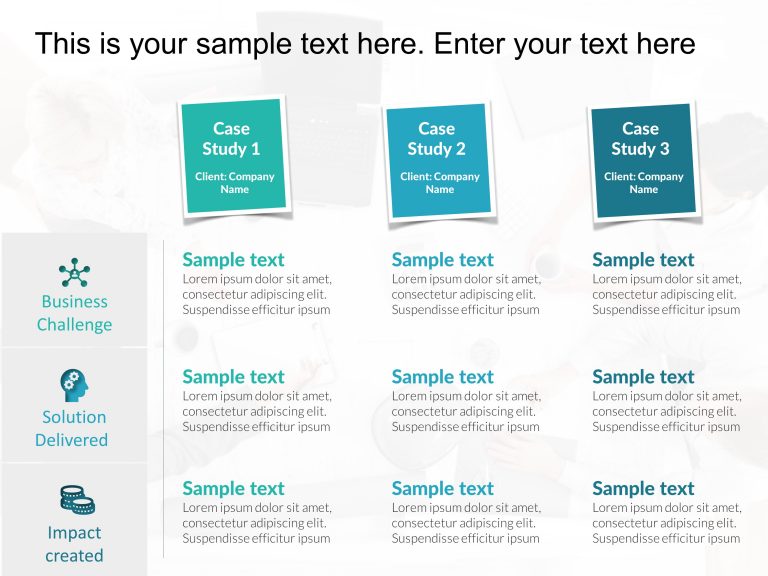
This template helps presenters showcase their business case studies effectively. It includes a PowerPoint table to help you present your business....

Showcase your projects progress effectively to stakeholders with this summary template that highlights important updates and milestones while add....
How To Make Cool PowerPoint Slides?
Infographics are probably the best way to make your business presentations more attractive and attention-grabbing. It results in increased engagement as compared to other visual media. And also make sure to choose the font size appropriately, use strong contrast with the text, and try not to use too much text and too many colors on your PowerPoint slides.
How to make Cool PowerPoint presentation?
To make your presentations more appealing and memorable you need cool backgrounds, simple transitions, clean fonts, & attractive graphics to make the presentation more engaging.
Here are a few ways to make a cool presentation,
- Use a consistent theme
- Use more images & less text
- Use animations to highlight each bullet point
- Convey one message in each slide
- Use 2/4/8 rule - The 2/4/8 rule is-don't spend more than 2 minutes on a one slide, don't use more than 4 bullets per slide, and no more than 8 words per bullet.