 Fall Sale
  Flat 40% off on our Unlimited Access Yearly Membership plan!

Cool PowerPoint Templates

Circle 3D Infographic Presentation Template Use this Circle 3D Infographic PowerPoint template to create visually appealing presentations in any ....


Use this Calendar Timeline PowerPoint template to create visually appealing presentations in any professional setting. Its minimalistic design an....

Use this Digits Infographic template to create visually appealing presentations in any professional setting. Its minimalistic design and ready-to....

Make your presentation stand out with this dynamic timeline template designed for effective scheduling and project management. This visually enga....

Company Presentation Presentation Template Use this Company Presentation PowerPoint template to create visually appealing presentations in any pr....

Enhance your presentation, with this dynamic and captivating welcome presentation template that’s sure to grab the attention of your audien....

Elevate your presentations with a look using this interactive template crafted for introducing new team members in a professional manner. The att....

Turn your information into to understand insights using this appealing template created for impactful presentations! With a color scheme of teal ....

Enhance the professionalism of your presentations using this contemporary welcome slide template that’s sure to impress your audience with ....

Enhance the flow of your presentation, with this opening slide created to leave an initial impact on your viewers! With its striking backdrop and....
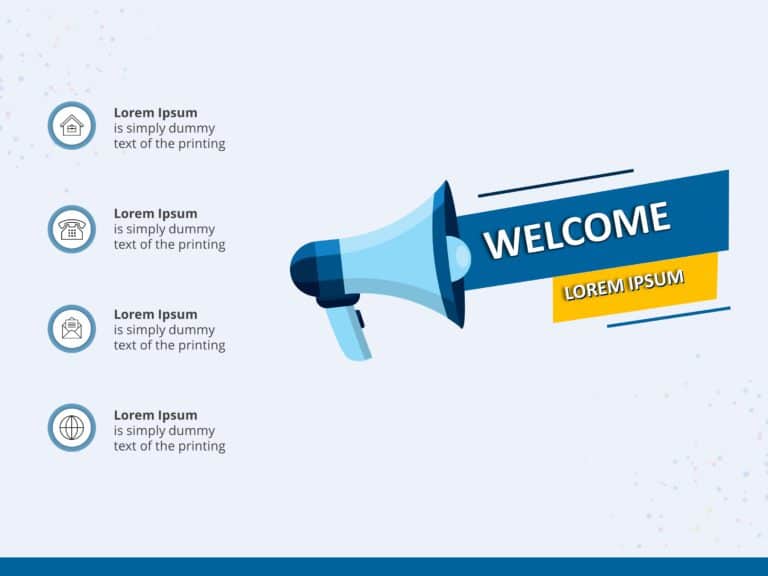
Enhance your presentation delivery using this captivating announcement template! Ideal for greeting guests or presenting concepts; this slide sho....

Crafted to be clear and impactful, in its presentation style this template boosts your slides with a summary of your company’s accomplishments an....
How To Make Cool PowerPoint Slides?
Infographics are probably the best way to make your business presentations more attractive and attention-grabbing. It results in increased engagement as compared to other visual media. And also make sure to choose the font size appropriately, use strong contrast with the text, and try not to use too much text and too many colors on your PowerPoint slides.
How to make Cool PowerPoint presentation?
To make your presentations more appealing and memorable you need cool backgrounds, simple transitions, clean fonts, & attractive graphics to make the presentation more engaging.
Here are a few ways to make a cool presentation,
- Use a consistent theme
- Use more images & less text
- Use animations to highlight each bullet point
- Convey one message in each slide
- Use 2/4/8 rule - The 2/4/8 rule is-don't spend more than 2 minutes on a one slide, don't use more than 4 bullets per slide, and no more than 8 words per bullet.