 Fall Sale
  Flat 40% off on our Unlimited Access Yearly Membership plan!

Cool PowerPoint Templates
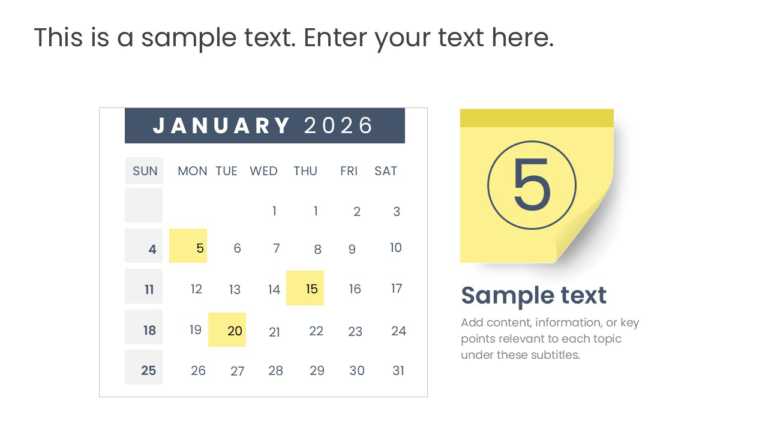
Use this calendar template for 2026. The calendar template has a layout. The layout highlights dates and events. Project managers and event plann....


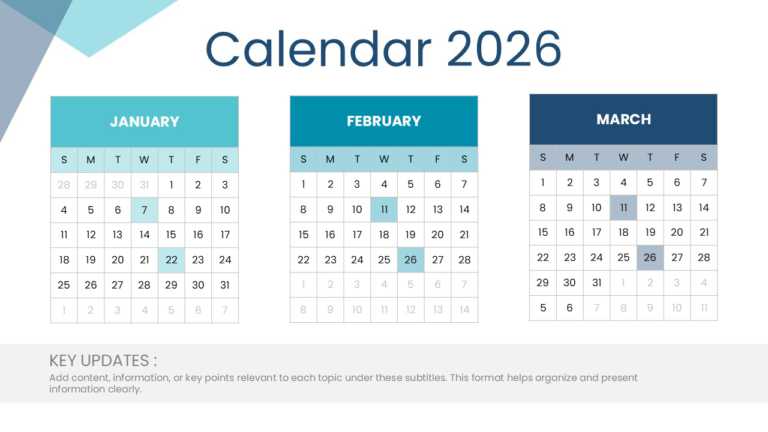
The monthly calendar overview for 2026 is a tool for planning. The template offers an organized layout that makes tracking dates easy. The templa....
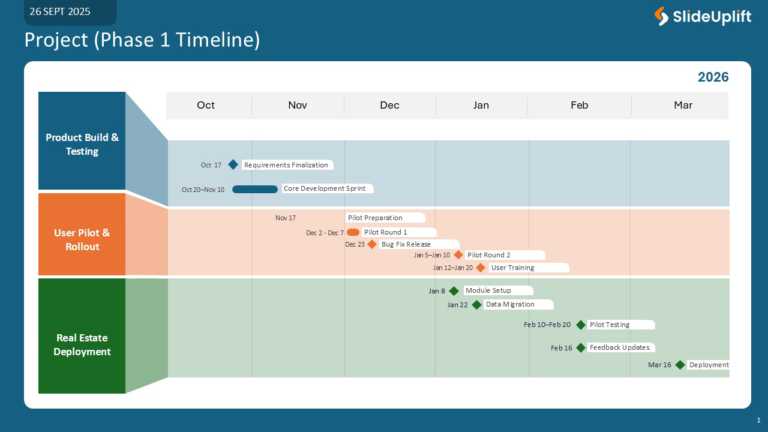
Give your presentations a look with this made timeline planning slide. I use the timeline planning slide when I work with project managers and te....
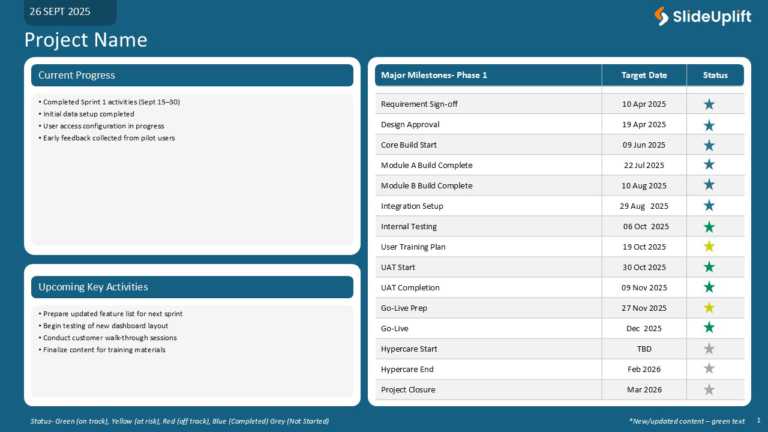
I use the project milestones tracker to make my presentations look professional. The project milestones tracker template makes the project manage....

Make your presentation stand out with this made project phases template. The project phases template gives you a roadmap for your project rollout....
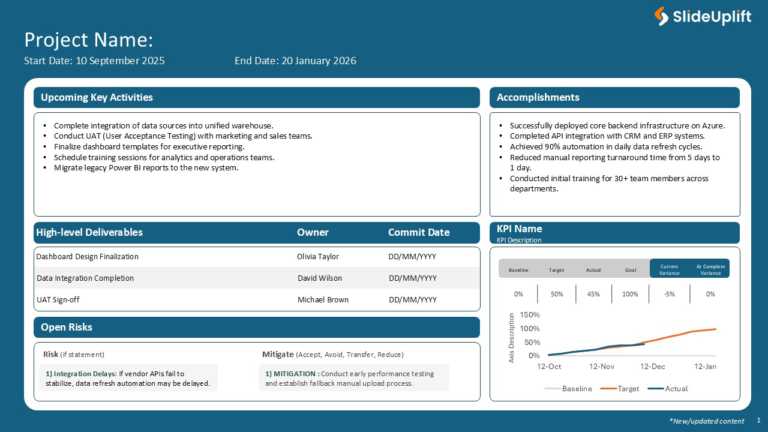
Maximize your impact with this comprehensive project overview template designed to keep your team aligned and informed. This visually appealing l....

Trim the clutter from your presentation with this business‑performance dashboard template. Tailored to hand you an overview of your sales metrics....

Give your storytelling a lift with this roadmap built for organizations on harnessing generative AI. The template flashes a blue‑neon vibe that n....

Lift your storytelling game with this vibrant presentation template built to showcase your company’s identity and milestones. Boasting a la....
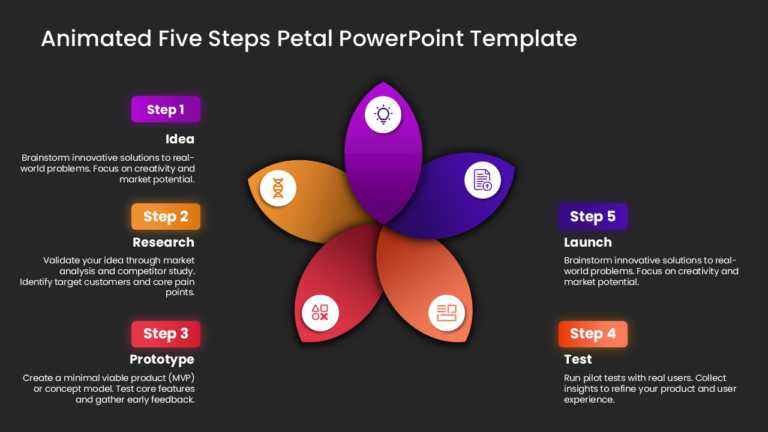
Built for team briefings, this template nudges you through the five steps of project development. Its vibrant petal‑shaped layout lays out each s....
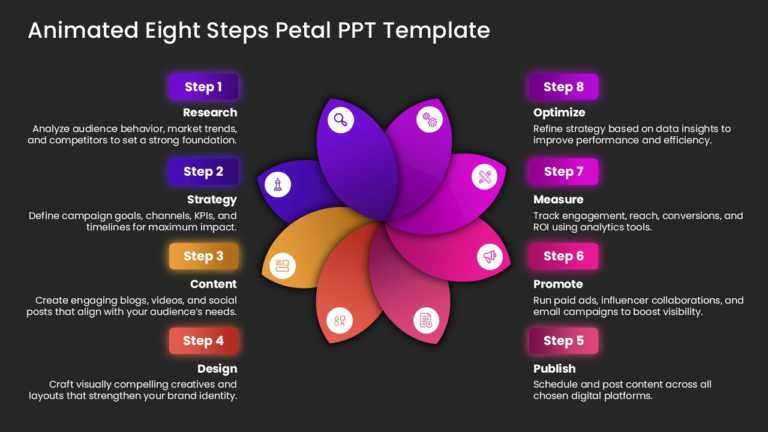
A vivid, lively presentation template, meticulously choreographed for planning, makes a statement. Designed with marketing teams in mind, its ani....
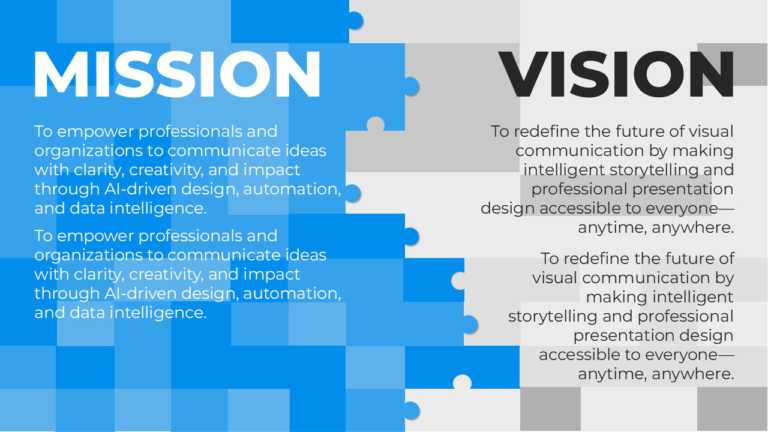
With an eye on crispness and punch, this lively template lifts presentations by mapping out your mission and vision. It’s a fit for professionals....
How To Make Cool PowerPoint Slides?
Infographics are probably the best way to make your business presentations more attractive and attention-grabbing. It results in increased engagement as compared to other visual media. And also make sure to choose the font size appropriately, use strong contrast with the text, and try not to use too much text and too many colors on your PowerPoint slides.
How to make Cool PowerPoint presentation?
To make your presentations more appealing and memorable you need cool backgrounds, simple transitions, clean fonts, & attractive graphics to make the presentation more engaging.
Here are a few ways to make a cool presentation,
- Use a consistent theme
- Use more images & less text
- Use animations to highlight each bullet point
- Convey one message in each slide
- Use 2/4/8 rule - The 2/4/8 rule is-don't spend more than 2 minutes on a one slide, don't use more than 4 bullets per slide, and no more than 8 words per bullet.