
 Spring Sale
  Flat 10% off on our Unlimited Access Yearly Membership plan!


Cool PowerPoint Templates

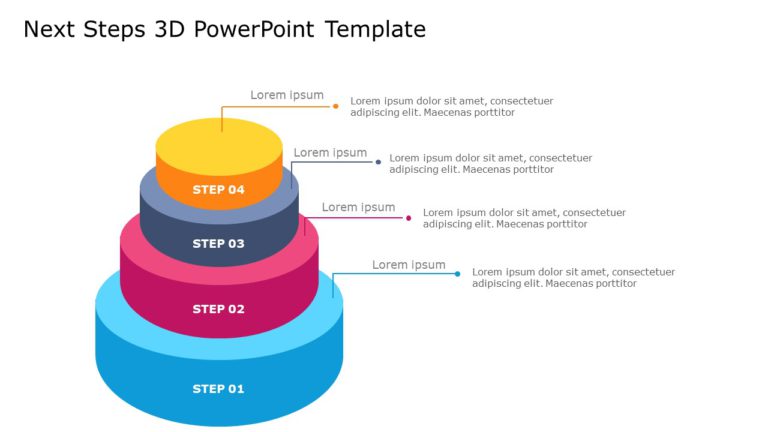
This Next Steps 3D template ensures that the presentation is focused on the key takeaways, and planning the action steps for the future. It serve....
 Download

Make your event planning easier, with this attractive countdown timer graphic tailored for launching events! This pleasing design showcases a tea....

Share information easily using this heart shaped design that will engage your audience and convey important points effectively.The distinct heart....

Here is a user friendly Venn diagram template that simplifies concepts and facilitates data comparison effectively, in presentations with its ple....
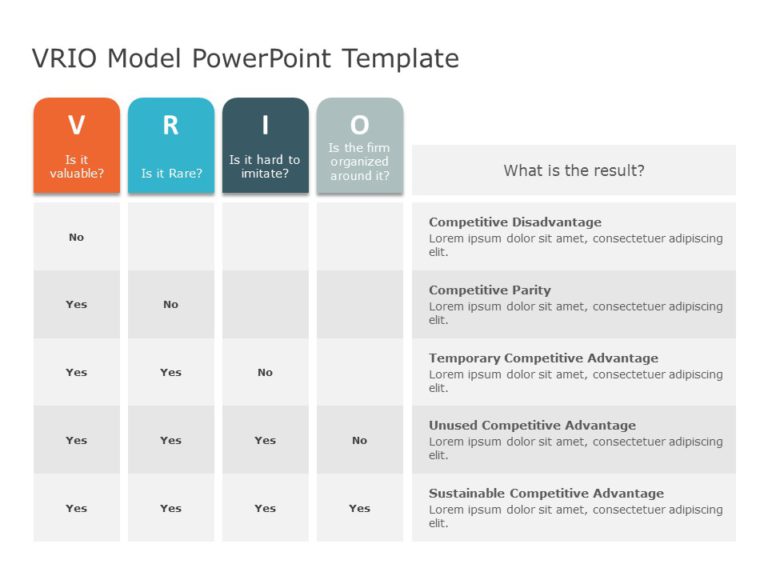
VRIO analysis is a tool used by organizations to make efficient business decisions. It helps to identify and evaluate the resources of the firm. ....

This interactive balance scale diagram simplifies concepts, for analyzing weight in various fields such as physics and engineering using a clear ....

This orange and grey-themed sleek PowerPoint template visually represents transformational change. It uses a circular flow to guide your audience....

This is a Continuous Improvement Loop Template where you can present the data of planning and strategy of a Business. This Process Flowchart Temp....

This business PowerPoint template is essential for anyone looking to clearly and effectively present business highlights, features, or processes.....
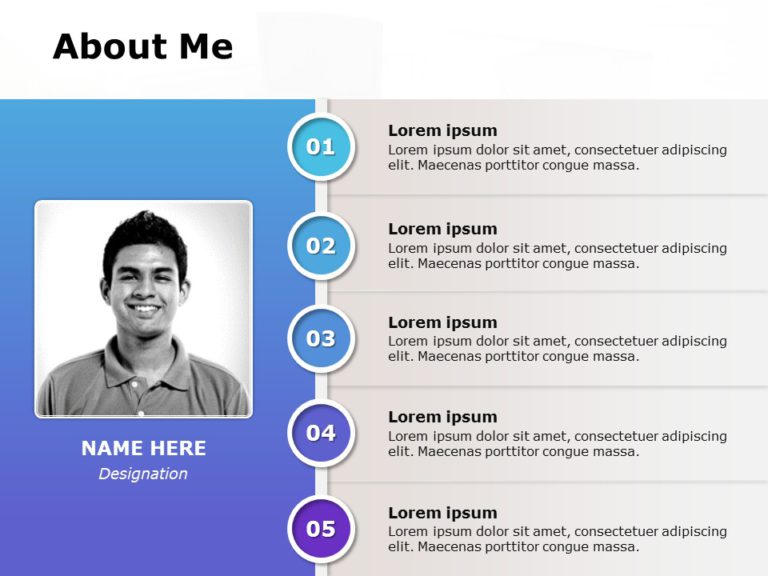
Are you looking for a simple yet attractive Powerpoint template to present your own set of skills and capabilities? This about me slide is the pe....

Enhance your data analysis, with the Leadership Framework template to uplift your presentations with a touch! This appealing design showcases lea....

Engage your audience with this dynamic question template that tells narratives! Crafted in a gradient of orange hues to captivate attention and f....
How To Make Cool PowerPoint Slides?
Infographics are probably the best way to make your business presentations more attractive and attention-grabbing. It results in increased engagement as compared to other visual media. And also make sure to choose the font size appropriately, use strong contrast with the text, and try not to use too much text and too many colors on your PowerPoint slides.
How to make Cool PowerPoint presentation?
To make your presentations more appealing and memorable you need cool backgrounds, simple transitions, clean fonts, & attractive graphics to make the presentation more engaging.
Here are a few ways to make a cool presentation,
- Use a consistent theme
- Use more images & less text
- Use animations to highlight each bullet point
- Convey one message in each slide
- Use 2/4/8 rule - The 2/4/8 rule is-don't spend more than 2 minutes on a one slide, don't use more than 4 bullets per slide, and no more than 8 words per bullet.