 Fall Sale
  Flat 40% off on our Unlimited Access Yearly Membership plan!

Cool PowerPoint Templates

Start by grabbing your audiences interest, from the get go using this roadmap template tailored for project coordination and oversight purposes! ....


This MGPP project management template is one of the most widely used tools for presenting various data and information. This template showcases b....

Make sharing information with this captivating Venn diagram template crafted for business strategy presentations! The layout is visually appealin....

Showcase this captivating heart puzzle diagram to engage stakeholders during healthcare strategy presentations.Created with a color palette that ....

Enhance your presentation flow using this crafted template that simplifies the process of the OKR system for you or your team members in leadersh....

Enhance your storytelling, with this template created for teamwork between on site and remote teams. This attractive design highlights a separati....

Enhance your presentation organization using this crafted template tailored for distribution management needs.The attractive design smoothly navi....
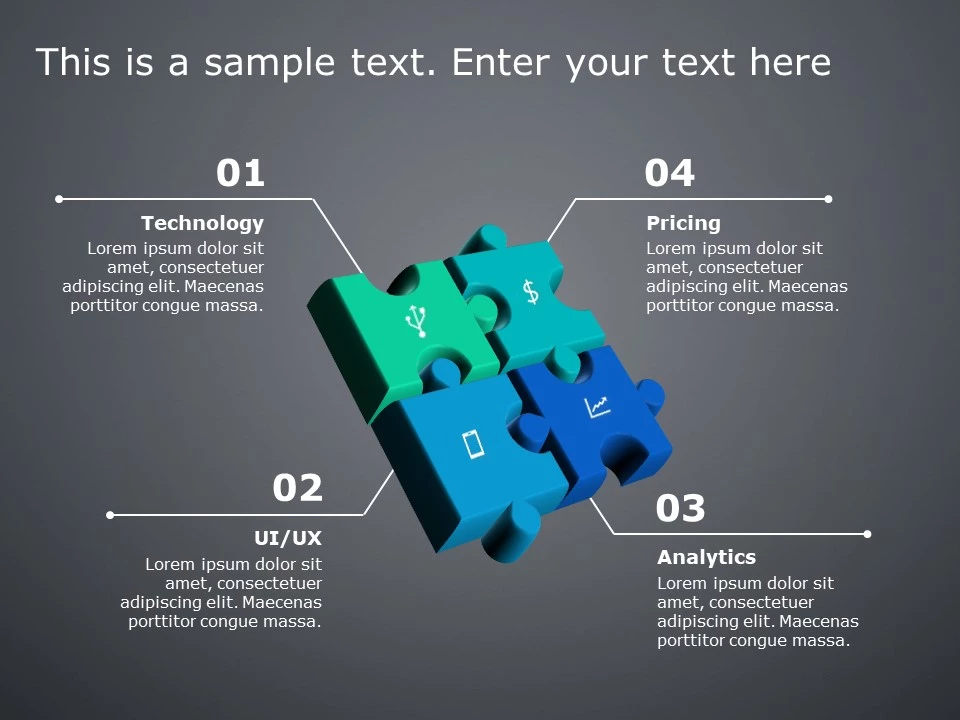
Crafted to be clear and impactful is this vibrant puzzle piece infographic template that will elevate your presentations effortlessly! Tailored f....
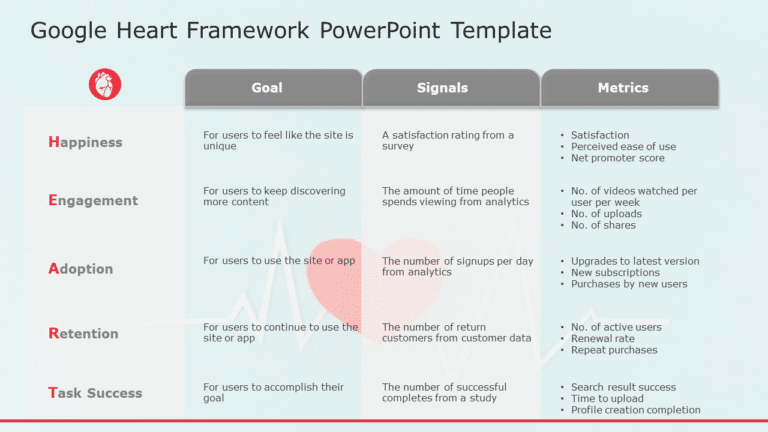
Enhance your presentations effortlessly using this template tailored for the Google HEART Framework enthusiasts! This template is a fit, for prof....

Present your vision with this engaging mountain climb journey infographic! Perfect for illustrating step-by-step processes, this template is desi....

This template is great, for team meetings as it makes root cause analysis with its fishbone diagram layout that engages the audience effectively!....

Explore your thoughts using this design that highlights your vision statement in an impactful way.The lively color scheme, with calming teal and ....
How To Make Cool PowerPoint Slides?
Infographics are probably the best way to make your business presentations more attractive and attention-grabbing. It results in increased engagement as compared to other visual media. And also make sure to choose the font size appropriately, use strong contrast with the text, and try not to use too much text and too many colors on your PowerPoint slides.
How to make Cool PowerPoint presentation?
To make your presentations more appealing and memorable you need cool backgrounds, simple transitions, clean fonts, & attractive graphics to make the presentation more engaging.
Here are a few ways to make a cool presentation,
- Use a consistent theme
- Use more images & less text
- Use animations to highlight each bullet point
- Convey one message in each slide
- Use 2/4/8 rule - The 2/4/8 rule is-don't spend more than 2 minutes on a one slide, don't use more than 4 bullets per slide, and no more than 8 words per bullet.