 Fall Sale
  Flat 40% off on our Unlimited Access Yearly Membership plan!

Cool PowerPoint Templates

This Business Review Isometric Template is designed to present business reviews in a visually engaging and informative way. This template can dis....


Enhance your project management with this template, for assigning tasks to your team members and effortlessly The intuitive layout lets you clear....

Enhance your presentation, with this template crafted for service management experts! This slide emphasizes the elements of your plan and targets....

Enhance your data analysis with this encompassing employee tracking template that is tailored for HR specialists and team managers. Keep an eye, ....

Enhance your meetings with this captivating fishbone diagram template tailored for analyzing and solving problems effectively! This striking slid....

Enhance your presentation, with a captivating infographic tailored for analyzing problem statements ! This template showcases a color palette rep....
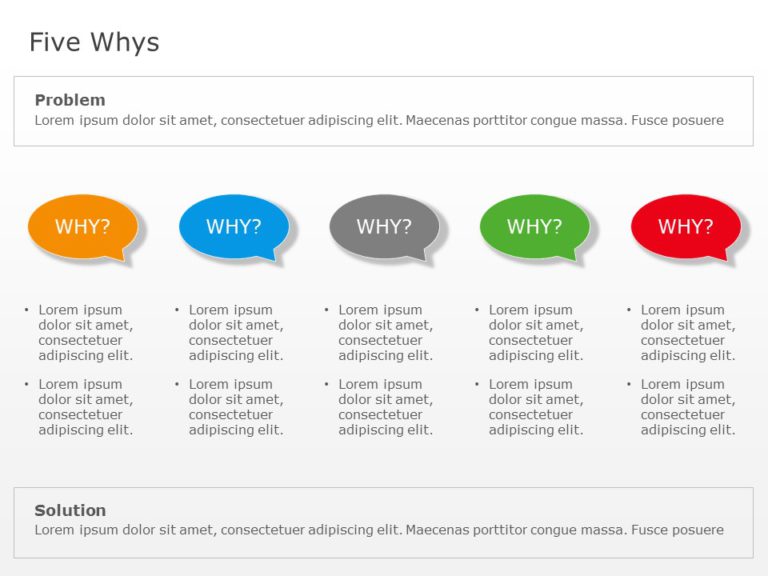
Enhance your presentation flow using this template tailored for the Five Whys analysis technique! Ideal, for problem solving meetings to smoothly....

Engage your audience right, from the beginning using this eye catching Sankey diagram tailored for analyzing expenses in presentations. The desig....

Experience a captivating roadmap template that is crafted to assist you in your planning for the five years ahead of you.Incorporating an meander....

Make a statement using this roadmap template tailored for technology presentations! With its contemporary design layout, in place for you to clea....

Craft compelling visual narratives using this captivating diagram tailored for highlighting the value propositions of employees. The layout of th....

Enhance your presentation, with this instrument crafted to simplify intricate data effortlessly! This format includes a seven wheel chart arrange....
How To Make Cool PowerPoint Slides?
Infographics are probably the best way to make your business presentations more attractive and attention-grabbing. It results in increased engagement as compared to other visual media. And also make sure to choose the font size appropriately, use strong contrast with the text, and try not to use too much text and too many colors on your PowerPoint slides.
How to make Cool PowerPoint presentation?
To make your presentations more appealing and memorable you need cool backgrounds, simple transitions, clean fonts, & attractive graphics to make the presentation more engaging.
Here are a few ways to make a cool presentation,
- Use a consistent theme
- Use more images & less text
- Use animations to highlight each bullet point
- Convey one message in each slide
- Use 2/4/8 rule - The 2/4/8 rule is-don't spend more than 2 minutes on a one slide, don't use more than 4 bullets per slide, and no more than 8 words per bullet.