 Fall Sale
  Flat 40% off on our Unlimited Access Yearly Membership plan!

Cool PowerPoint Templates

This template is great, for team meetings as it offers an concise summary of the experience—a must have for healthcare workers.Its elegant design....


Easily craft narratives using this flexible calendar design template! Tailored for mapping out your month you can conveniently monitor key dates ....

Make sharing information with this octagonal clock graphic created for business strategy presentations! This design showcases a format that merge....

Elevate your meetings with this strategy template created to simplify ideas to a more understandable level.The slide showcases a pentagon diagram....

This template is great, for team meetings. Will help you deliver business presentations effectively. It has an professional look, with a color sc....

Elevate your storytelling with this dynamic timeline template designed to visualize your journey through the years. Perfect for project managers ....

Enhance your storytelling with this stylish and contemporary presentation template created for professionals, in the business world.The template ....

Elevate your presentations with this captivating bar graph template! Ideal, for displaying information in a concise and visually attractive manne....
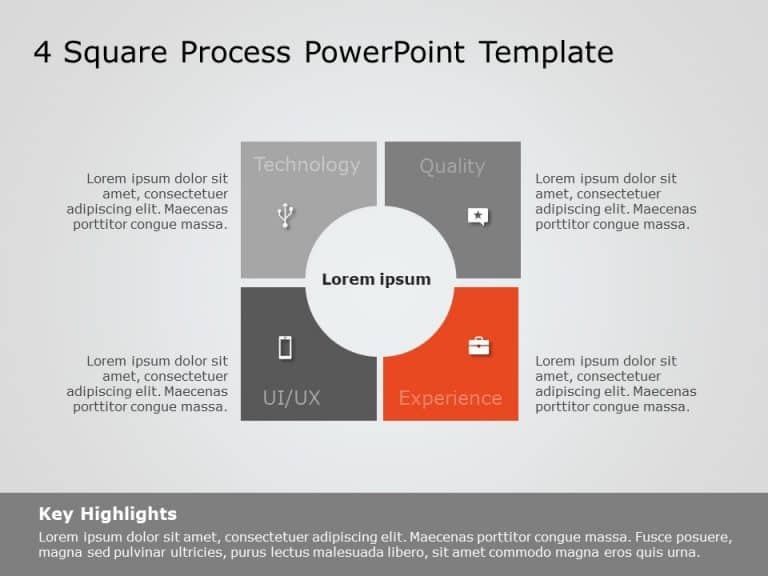
Enhance your storytelling using this captivating template crafted to highlight the features of your product offering a unique square design to sh....

For impactful presentations that stand out in your business meetings or strategic planning sessions use this numerical comparison table template ....

Craft compelling visual narratives using this captivating diagram crafted to highlight the beliefs of your company. This design showcases a arran....

This Healthcare Business Drivers Template is designed for presentations related to healthcare, specifically focusing on different aspects of the ....
How To Make Cool PowerPoint Slides?
Infographics are probably the best way to make your business presentations more attractive and attention-grabbing. It results in increased engagement as compared to other visual media. And also make sure to choose the font size appropriately, use strong contrast with the text, and try not to use too much text and too many colors on your PowerPoint slides.
How to make Cool PowerPoint presentation?
To make your presentations more appealing and memorable you need cool backgrounds, simple transitions, clean fonts, & attractive graphics to make the presentation more engaging.
Here are a few ways to make a cool presentation,
- Use a consistent theme
- Use more images & less text
- Use animations to highlight each bullet point
- Convey one message in each slide
- Use 2/4/8 rule - The 2/4/8 rule is-don't spend more than 2 minutes on a one slide, don't use more than 4 bullets per slide, and no more than 8 words per bullet.