 Fall Sale
  Flat 40% off on our Unlimited Access Yearly Membership plan!

Cool PowerPoint Templates

Showcase team collaboration effectively, with a network hub diagram that will captivate your audience! This template boasts a design that visuall....


Great, for team meetings or updates! This template provides a effective way to manage projects thanks to its neat and well structured design. It ....

Give your presentations a professional touch with this visually engaging template designed to illustrate consumer needs. This unique layout featu....

Create an impact, with this flowchart that visually leads your audience through important phases of a project or procedure. Crafted with a gradie....
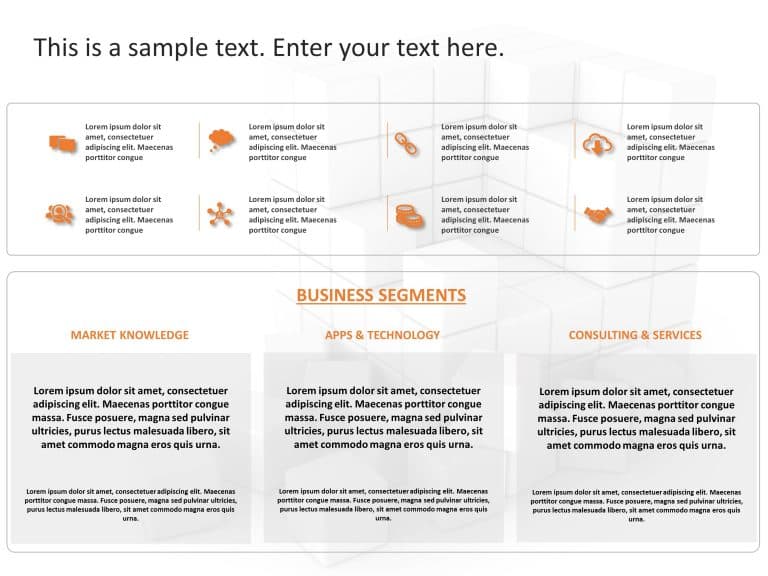
Start off by grabbing your viewers interest with this infographic tailored for highlighting business sectors effectively. With a blend of gray hu....

Make complex concepts easier to understand with this summary crafted for HR tasks specifically. This design template showcases a layout that skil....

Start off by grabbing the interest of your audience with this captivating depiction of the business value chains upstream and downstream aspects.....

Improve your project presentations, with an timeline template that is designed for clear communication and effectiveness! This slide showcases a ....

Create a story using this user template that breaks down your goals into three simple steps! Designed for professionals who want to outline their....

Enhance the professionalism of your presentations using this captivating template tailored for highlighting business details effectively at corpo....

Enhance your presentation effectiveness, with this slide crafted to highlight factors driving revenue growth! This design showcases a bar graph t....

Share your concepts using this captivating performance meter visual aid slide that aims to convey data and assessments visually, to your audience....
How To Make Cool PowerPoint Slides?
Infographics are probably the best way to make your business presentations more attractive and attention-grabbing. It results in increased engagement as compared to other visual media. And also make sure to choose the font size appropriately, use strong contrast with the text, and try not to use too much text and too many colors on your PowerPoint slides.
How to make Cool PowerPoint presentation?
To make your presentations more appealing and memorable you need cool backgrounds, simple transitions, clean fonts, & attractive graphics to make the presentation more engaging.
Here are a few ways to make a cool presentation,
- Use a consistent theme
- Use more images & less text
- Use animations to highlight each bullet point
- Convey one message in each slide
- Use 2/4/8 rule - The 2/4/8 rule is-don't spend more than 2 minutes on a one slide, don't use more than 4 bullets per slide, and no more than 8 words per bullet.