 Fall Sale
  Flat 40% off on our Unlimited Access Yearly Membership plan!

Cool PowerPoint Templates

Elevate your storytelling with this dynamic problem-solution diagram template designed to clarify challenges and opportunities. This visually eng....


Enhance the professionalism of your presentations using this captivating quadrant strategy template focused on gears. Ideal, for business planner....
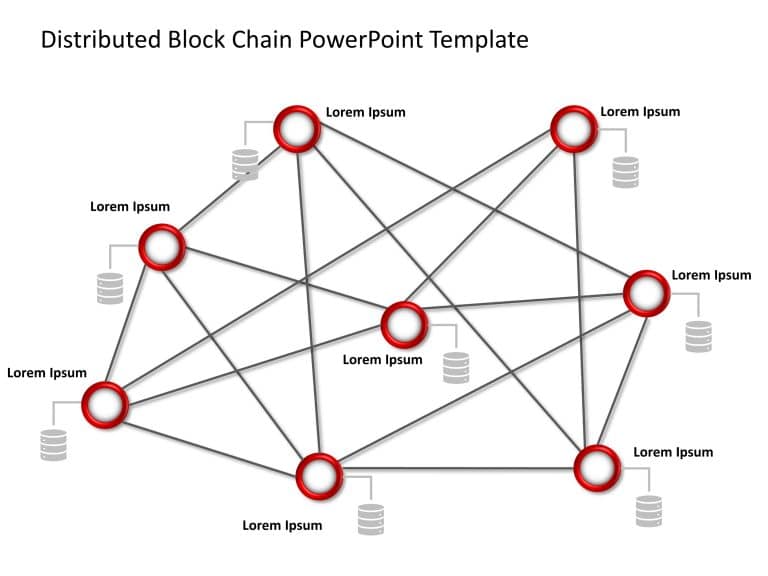
Create a storyline using this captivating template depicting a blockchain network diagram with an attractive red and gray color palette that prof....

Get your audience from the beginning with a captivating introduction, to client relationships using this template! Its crafted to assist you in s....

Enhance the structure of your presentation using this capability matrix created to exhibit your companys strengths effectively and engagingly! Wi....

Enhance the sharing of information, with this crafted template, for analyzing case studies and clearly conveying intricate client narratives to a....
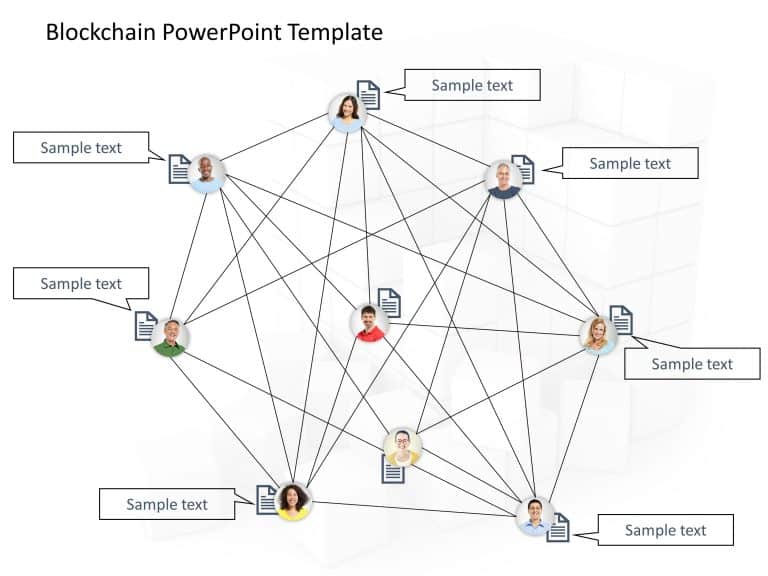
Elevate your meetings, with this cutting edge aid for discussing topics! The diagram has a light grey layout that boosts clarity and concentratio....

Craft engaging presentations using this roadmap template tailored for business experts and professionals alike! This captivating design offers a ....
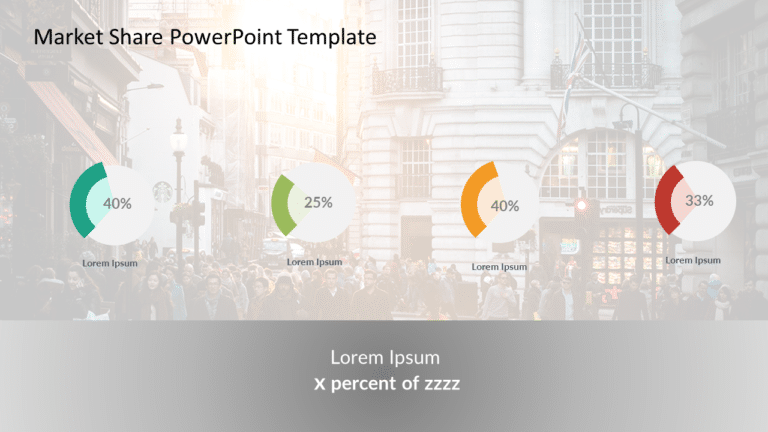
Enhance your presentations with this eye catching market share infographic template that features a captivating city skyline background design to....

Enhance your storytelling, with this template for analyzing case studies! Crafted with a combination of gray colors for professionals aiming to c....
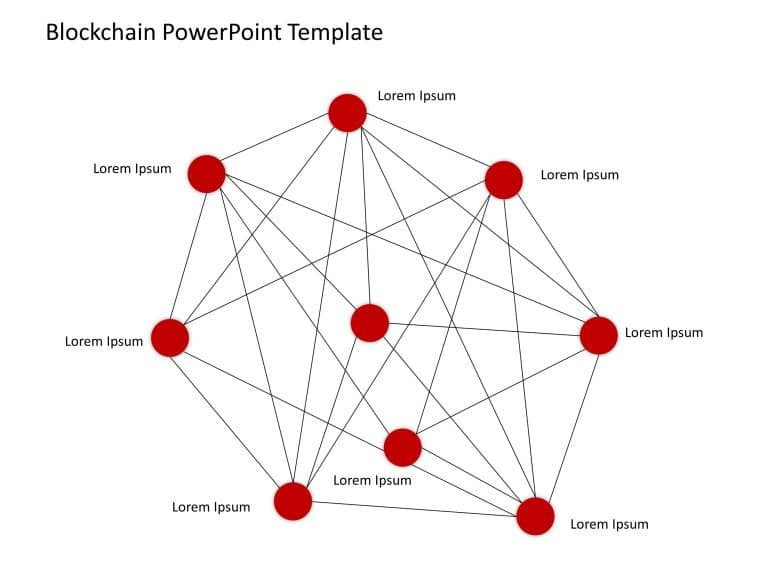
Make complex concepts easier to grasp using this network visualization tailored for explaining ideas in a more straightforward manner.This design....

Enhance the appeal of your presentation, with this eye catching roadmap template that is crafted to lead your audience through plans and strategi....
How To Make Cool PowerPoint Slides?
Infographics are probably the best way to make your business presentations more attractive and attention-grabbing. It results in increased engagement as compared to other visual media. And also make sure to choose the font size appropriately, use strong contrast with the text, and try not to use too much text and too many colors on your PowerPoint slides.
How to make Cool PowerPoint presentation?
To make your presentations more appealing and memorable you need cool backgrounds, simple transitions, clean fonts, & attractive graphics to make the presentation more engaging.
Here are a few ways to make a cool presentation,
- Use a consistent theme
- Use more images & less text
- Use animations to highlight each bullet point
- Convey one message in each slide
- Use 2/4/8 rule - The 2/4/8 rule is-don't spend more than 2 minutes on a one slide, don't use more than 4 bullets per slide, and no more than 8 words per bullet.