 Fall Sale
  Flat 40% off on our Unlimited Access Yearly Membership plan!

Cool PowerPoint Templates

Boost your effectiveness using this ROI analysis template crafted to showcase the returns, on investments while highlighting the risks and expens....


Show off your companys skills with an outline diagram that highlights what you can do in a way thats easy to understand and interesting to look a....
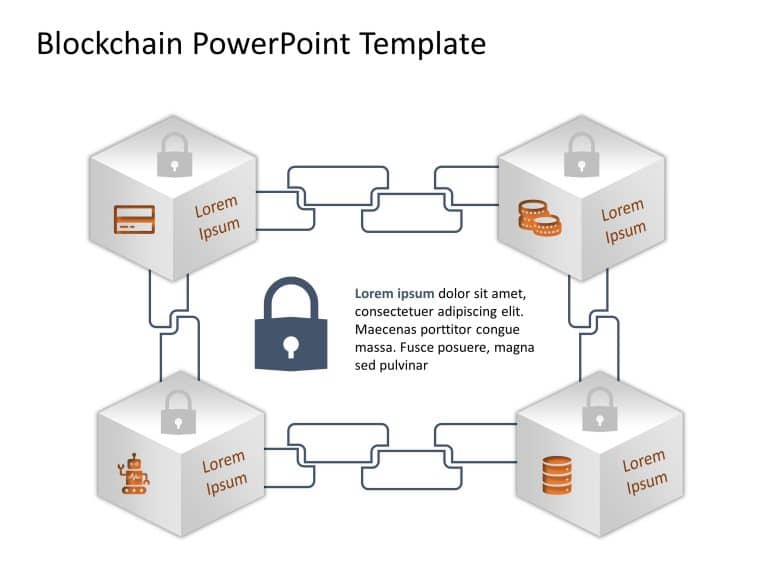
Elevate your data presentation, with this layout crafted for highlighting the world of blockchain technology! Ideal for tech aficionados and indu....

Enhance your presentations structure using this template crafted for enhancing customer interactions.Arranged with an contemporary design this te....

Crafted to be clear and impactful; elevate your presentations with this vibrant roadmap template that leads your audience through your business s....

Enhance your data presentation using this captivating template tailored for evaluating and showcasing business achievements effectively. The plea....

Enhance your data presentation using this captivating template illustrating a network design that’s ideal, for technology enthusiasts and p....

Ideal, for team meetings is this template that simplifies your project reporting process with concise details in mind! Crafted with a sleek and c....

This template is great, for team meetings as it provides an interesting format to showcase your companys data and services effectively with its c....

Craft compelling visual narratives using this captivating client design format! This layout is crafted to feature client reviews in an sophistica....

Enhance the quality of your presentations using this crafted template, for analyzing market segmentation.Here you’ll find an slide with a l....

Enhance your data analysis with this captivating presentation template tailored for the blockchain industry! With a blue themed wheel layout desi....
How To Make Cool PowerPoint Slides?
Infographics are probably the best way to make your business presentations more attractive and attention-grabbing. It results in increased engagement as compared to other visual media. And also make sure to choose the font size appropriately, use strong contrast with the text, and try not to use too much text and too many colors on your PowerPoint slides.
How to make Cool PowerPoint presentation?
To make your presentations more appealing and memorable you need cool backgrounds, simple transitions, clean fonts, & attractive graphics to make the presentation more engaging.
Here are a few ways to make a cool presentation,
- Use a consistent theme
- Use more images & less text
- Use animations to highlight each bullet point
- Convey one message in each slide
- Use 2/4/8 rule - The 2/4/8 rule is-don't spend more than 2 minutes on a one slide, don't use more than 4 bullets per slide, and no more than 8 words per bullet.