 Fall Sale
  Flat 40% off on our Unlimited Access Yearly Membership plan!

Pros and Cons PPT Templates for PowerPoint & Google Slides
Free Pros and Cons Slides

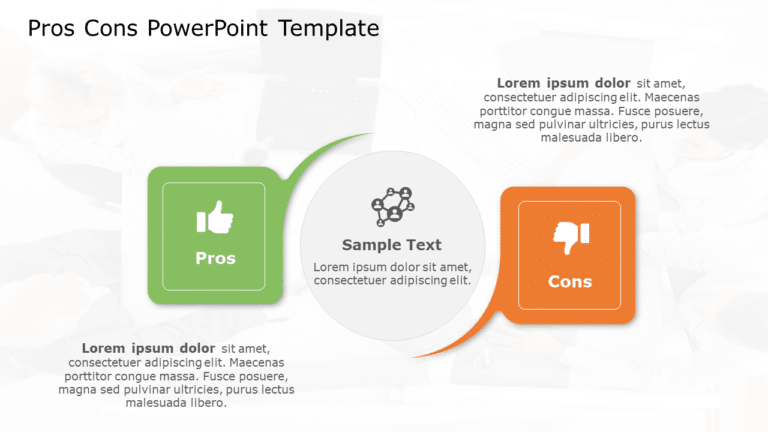
Elevate your meetings with this free template showcasing the strengths and weaknesses of any subject matter effectively for decision-making meeti....


Enhance your effectiveness using this aid created to streamline decision making procedures effortlessly! This layout includes an colorful design ....

Craft compelling visual narratives using this insightful assessment grid, crafted to assess the advantages and disadvantages of any choice confid....
Pros and Cons Slide Templates for PowerPoint
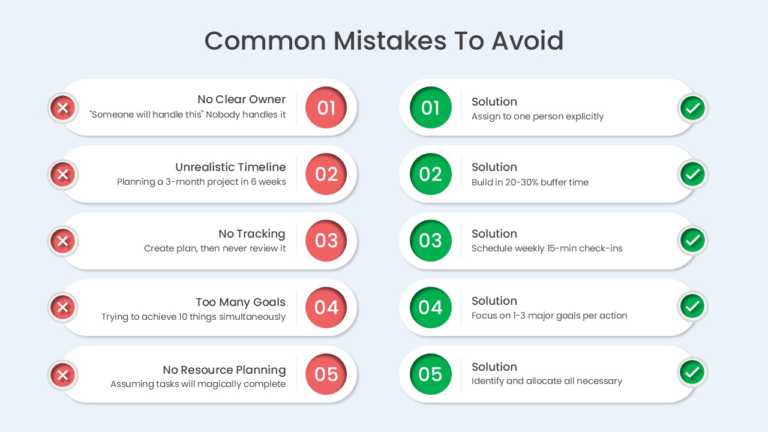
The Mistakes And Solutions 5 Row Comparison PowerPoint And Google Slides Template helps users identify common planning mistakes and present pract....
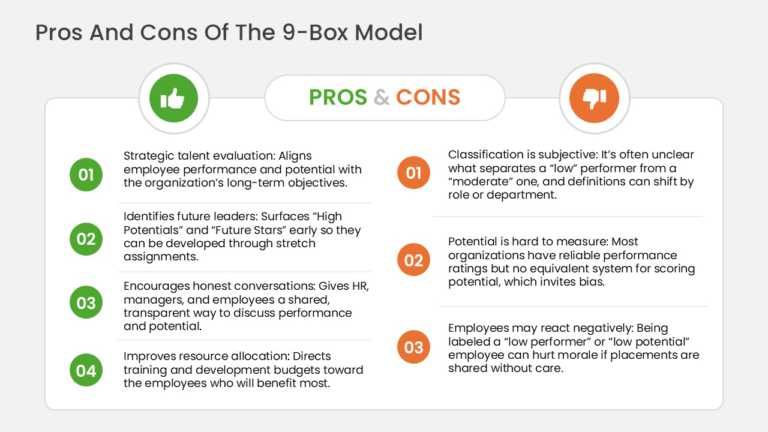
The Pros and Cons Slide PowerPoint Template is designed to present the advantages and limitations of the 9-box talent matrix using a structured c....

The Pros and Cons Presentation Template is a powerful resource for comparing the advantages and disadvantages of any topic. This template can be ....

The Animated Project Comparison Presentation Template is a simple and minimalist presentation template that provides you with a medium to compare....
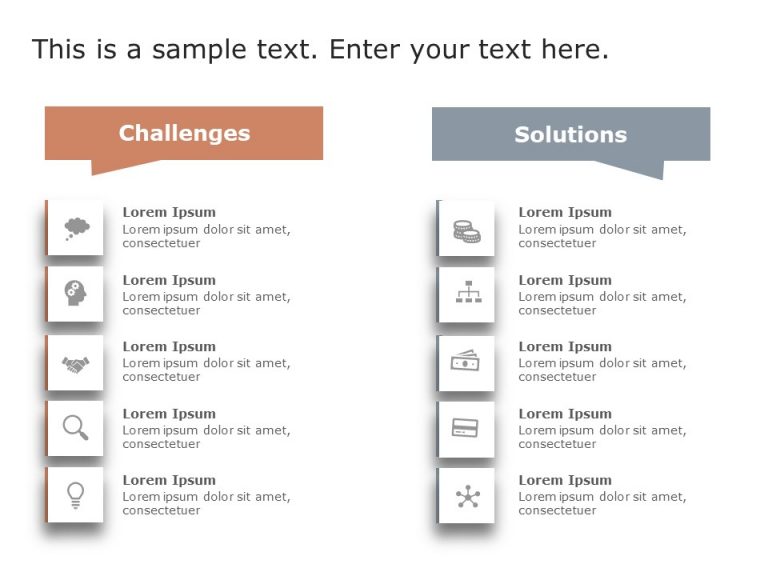
The Challenges and Solutions List PowerPoint Template is a defined and well-organized presentation template that helps lay down problems and thei....

Show off this captivating aid to impress those involved by laying out the advantages and disadvantages of any choice, at hand.This design is craf....
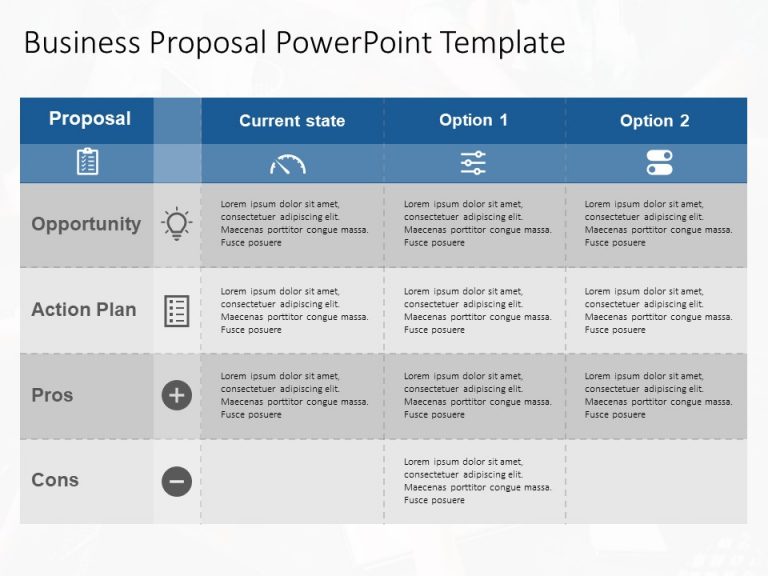
The Business Option PowerPoint Template is a well-defined tabular layout that helps present business proposals in a 4×4 format. The template....

Pros and Cons Presentation Template Use this Pros and Cons PowerPoint template to create visually appealing presentations in any professional set....

Crafted to ensure communication and a lasting impression, on your audiences minds; this template elevates your presentations by offering a method....

Enhance your presentation, with this captivating template specifically created for comparing the positives and negatives! The pleasing design sho....

This interactive balance scale diagram simplifies concepts, for analyzing weight in various fields such as physics and engineering using a clear ....

Enhance your presentations with an eye catching balance scale infographic that’s visually appealing and impactful, for illustrating compari....
Related Presentations
-

Comparison
340 templates>
-

Advantages-Disadvantages
42 templates>
-

Strength & Weakness
5 templates>
-

Dos & Don'ts
26 templates>
-
Positive Negative
64 templates>
How to choose a pros and cons layout
A two-column pros and cons table is the safest default — it reads instantly and works at any slide size. Reach for a balance scale or seesaw diagram when your conclusion is that one side clearly outweighs the other, since the tilt carries the argument before anyone reads a word. Use a comparison table when you are weighing three or more options rather than two, and an animated layout when you want to reveal each side in turn instead of showing the whole slide at once.
When a pros and cons slide is the wrong tool
If every drawback has a matching fix, a challenges-and-solutions layout tells a stronger story than a pros and cons split. If you are assessing a whole business rather than a single decision, a SWOT analysis template gives you four quadrants instead of two. And if the point is change over time rather than a choice, use a before and after slide.
Editing these templates
Every template on this page opens in PowerPoint and in Google Slides. Colours, icons, fonts and the number of rows are all editable, so a five-point layout becomes a three-point layout in a few clicks. If you need a version built around your own content, our team can make it for you within 24 hours.
What is a pros and cons slide?
A pros and cons slide sets the advantages of a decision against its drawbacks on a single slide, usually in two columns. It gives an audience both sides at once so they can follow the reasoning rather than take the conclusion on trust.
Which pros and cons layout should I use?
Use a two-column table for a straightforward list. Use a balance scale or seesaw when one side clearly wins and you want the visual to say so. Use a circular or hexagonal diagram when the two sides are genuinely balanced and you do not want to signal a preference. Use an animated layout when you are presenting live and want to reveal each side in turn.
How do you make a pros and cons slide in PowerPoint?
Start from a two-column layout, put the advantages on the left and the drawbacks on the right, and label each side clearly. Keep to three to five points per side — beyond that the slide stops being scannable. Use colour and icons to separate the two sides rather than borders, and finish with a single line stating what you recommend. Starting from a ready-made pros and cons PPT template skips the layout work entirely.
Are these pros and cons templates free?
Some are. The free pros and cons templates are grouped at the top of this page and download without a subscription. The rest are available individually or through an Unlimited Access membership.