 Fall Sale
  Flat 40% off on our Unlimited Access Yearly Membership plan!

Fall Google Slides Templates and PowerPoint Backgrounds for Presentation


This pastel aesthetic background uses a cream textured paper base with three muted color shapes. A sage green blob fills the top-left corner, and....


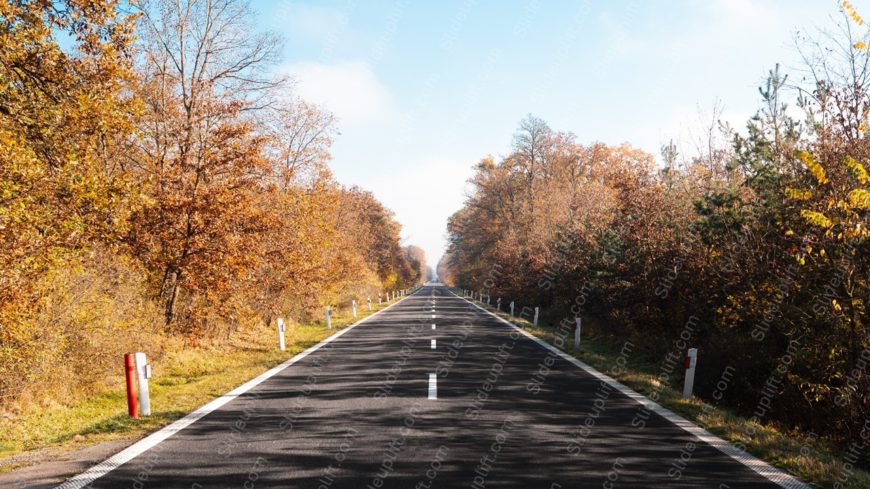
Designed for clarity and impact, enhance your presentations with this stunning backdrop of an autumn road. This template features a captivating i....

Give your presentations a professional touch with this stunning autumn-themed background! Featuring vibrant orange leaves set against a clear blu....
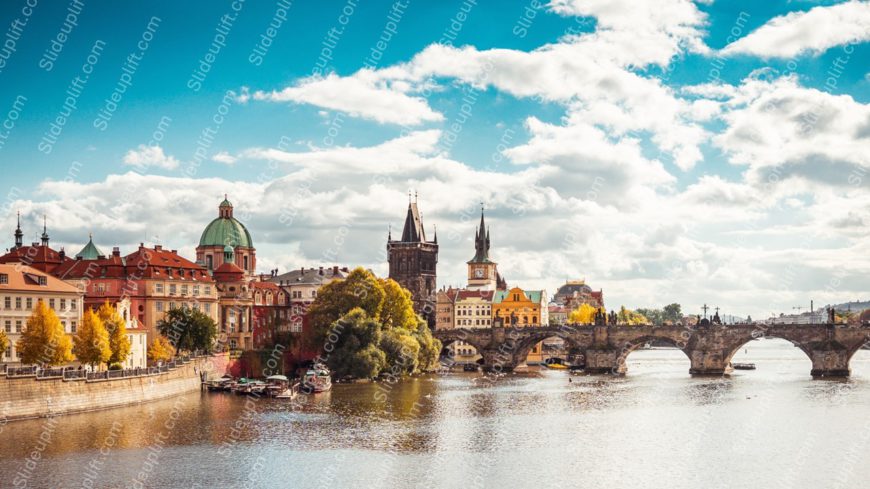
Create compelling presentations with this stunning backdrop featuring a serene river, a majestic stone bridge, and vibrant autumn trees under a c....

Streamline your presentation flow with this stunning backdrop of golden autumnal trees and a majestic castle at sunset. This captivating image se....
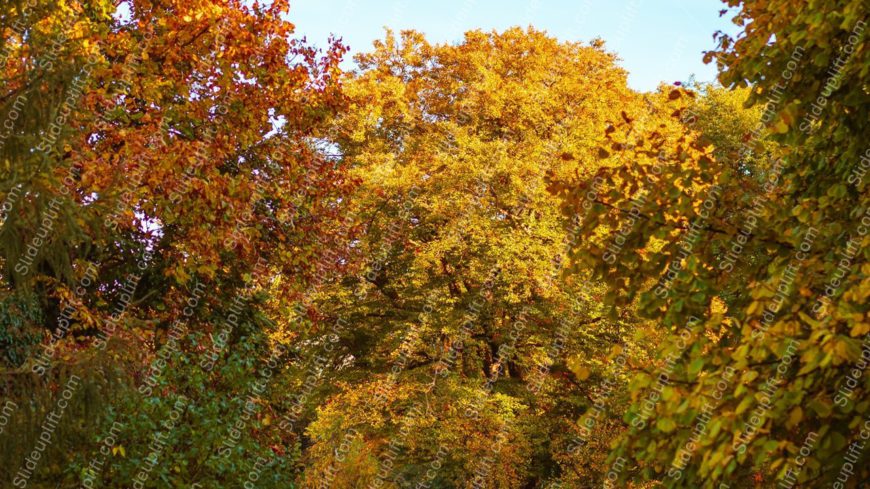
Maximize your impact with this stunning backdrop of vibrant orange and green trees! This visually captivating image is perfect for creating a war....

A person in a red and black buffalo plaid shirt holds a carved jack-o’-lantern at the center of this photo. The pumpkin shows a classic tri....
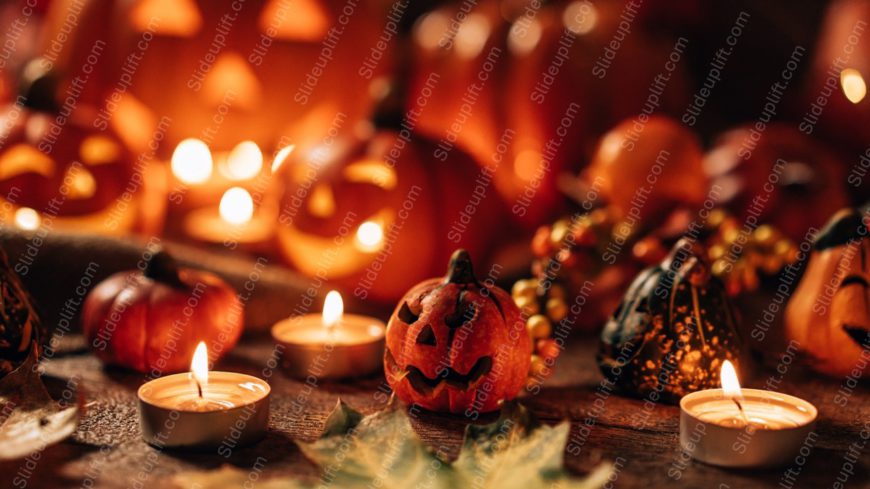
This warm Halloween photo glows with candlelight and carved pumpkins. Three lit tea-light candles line the front of a rustic wooden table. A smal....

Three glossy orange pumpkins fill this moody, low-light Halloween photo. Soft side lighting picks out their ridges and twisted stems. A near-blac....

Two orange jack-o’-lanterns sit side by side at the center of this Halloween photo. Both pumpkins stay in sharp focus, with cheerful carved....

Glowing jack-o’-lanterns line a set of stone steps in this moody Halloween porch photo. A large carved pumpkin lights the top step, flanked....

Mini pumpkins frame a wide sky blue center in this cheerful fall flat-lay. Orange, red, green and dark speckled pumpkins sit along the top, left ....
What Are Some Creative Ways To Use A Fall Google Slides Template For Different Types Of Presentations?
Here are some great ways to use fall Slides templates for various purposes, including fun activities for different themes.
- Business & Work Presentations
- Fall Marketing Campaigns – Show off seasonal launches, fall season sales, deals, or Black Friday prep in November with cozy visuals.
- Thanksgiving Team Updates – Celebrate wins and thank your team in a warm, inviting way.
- Education & School Use
- Back-to-School Presentations – Perfect for lesson kickoffs, student projects, or class updates.
- Autumn-Themed Assignments – Great for book reports on harvest tales, leaf science projects, or history lessons about fall traditions.
- Parent-Teacher Conferences – Make progress chats feel friendly and relaxed with fall colors
- Creative & Personal Projects
- Thanksgiving or Fall Event Planning – Map out menus, schedules, or decor for gatherings with seasonal charm.
- Portfolios & Mood Boards – Display fall photography, cozy fashion, or autumn art with matching vibes.
- Wedding or Party Planning – Share your cozy fall wedding ideas or harvest party timelines.
What Elements Should Be Included In An Effective Fall Slides Template?
- Vibrant Autumn Colors: Bring in those classic fall shades – warm oranges, reds, yellows, and browns for your social media.
- Themed Fonts: Pick fonts that feel like fall but stay easy to read.
- Engaging Graphics: Sprinkle in leaves, pumpkins, or acorns to keep things visually fresh, including options for different image backgrounds, perfect for product photos.
- Ample Space for Visuals and Text: Give your photos and words room to breathe (no cramming!).
- Pre-Designed Slide Layouts: Choose from ready-made options for titles, text, images, charts, or timelines.
- Cohesive Design: Keep everything looking pulled together and professional.
- Versatility for Different Content Types: Works for work stuff, school projects, personal events – you name it.
How Do I Ensure That My Text Stands Out On A Colorful Fall PowerPoint Background?
- Use Contrasting Colors: Select text colors that stand out against the fall background for PowerPoint (like white on dark orange).
- Select Bold Fonts: Grab fonts that are strong and easy to read—nothing that disappears into the design.
- Adjust Font Size: Make your text big enough to read from the back of the room. Seriously.
- Add Text Shadows or Outlines: Toss on a subtle shadow or outline to keep text clear on busy backgrounds.
- Use Semi-Transparent Overlays: Place a see-through box behind text to lift it off a distracting fall slide background.
- Maintain Visual Balance: Keep it clean and readable without losing that cozy autumn vibe.
How Can A Fall Theme Google Slides Template Enhance My Presentation?
- Visually Appealing Backdrop: Warm autumn colors and designs grab eyes and feel welcoming right away, creating beautiful images in your mind.
- Evokes Seasonal Emotions: Creates that cozy, nostalgic mood everyone loves in fall.
- Enhances Relatability: Makes your content feel timely and right for the season.
- Supports Thematic Messaging: Naturally fits fall topics—Thanksgiving, seasonal campaigns, or year-end wrap-ups.
- Boosts Engagement: Pretty visuals and autumn touches keep people tuned in.
- Increases Memorability: Makes your presentation stand out with aesthetic background and stick in people’s minds.
What Are The Key Features To Look For In A Fall October Slides Template?
These features will enhance the visual appeal and ensure your presentation aligns effectively with the autumn theme.
- Seasonal Color Schemes: Go for warm fall tones – oranges, golds, browns, or deep reds.
- Customizable Layouts: Make sure you can easily arrange slides for text, photos, charts – whatever you need, including stylish photo frames.
- High-Quality Images: Pick templates with crisp, professional autumn photos.
- Engaging Typography: Choose fonts that look stylish but won’t make people squint.
- Relevant Graphics & Icons: Think leaves, pumpkins, or acorns – little touches that scream “fall.”
- Consistent Design: Keep all slides looking like they belong together.
- Ease of Use: It shouldn’t fight you – simple to tweak and make yours.
Is The Fall Google Slides Template Really Free?
Yes, many fall-themed Google Slides templates are available for free. However, some may offer premium features or additional customization options for a fee. Always check the licensing information to ensure you can use the templates as needed without any restrictions. SlideUpLift also offers a free PowerPoint templates library, where you can find professionally designed free fall powerpoint templates to use at no cost.
Are The Graphics Included In Fall PowerPoint Backgrounds Editable?
Yes, graphics in most fall Google Slides templates are often editable. This allows you to customize colors, sizes, and positions according to your presentation needs. Check the template specifications to confirm if all graphics are fully adjustable for a personalized touch.
Are Fall-Themed Google Slides Templates Suitable For Professional Use?
Yes, many fall-themed templates are designed with professionalism in mind, featuring clean layouts, subtle seasonal accents, and customizable elements ideal for Q4 reports, client updates, and business planning.
Do Fall Google Slides Templates Include Animation Or Transitions?
Many fall theme slides include built-in transitions and subtle animations to enhance viewer engagement. You can also add your first draft of custom animations, including dynamic GIFs, in Google Slides to bring autumn elements to life, such as falling leaves or fading text.
Do I Need A Google Account To Access The Fall PPT Template?
Yes, a Google account is required to access and use free fall Google Slides templates. Having an account allows you to open the templates in Google Slides, make edits, save your work to Google Drive, and share presentations easily. Without a Google account, you won’t be able to fully access or customize the templates. SlideUpLift provides a collection of fall-themed Google Slides templates that you can easily download and use—just make sure you’re signed into your Google account to get started.
Can I Export My Finished Fall PowerPoint Theme Presentation To PowerPoint Or PDF?
Yes, you can easily export your completed Google Slides presentation to PowerPoint or PDF formats. Simply go to the ‘File’ menu, select ‘Download,’ and choose your desired format, including PowerPoint. This makes sharing and presenting your fall-themed slides convenient across different platforms. Additionally, all templates from SlideUpLift are directly available in PowerPoint format as well, giving you the flexibility to work in your preferred presentation format.
How Can I Customize An Autumn Google Slides Theme Template For My Brand?
- Change Colors – Apply your brand’s color palette to backgrounds, shapes, and text.
- Update Fonts – Use your brand’s typography for headings and body text.
- Insert Brand Logo – Add your logo to the title slide and footers.
- Replace Images – Swap out default visuals with branded photos or graphics.
- Edit Layouts – Rearrange elements to fit your content style and structure.
- Use SlideUpLift Templates – Choose from editable templates designed for easy brand customization.