 Fall Sale
  Flat 40% off on our Unlimited Access Yearly Membership plan!

Cool PowerPoint Templates

Utilize this Technology Roadmap template to highlight your company’s technological aspects, such as UI/UX, Data management, Pricing, and Analytic....


This blue-gray-themed Technology roadmap PowerPoint template helps you effectively visualize and communicate your technological strategies, ideas....

Crafted by experts, this business roadmap template helps you highlight your business strategies, goals, milestones, and objectives in a structure....

Use this Blue-themed template to communicate your quality assurance measures in a structured format. It can be used to get a quick glance into th....

Now Next Later Roadmap PowerPoint & Google Slides Template This product management template helps professionals showcase the product launch p....

Designed by professionals, this unique roadmap helps professionals and businesses highlight their steps, milestones, knowledge and experiences es....

The Animated 30 60 90 Day Plan PowerPoint Template is a presentation template. It is intended to assist professionals in outlining their objectiv....

The Company Presentation PowerPoint Background is a lively presentation that can be used for multiple purposes. All the templates have a backgrou....

Career Roadmap PowerPoint & Google Slides Template Career Roadmap PowerPoint template helps individuals showcase each stage of their career j....

Product Roadmap PowerPoint & Google Slides Template A vertical blue-themed template that helps you showcase the important highlights related ....
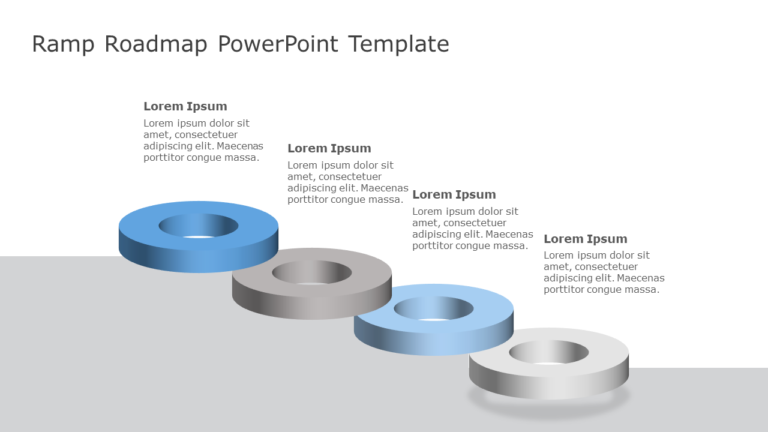
Use this 3D Ramp roadmap template to visualize and communicate your project phases or any four aspects of a specific topic in a structured and cl....

Use this executive summary template to assess and evaluate your past and present performance for building future business strategies. With the h....
How To Make Cool PowerPoint Slides?
Infographics are probably the best way to make your business presentations more attractive and attention-grabbing. It results in increased engagement as compared to other visual media. And also make sure to choose the font size appropriately, use strong contrast with the text, and try not to use too much text and too many colors on your PowerPoint slides.
How to make Cool PowerPoint presentation?
To make your presentations more appealing and memorable you need cool backgrounds, simple transitions, clean fonts, & attractive graphics to make the presentation more engaging.
Here are a few ways to make a cool presentation,
- Use a consistent theme
- Use more images & less text
- Use animations to highlight each bullet point
- Convey one message in each slide
- Use 2/4/8 rule - The 2/4/8 rule is-don't spend more than 2 minutes on a one slide, don't use more than 4 bullets per slide, and no more than 8 words per bullet.