 Fall Sale
  Flat 40% off on our Unlimited Access Yearly Membership plan!

Cool PowerPoint Templates
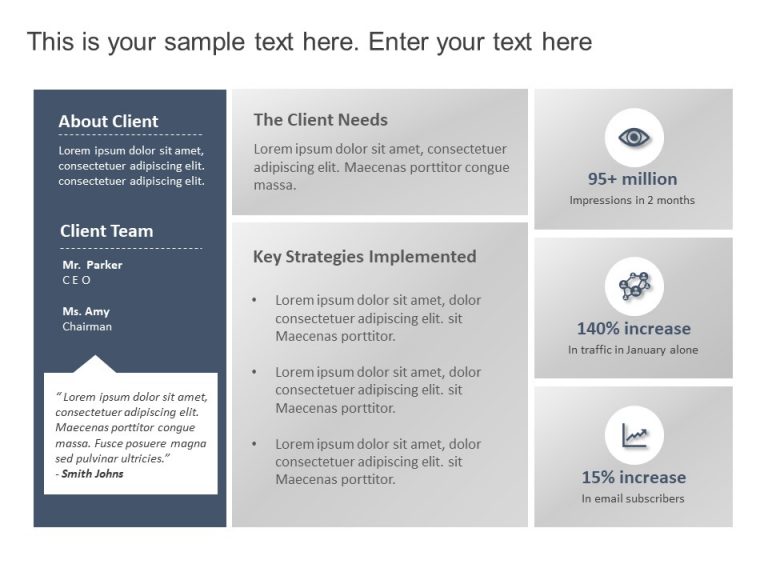
This Marketing Case Study Template is crafted to be a powerful resource for presenting marketing strategies and results. The simple design of thi....


Elevate your meetings with this communication strategy blueprint! Crafted to simplify your planning efforts this engaging slide showcases a desig....

This customer journey roadmap template helps you effectively represent each step of your customer journey, like Awareness, Consideration, Decisio....

Wow your stakeholders, with this visually appealing summary tailored for business model presentations! This design showcases a colorful gradient ....

Value Proposition Template acts as a promise from a company to its user to deliver value from their end. This strategy makes it easier for the au....

Create a story using this business strategy visual aid template that features a sleek combination of blue and gray tones for a professional look ....

The Executive Summary PowerPoint Template is crafted to present key business highlights effectively. This template boasts a clean layout, enablin....

Concisely present your company using the Company Introduction Executive Summary PowerPoint Template. This template is designed for businesses to ....

This Matrix Organizational Chart template shows a hierarchical system where employees report to the functional manager and the project manager. I....

About Universal Pitch Deck PowerPoint Template The Universal Pitch Deck PowerPoint template is a unique multi-purpose slide deck suitable for all....

Streamline the sharing of information using this stylish and contemporary presentation template crafted for pitch decks that leave a lasting impa....

This Project Launch Planning PowerPoint slide is an ideal Executive Summary template to summarize the various planning processes behind a project....
How To Make Cool PowerPoint Slides?
Infographics are probably the best way to make your business presentations more attractive and attention-grabbing. It results in increased engagement as compared to other visual media. And also make sure to choose the font size appropriately, use strong contrast with the text, and try not to use too much text and too many colors on your PowerPoint slides.
How to make Cool PowerPoint presentation?
To make your presentations more appealing and memorable you need cool backgrounds, simple transitions, clean fonts, & attractive graphics to make the presentation more engaging.
Here are a few ways to make a cool presentation,
- Use a consistent theme
- Use more images & less text
- Use animations to highlight each bullet point
- Convey one message in each slide
- Use 2/4/8 rule - The 2/4/8 rule is-don't spend more than 2 minutes on a one slide, don't use more than 4 bullets per slide, and no more than 8 words per bullet.