 Fall Sale
  Flat 40% off on our Unlimited Access Yearly Membership plan!

Cool PowerPoint Templates

The PowerPoint Three Levels Rectangle Nodes Tree Org Chart PowerPoint Template has an easy-to-understand hierarchical structure that can be prese....


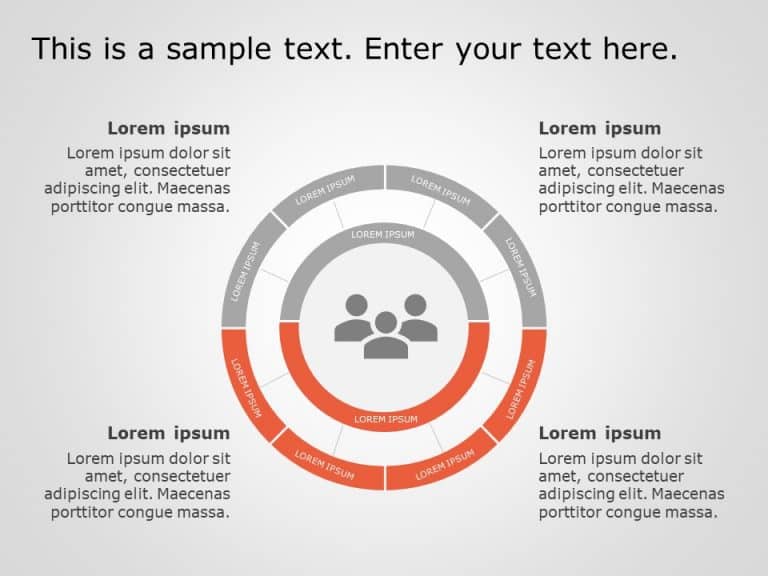
The Org Chart PowerPoint Template is a simple and well-presented presentation template that can be used to show a hierarchy or prioritize the imp....

The Org Chart PowerPoint Template is a visual-reliant and easy-to-understand presentation template that can be used to prioritize the flow of pro....

The Org Chart PowerPoint Template is a well-organized and professional presentation template that can be used to show a hierarchy and establish c....
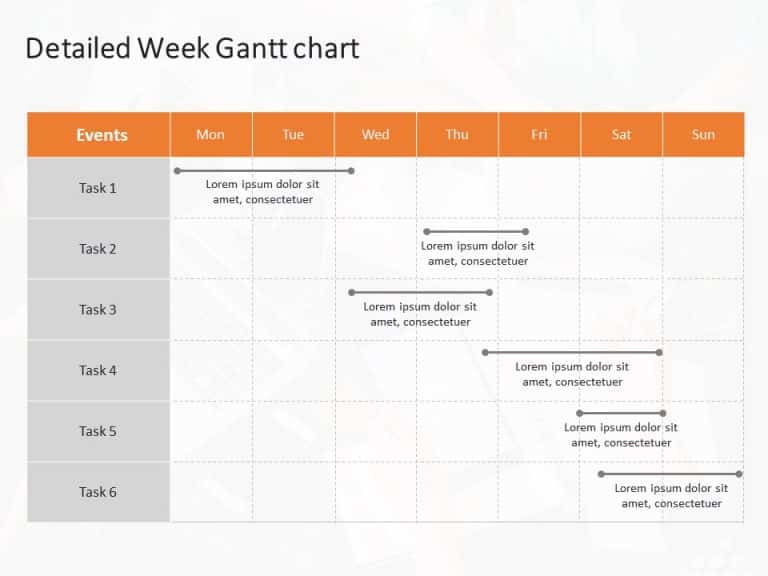
This Weekly Gantt Chart Template is designed for project management and planning. It provides a visual representation of tasks and their duration....

This Gantt chart template is a visual representation of a project’s schedule. It allows users to plan, track, and manage tasks over a speci....

This executive summary PowerPoint template is a user-friendly presentation resource that is created to assist you in delivering a concise overvie....

The Pyramid Shape One PowerPoint template presents information in a pyramid structure. The template features a versatile and visually appealing d....

The 4Ps Marketing PowerPoint Template is a slide that displays the fundamental principles of marketing: Product, price, promotion, and placement.....

Ensure your business presentations are concise and impactful using the Executive Summary 45 PowerPoint Template. This template is designed to hel....

The Resume Professional Detailed PowerPoint Template is an organized and comprehensive resume presentation template that highlights some of the m....

Boost the quality and effectiveness of your presentations using this dynamic schedule template layout that emphasizes clarity and visual impact e....
How To Make Cool PowerPoint Slides?
Infographics are probably the best way to make your business presentations more attractive and attention-grabbing. It results in increased engagement as compared to other visual media. And also make sure to choose the font size appropriately, use strong contrast with the text, and try not to use too much text and too many colors on your PowerPoint slides.
How to make Cool PowerPoint presentation?
To make your presentations more appealing and memorable you need cool backgrounds, simple transitions, clean fonts, & attractive graphics to make the presentation more engaging.
Here are a few ways to make a cool presentation,
- Use a consistent theme
- Use more images & less text
- Use animations to highlight each bullet point
- Convey one message in each slide
- Use 2/4/8 rule - The 2/4/8 rule is-don't spend more than 2 minutes on a one slide, don't use more than 4 bullets per slide, and no more than 8 words per bullet.