 Fall Sale
  Flat 40% off on our Unlimited Access Yearly Membership plan!

Cool PowerPoint Templates

This Product Marketing Case Study Template is designed to present a detailed case study of a product. It effectively communicates the key aspects....


The Resume Timeline Template for MS PowerPoint and Google Slides is a chronological and well-defined presentation template that presents a year-b....

The Marketing Plan Roadmap PowerPoint Template is crafted to assist you in articulating your marketing strategy clearly and effortlessly. This te....

The Category Analysis Marketing PowerPoint Template is designed for professionals aiming to present details about various aspects of a product or....

The PowerPoint Earthquake Template is a template that illustrates the impact and evaluation of seismic occurrences on businesses. It is ideal for....

Consider using this executive summary PowerPoint template to summarize the key points regarding your company. This template is designed to help y....

The Digital Marketing Strategy PowerPoint Template serves as a resource to outline their digital marketing plans. This template is valuable for m....

The Marketing Budget Variance PowerPoint Template can be used to effectively manage your marketing budget. This template helps in comparing plann....

The Marketing Budget Variance PowerPoint Template is a resource for effectively managing and analyzing your marketing budget. This template facil....

You can use the Financial Executive Summary PowerPoint Template to present a robust financial summary effectively. This template is a tool for st....
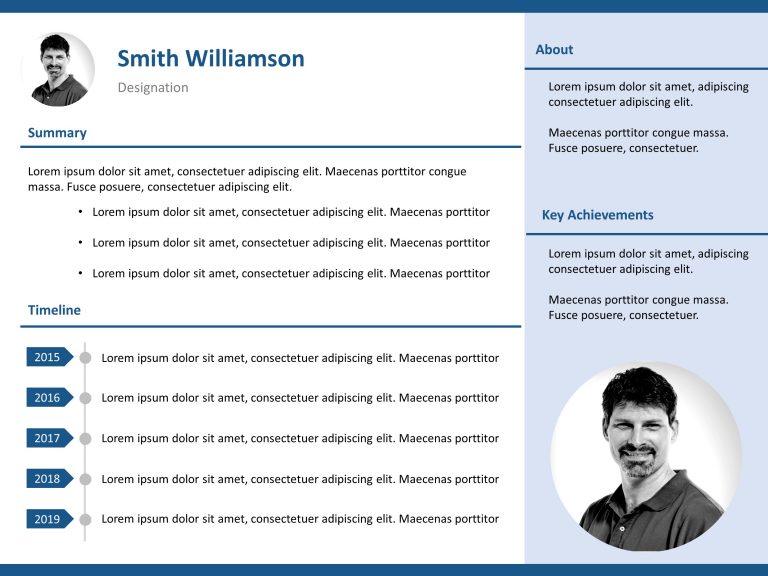
The Resume Executive Summary PowerPoint Template is a template to elevate your job application presentation. This template helps you in crafting ....

The Product Portfolio Launch Roadmap PowerPoint Template is a simple and easy-to-understand presentation template that can be used to show the li....
How To Make Cool PowerPoint Slides?
Infographics are probably the best way to make your business presentations more attractive and attention-grabbing. It results in increased engagement as compared to other visual media. And also make sure to choose the font size appropriately, use strong contrast with the text, and try not to use too much text and too many colors on your PowerPoint slides.
How to make Cool PowerPoint presentation?
To make your presentations more appealing and memorable you need cool backgrounds, simple transitions, clean fonts, & attractive graphics to make the presentation more engaging.
Here are a few ways to make a cool presentation,
- Use a consistent theme
- Use more images & less text
- Use animations to highlight each bullet point
- Convey one message in each slide
- Use 2/4/8 rule - The 2/4/8 rule is-don't spend more than 2 minutes on a one slide, don't use more than 4 bullets per slide, and no more than 8 words per bullet.