 Fall Sale
  Flat 40% off on our Unlimited Access Yearly Membership plan!

Cool PowerPoint Templates

Share information easily with this eye catching template created for analyzing customer engagement trends.This slide showcases an appealing bar g....


Improve stakeholders impression, with this lively and captivating presentation template crafted for commemorating Presidents Day events! With a b....

Make complex concepts easier to understand using this appealing analysis template tailored for assessing successes and failures, in business deal....
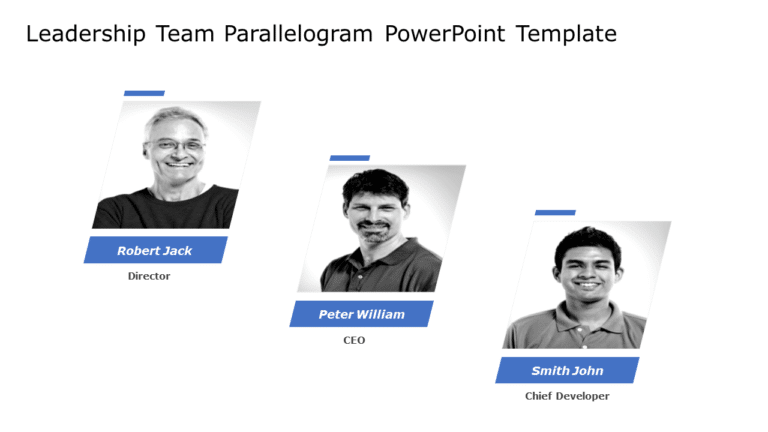
This template makes a statement, with its appealing design meant to spotlight your team of leaders effectively! With its parallelogram layout tha....

This appealing template is crafted to communicate your companys vision and objectives to captivate your audience effectively through its modern d....

Enhance your presentation organization using this Kanban board layout! Created to improve your project planning talks and discussions effectively....

Turn your information into to understand ideas using this attractive agenda design layout. Crafted with a textured backdrop this format is ideal,....

Enhance your presentations with this captivating template tailored for showcasing percentage breakdowns ! With a layout of white Harvey Balls arr....

Create a story using this crafted template that simplifies the intricate realm of machine learning technology, for data scientists and tech exper....
Keep your presentation organized using this agenda format that will captivate your audience and provide them with information, throughout the ses....

Enhance your data presentation using this three year strategic planning grid that aims to simplify your planning approach efficiently. The templa....

Enhance your data experience with this manual on the machine learning procedure! This guide aims to streamline ideas for understanding, by data e....
How To Make Cool PowerPoint Slides?
Infographics are probably the best way to make your business presentations more attractive and attention-grabbing. It results in increased engagement as compared to other visual media. And also make sure to choose the font size appropriately, use strong contrast with the text, and try not to use too much text and too many colors on your PowerPoint slides.
How to make Cool PowerPoint presentation?
To make your presentations more appealing and memorable you need cool backgrounds, simple transitions, clean fonts, & attractive graphics to make the presentation more engaging.
Here are a few ways to make a cool presentation,
- Use a consistent theme
- Use more images & less text
- Use animations to highlight each bullet point
- Convey one message in each slide
- Use 2/4/8 rule - The 2/4/8 rule is-don't spend more than 2 minutes on a one slide, don't use more than 4 bullets per slide, and no more than 8 words per bullet.