 Fall Sale
  Flat 40% off on our Unlimited Access Yearly Membership plan!

Cool PowerPoint Templates

Start off by grabbing your audiences interest, with this eye catching cluster diagram template from the beginning itself! Crafted to simplify con....


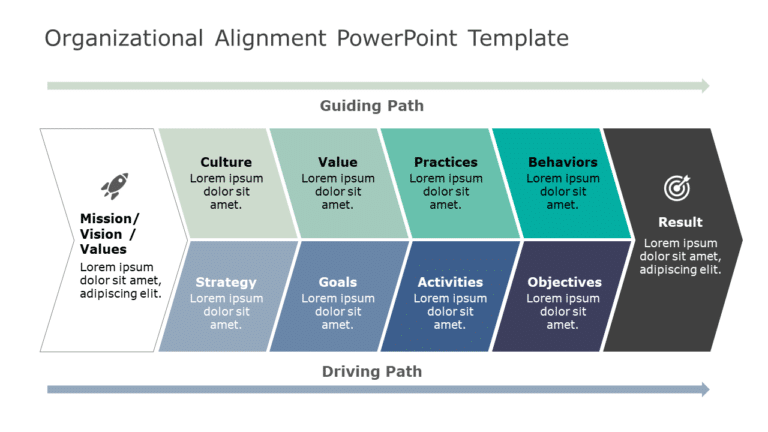
Enhance your effectiveness using this captivating design that simplifies cohesion, for better alignment within your team or company structure. Th....

This innovative dashboard is perfect, for call center experts looking to make a statement! It provides an visually appealing platform to display ....

Enhance your presentation structure using this captivating word cluster design aimed at illustrating your thoughts and concepts.The striking layo....

Enhance your storytelling using this SWOT analysis template crafted to provide clarity and direction to your talks in a visually engaging manner.....
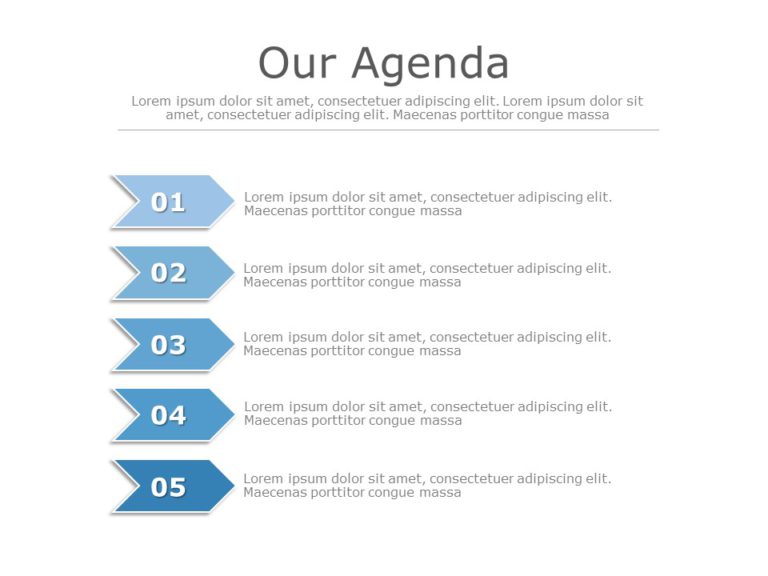
Enhance your data presentation, with this agenda template crafted to simplify your presentations ! With a sleek and contemporary design aesthetic....

Level up your meetings, with this engaging OOD Loop PowerPoint template thats perfect for minds and decision makers.It visually presents the OOD ....

Finish your presentations with a themed conclusion that highlights your ideas effectively and clearly by using this layout inspired by the beauty....

Unleash the power of your data with this perceptual map analysis template! Crafted in a calming color scheme to cater to professionals aiming to ....

Lets jazz up your information, with this template that breaks down the TRIZ methodology for developing products in a way! This slide showcases a ....

Improve your meetings with a planned agenda and notes layout that prioritizes clarity and effectiveness in communication.The template showcases a....

Craft engaging presentations using this prioritization matrix template! Ideal, for professionals, in the business world; this slide enables you t....
How To Make Cool PowerPoint Slides?
Infographics are probably the best way to make your business presentations more attractive and attention-grabbing. It results in increased engagement as compared to other visual media. And also make sure to choose the font size appropriately, use strong contrast with the text, and try not to use too much text and too many colors on your PowerPoint slides.
How to make Cool PowerPoint presentation?
To make your presentations more appealing and memorable you need cool backgrounds, simple transitions, clean fonts, & attractive graphics to make the presentation more engaging.
Here are a few ways to make a cool presentation,
- Use a consistent theme
- Use more images & less text
- Use animations to highlight each bullet point
- Convey one message in each slide
- Use 2/4/8 rule - The 2/4/8 rule is-don't spend more than 2 minutes on a one slide, don't use more than 4 bullets per slide, and no more than 8 words per bullet.