 Fall Sale
  Flat 40% off on our Unlimited Access Yearly Membership plan!

Cool PowerPoint Templates

Create a storyline using this four section chart tailored for sales account strategy development purposes.This tool is ideal, for industry expert....


Use this COVID 19 Timeline 01 PowerPoint template to create visually appealing presentations in any professional setting. Its minimalistic design....

Wow stakeholders, with this appealing infographic tailored for growth and progressions in the workplace setting ! This design is great for highli....

Enhance your gift giving experience with this design! Ideal, for businesses seeking to present a high end gift alternative to their customers Ð ....

This colorful circular diagram presents concepts, in an way to simplify complex information for better understanding and retention purposes.It is....
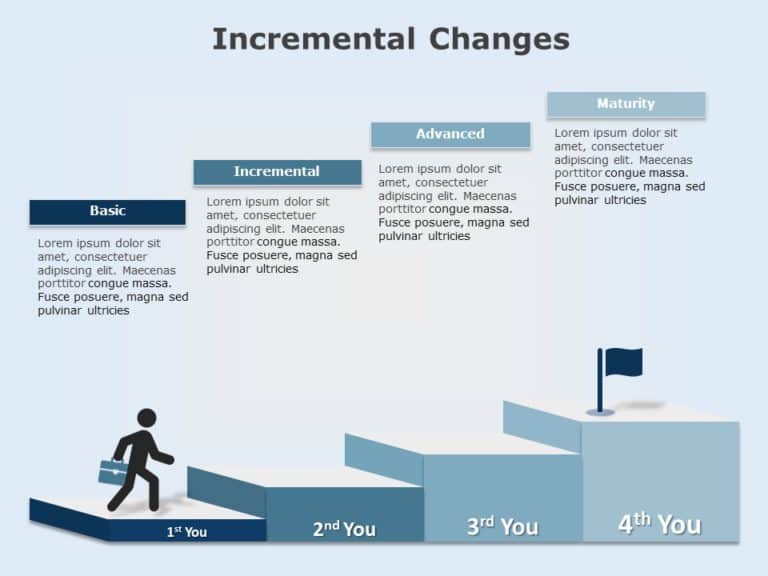
Crafted for communication and strong influence improve your slides using this captivating design that showcases the progression of gradual change....

Streamline concepts using this captivating hierarchical chart tailored for reverse logistics purposes.This tool acts as an asset, for individuals....

Create an impact, with this eye catching grid layout that’s perfect for mapping out content and presenting business strategies effectively.....

Craft compelling visual narratives using this captivating dashboard template, for summarizing project statuses! Ideal, for project managers and t....

Share your vision using this crafted template, for restructuring strategies.This design includes a color palette that exudes a sense of tranquili....

Great, for team meetings and presentations! This template is perfect, for highlighting the leadership setup of your project in an stylish manner.....
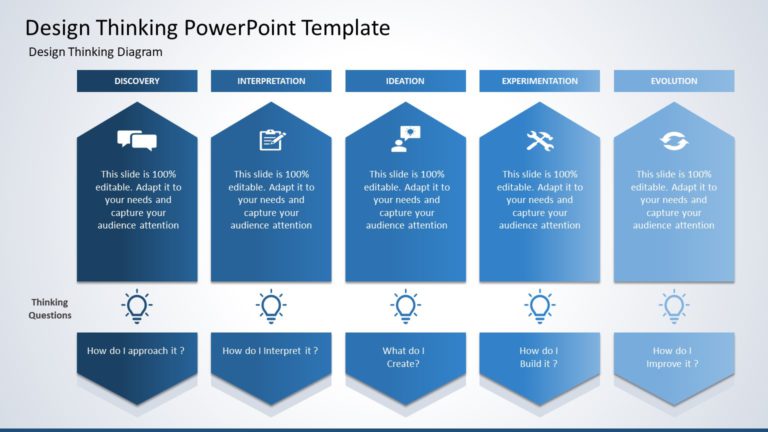
Wow your audience, with this captivating design thinking process diagram that is visually appealing and informative at the time!. This template i....
How To Make Cool PowerPoint Slides?
Infographics are probably the best way to make your business presentations more attractive and attention-grabbing. It results in increased engagement as compared to other visual media. And also make sure to choose the font size appropriately, use strong contrast with the text, and try not to use too much text and too many colors on your PowerPoint slides.
How to make Cool PowerPoint presentation?
To make your presentations more appealing and memorable you need cool backgrounds, simple transitions, clean fonts, & attractive graphics to make the presentation more engaging.
Here are a few ways to make a cool presentation,
- Use a consistent theme
- Use more images & less text
- Use animations to highlight each bullet point
- Convey one message in each slide
- Use 2/4/8 rule - The 2/4/8 rule is-don't spend more than 2 minutes on a one slide, don't use more than 4 bullets per slide, and no more than 8 words per bullet.