 Fall Sale
  Flat 40% off on our Unlimited Access Yearly Membership plan!

Cool PowerPoint Templates

Wow your audience, with this attractive quadrant chart tailored for succession planning purposes! The design showcases a navy and yellow color pa....


Enhance your presentations with a stock market analysis dashboard tailored for finance experts! This template showcases bar graphs. Trend tracker....

Craft engaging presentations using this timeline slide that showcases your accomplishments and milestones in a visually appealing way! With its b....

Share your thoughts using this layout created to highlight your strategies effectively in presentations! This attractive design showcases an cont....

Get your teams strengths and weaknesses across using this diagram that simplifies ideas! The design showcases a blend of gray colors for a profes....

Enhance your effectiveness using this appealing stairway diagram tailored for staffing tactics! This design showcases a blend of blue colors that....

Simplify information sharing with this visually engaging cloud computing diagram. Designed to enhance your presentations, this template features ....

Enhance your design presentations with this captivating collection of curved pipe vector icons that can be easily resized and recolored to suit y....

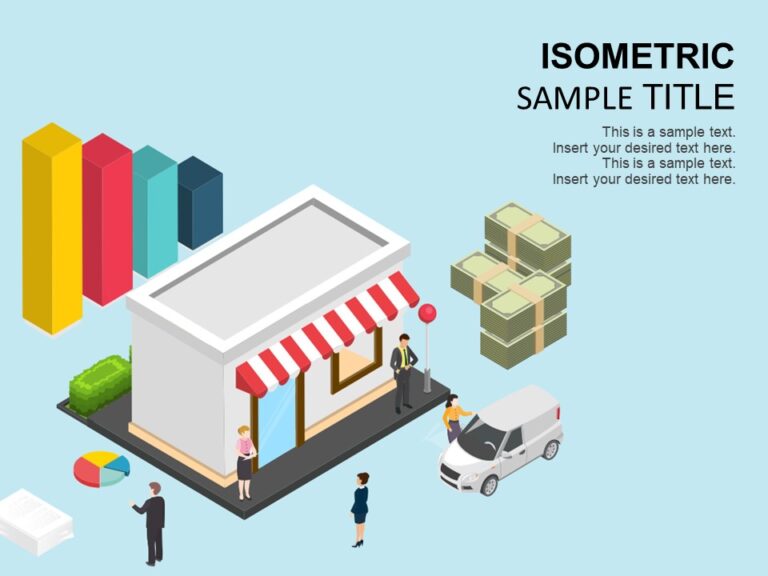
Shop Isometric Presentation Template Use this Shop Isometric PowerPoint template to create visually appealing presentations in any professional s....

Show off your concepts using this design tailored for illustrating interactions, within an office team environment! Ideal for business individual....
Bank Isometric Presentation Template Use this Bank Isometric PowerPoint template to create visually appealing presentations in any professional s....

This striking template is tailored for the restaurant sector to make intricate concepts more accessible and engaging with its eye catching design....
How To Make Cool PowerPoint Slides?
Infographics are probably the best way to make your business presentations more attractive and attention-grabbing. It results in increased engagement as compared to other visual media. And also make sure to choose the font size appropriately, use strong contrast with the text, and try not to use too much text and too many colors on your PowerPoint slides.
How to make Cool PowerPoint presentation?
To make your presentations more appealing and memorable you need cool backgrounds, simple transitions, clean fonts, & attractive graphics to make the presentation more engaging.
Here are a few ways to make a cool presentation,
- Use a consistent theme
- Use more images & less text
- Use animations to highlight each bullet point
- Convey one message in each slide
- Use 2/4/8 rule - The 2/4/8 rule is-don't spend more than 2 minutes on a one slide, don't use more than 4 bullets per slide, and no more than 8 words per bullet.