 Fall Sale
  Flat 40% off on our Unlimited Access Yearly Membership plan!

Cool PowerPoint Templates

This template is great, for team meetings as it offers a structured format to highlight the aspects of your presentation clearly and neatly organ....


Create a storyline using this communication strategy blueprint tailored for project management needs! The attractive design enables you to struct....

Start off by grabbing the interest of your audience, with this world globe template! Ideal for presentations related to business endeavors; this ....

Show off this eye catching template to impress stakeholders and highlight employee accomplishments, in meetings or presentations—its designed wit....

Streamline concepts using this organized method, for project supervision ! This layout is tailored for presenting the Waterfall Model ideal, for ....
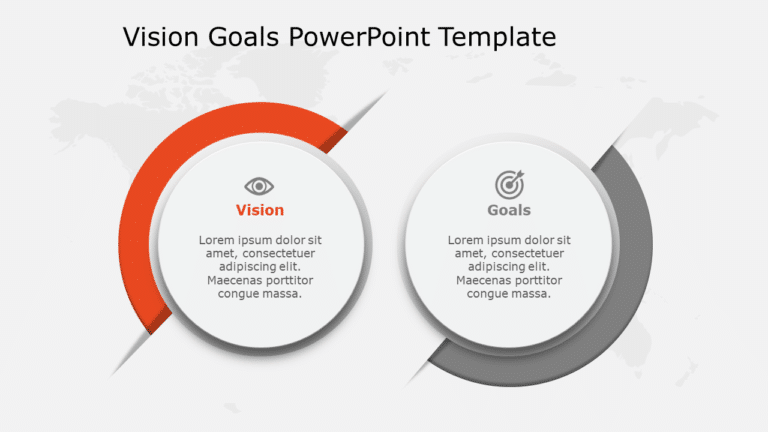
Enhance your presentations with this vision and goals infographic template that aids in expressing your goals clearly and concisely to your audie....

Craft compelling visual narratives using this bar template thats ideal, for displaying performance metrics or survey findings in a visually engag....

Enhance your narrative by using this structure created to clearly define your business strategy efficiently and effectively communicate it to oth....

Values Behavior 172 Presentation Template Use this Values Behavior 172 PowerPoint template to create visually appealing presentations in any prof....

Create a story using this handy risk assessment tool layout thats great for experts aiming to represent risk levels in a way! The slide showcases....

Easily break down concepts using this captivating achievement ranking template! Ideal, for displaying successes and milestones on a presentation ....

Enhance your meetings with this matrix created to evaluate the impact of changes effectively and efficiently for project managers and leaders nav....
How To Make Cool PowerPoint Slides?
Infographics are probably the best way to make your business presentations more attractive and attention-grabbing. It results in increased engagement as compared to other visual media. And also make sure to choose the font size appropriately, use strong contrast with the text, and try not to use too much text and too many colors on your PowerPoint slides.
How to make Cool PowerPoint presentation?
To make your presentations more appealing and memorable you need cool backgrounds, simple transitions, clean fonts, & attractive graphics to make the presentation more engaging.
Here are a few ways to make a cool presentation,
- Use a consistent theme
- Use more images & less text
- Use animations to highlight each bullet point
- Convey one message in each slide
- Use 2/4/8 rule - The 2/4/8 rule is-don't spend more than 2 minutes on a one slide, don't use more than 4 bullets per slide, and no more than 8 words per bullet.