
 Flat 4


15 Presentation Ideas to Engage Any Audience in 2026
Your audience is one notification away from leaving you. That’s the reality every presenter works against in 2026: attention is scarce, patience for slow, data-heavy slide decks is gone, and the presentations that win are the ones engineered — deliberately — to hold the room. The good news is that engagement isn’t luck. It comes from a set of repeatable techniques, and this guide gives you fifteen of them.
Looking for WHAT to present rather than how? Start with our guide to business presentation topics — then come back here to make it land.
The most effective presentation ideas for engaging an audience are: use a minimalist one-point-per-slide design, make text readable from the back row, turn statistics into visuals, ask questions throughout, use color deliberately, embed relevant video, send pre-reads, stay under 20 minutes, end with a summary, tell one story, add live interaction like polls or quizzes, use AI tools for drafting, design for hybrid rooms, open with a 30-second hook, and study real examples of great decks.
The 15 Ideas
1. Consider Using A Minimalistic Presentation Theme
A presentation strategy that effectively conveys your point to your audience is being minimalist. Using a simple presentation theme, you draw the audience’s attention to the bare minimum they need to focus on. There won’t be any obtrusive photos, designs, or graphics because you’re keeping things barebones.
Your readers won’t have to browse through a lot of “unnecessary” information to find what they are looking for. Forget the 3-point rule (which says that each slide should make no more than 3 points), the guiding rule here is ONE point per slide and no more. At SlideUpLift you can find a vast library of professionally designed PowerPoint themes.
2. Make Your Presentation Simple To View
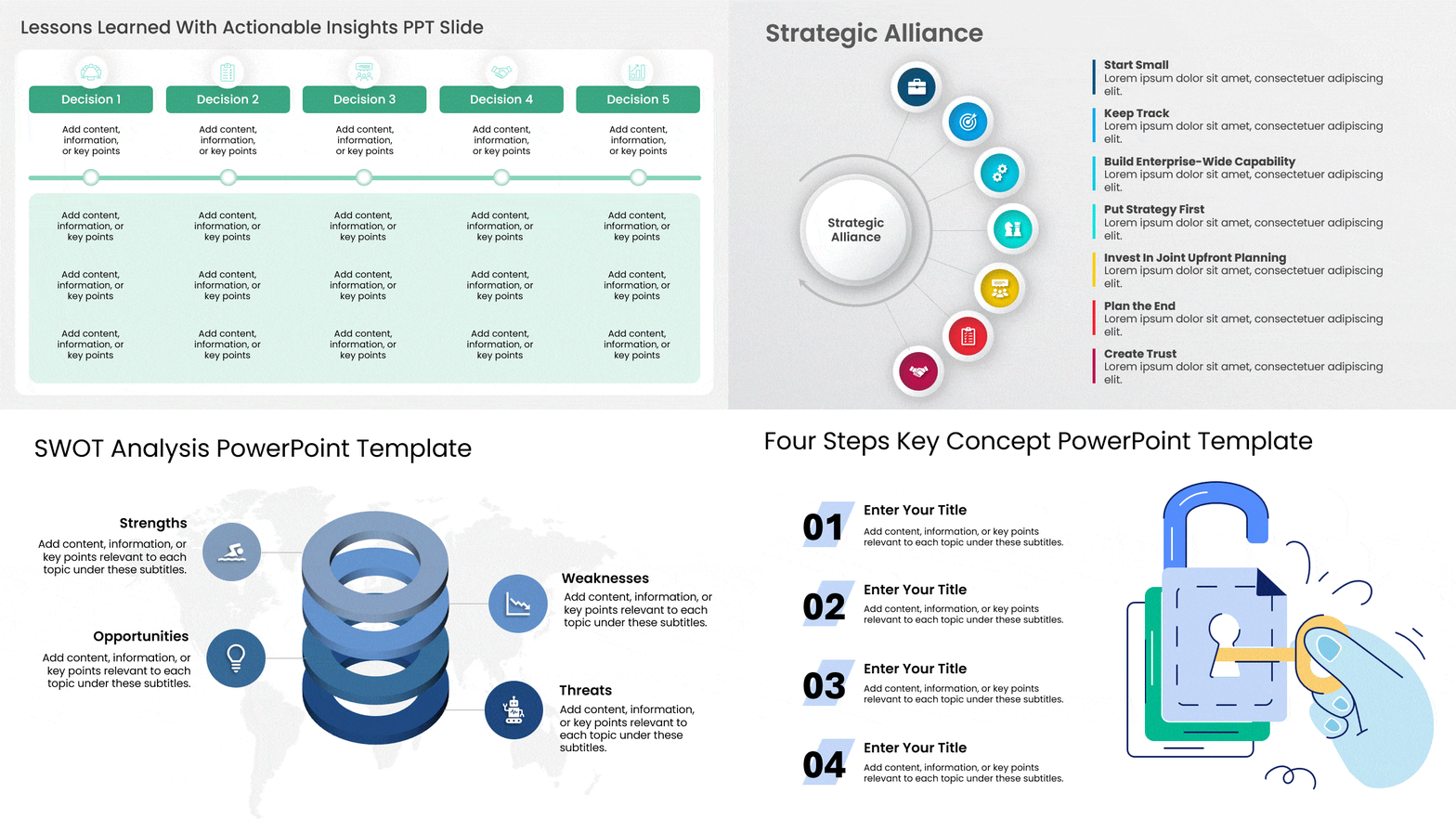
There are many places within a presentation where you can exercise your creative muscle. Typography is one of them. However the moment your text becomes hard to read either because of its size, background contrast, font family, or for any other reason, you have started to lose your way. Know that there can be a variety of demographics in your audience – folks with color blindness, folks who have reading difficulties, people who will see your presentation on a small screen- the list goes on. People will lose interest in your presentation if they cannot read what is written on the slide.
Large fonts, with clear contrast, smart use of bolding (lose the italics unless you are writing Latin in your presentation- there is almost never a good reason to italicize your fonts). Always pick the right font family such as Arial and Helvetica that have legible typefaces to help your audience can read from a distance on any screen size. Learn more which are the best fonts for presentations.
3. Statistics Support It More
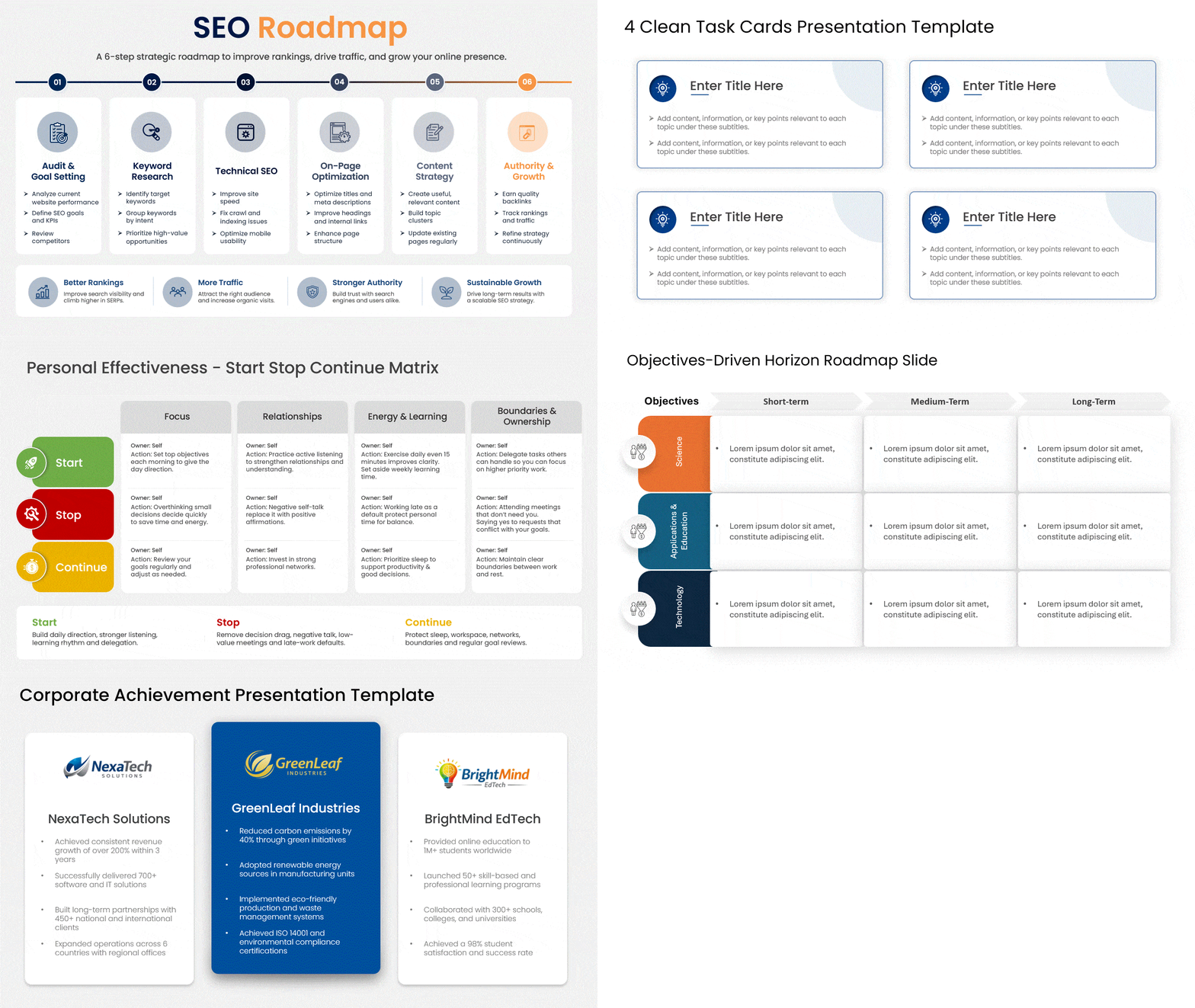
Using data is a powerful way to strengthen your argument while outlining an issue or explaining an ongoing scenario. Many presentations include statistics and data yet forget to ask the so what question or worse do not focus on the numbers that really matter.
Make statistics simple to understand when distributing them. Use the right table, number, infographic, or chart for the right purpose. For example, Tables are ideal for comparing a small number of statistics, but a bar chart or combo chart can make it easy to work with complex information. Matching the chart type to the data is half the craft — our guide to the types of slides that make presentations easy to follow shows which format fits which message.
SlideUpLift.com has several examples and templates of the right formats and tools to use when presenting data.
4. Pose Inquiries
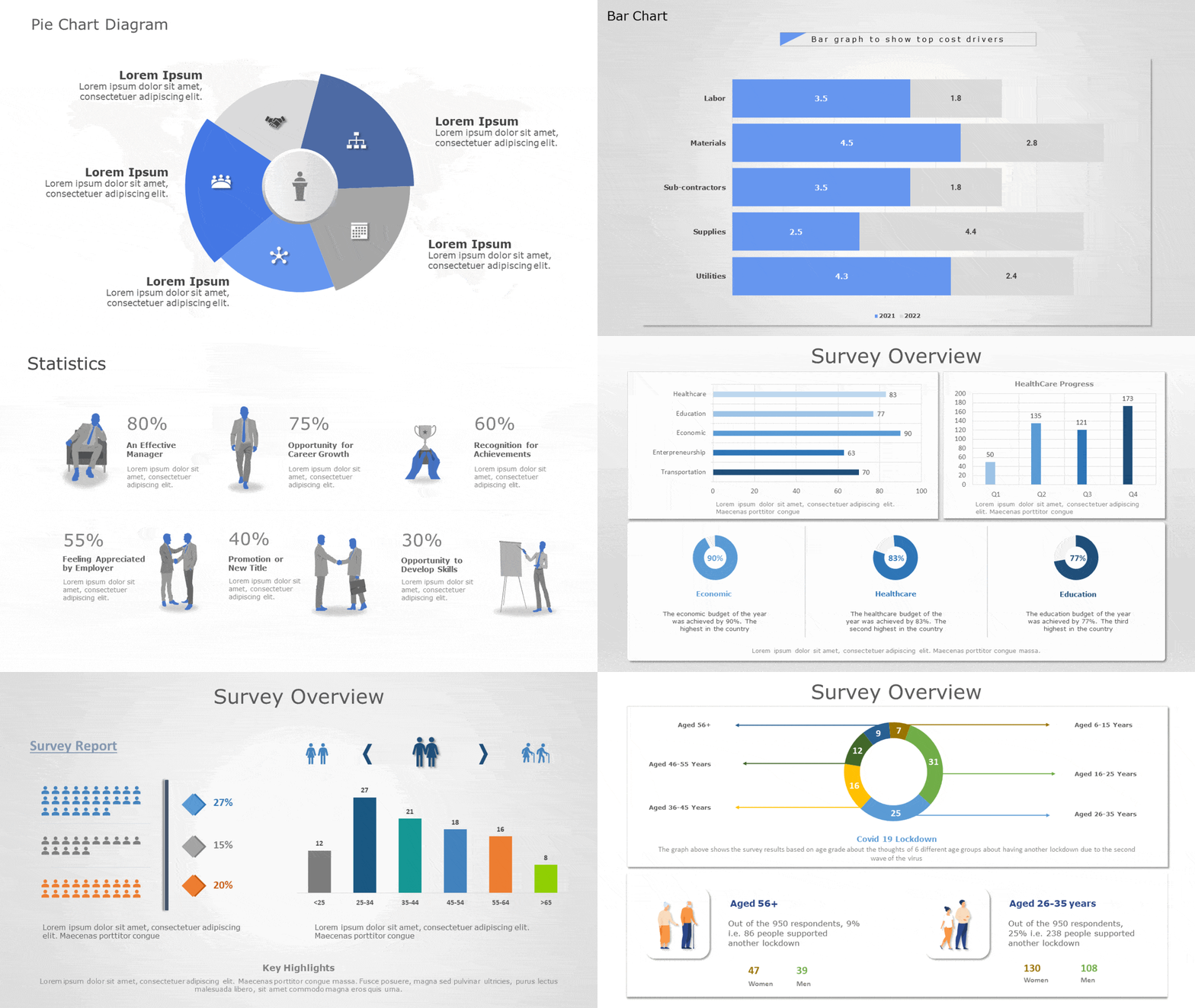
Questions and a highly interactive dialog is the hallmark of a great presentation. Smart presenters prompt their audience with questions and encourage a two-way discussion without losing focus on their core presentation content.
There are of course many ways to do this: formal, informal, batched to the end versus sprinkled throughout. The method you pick may be dependent our the context and your personal style. The important part is to ensure that the audience actively engages and participates in your session and you not only demonstrate receptivity to it but also encourage them to do so.
For structured interaction, you can build a quiz question directly into PowerPoint — no third-party tools needed.
5. Use Color Without Fear
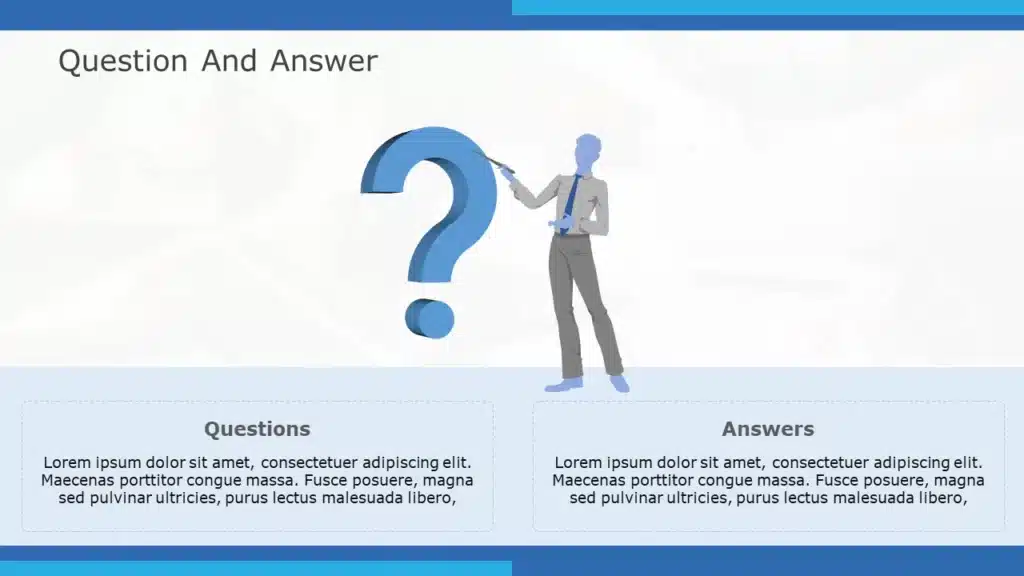
If you want your presentation to stand out, do not be afraid to use color. You should consider employing colors if you’re wondering how to make your PowerPoint presentation appealing. It would not be an overstatement to say that colors can change the way you and your presentation are perceived.
Although colors can make your slides more visually appealing, they can also turn viewers away if they are not properly blended or are too vivid. Please ensure the colors are pleasing to the eye; neither should they be very bright nor overly muted. Know more about the best colors for presentations.
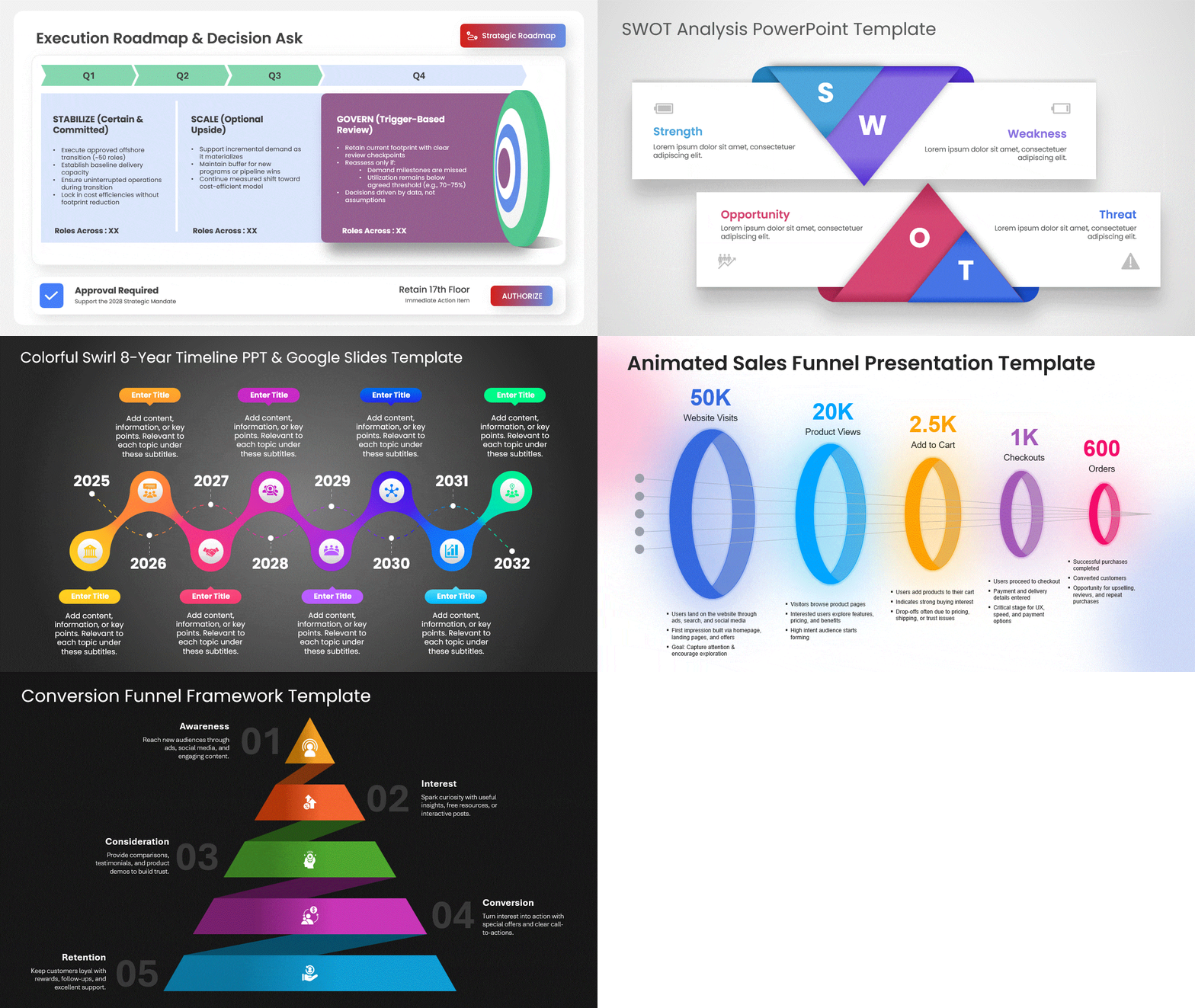
6. Include Videos That Are Relevant to the Speech
Even if not everyone in your audience prefers videos to still images, some of them will. Videos give your debate life and can become incredibly interesting if they are completely relevant to the subject. Animations occasionally function perfectly. If you’re unsure, look at some animated PowerPoint templates examples.
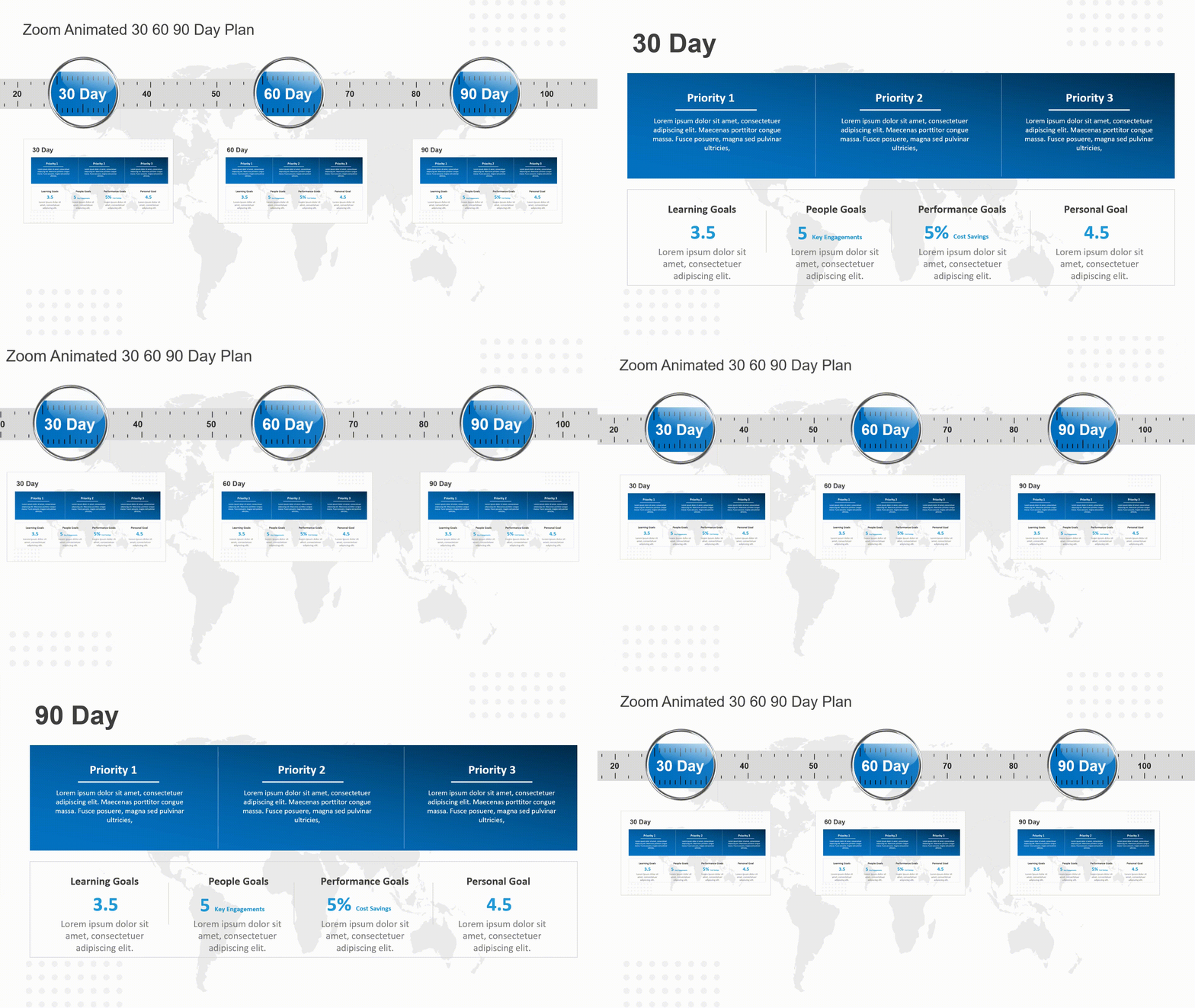
7. You Should Send Printed Materials
When you send pre-reads, you are communicating your respect to your audience. People value pre-reads for a variety of reasons- some adore having the ability to be in the know and avoid surprises, some like taking printouts and having their questions ready while you present your slides, and some just like the respect endowed to them to send the material in advance and appreciate your readiness and punctuality.
So send the pre-reads. If you want certain parts to remain in suspense until the time of the presentation, send background material- anything that helps your audience prepare well for your presentation. You can read the blog to know how to convert google slides into pdf.
8. Keep Your Speech to No More Than 20 Minutes
People have a lot to do- we already talked about that. They may not be willing to give you a big slice as much as you might want to indulge. Ensure that you only talk about the pertinent issues and omit everything that does not support your position.
Even if your presentation is mighty entertaining, after 25 minutes, your audience will begin to lose interest. Give a brief, enthralling, focused presentation in under 20 minutes. If your audience wants more after your presentation, you will know you were successful. Know about storytelling in presentations by reading our blog.

9. Finalize Your Points With a Summary
Use the chance to reiterate the key topics you covered in your presentation toward the conclusion. Reminding your audience of what you have been talking about throughout should be the goal of your summary. Focus on the residual messages – what they must retain after forgetting everything else. Learn how to end a presentation to make a lasting impression.
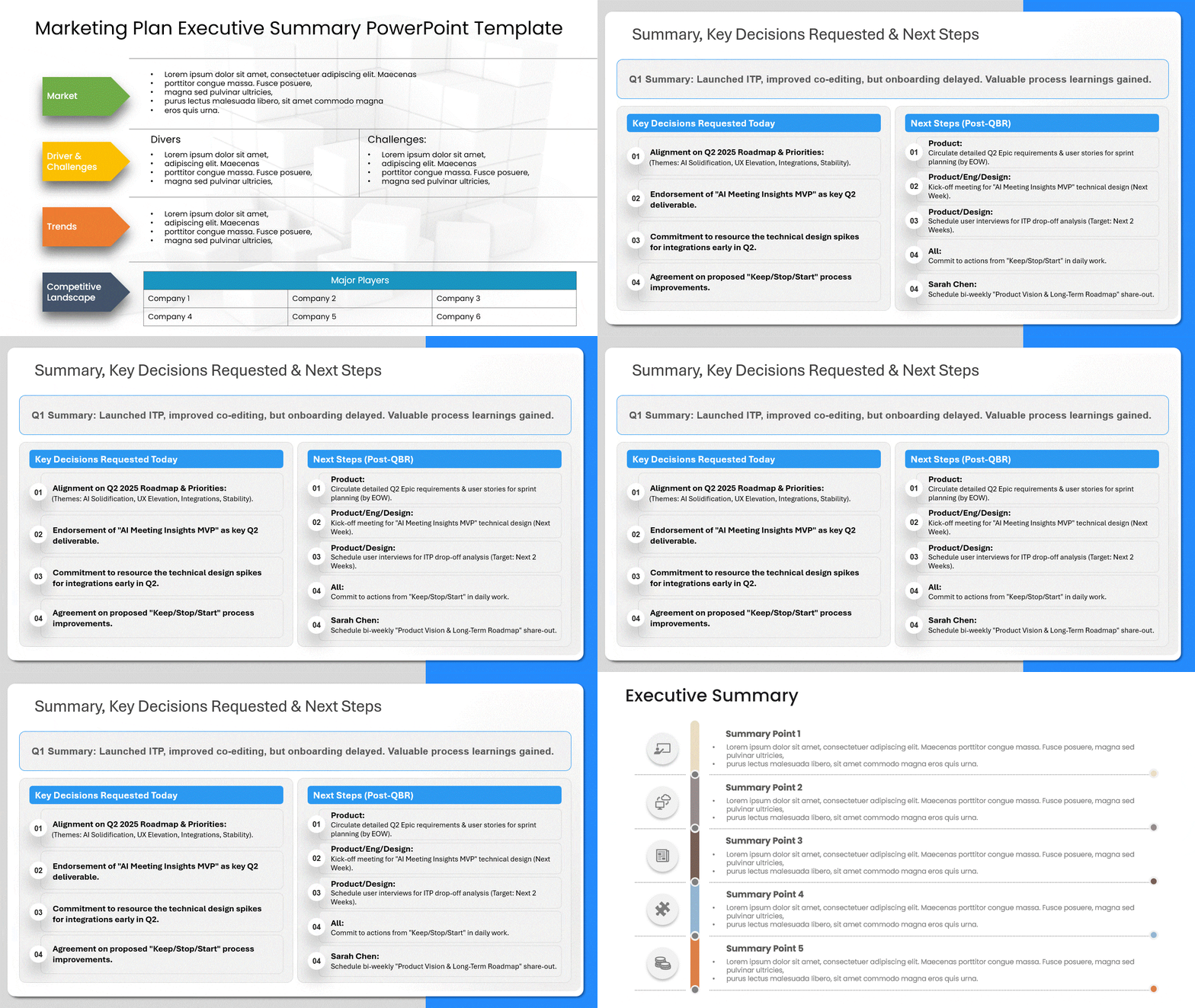
10. Tell One Story, Not Ten Facts
Audiences remember narratives, not bullet points. Pick one story — a customer, a failure, a before-and-after — and let your data play supporting cast. The TED stage runs on this principle; our breakdown of six things TED presenters do that you can copy shows exactly how they structure it.

11. Add Live Interaction — Polls, Quizzes, Word Clouds
Passive audiences drift; participants don’t. A 30-second poll every ten minutes resets the room’s attention clock. For the full toolkit — slide interlinking, live voting, quiz mechanics — see our guide to interactive presentation ideas.
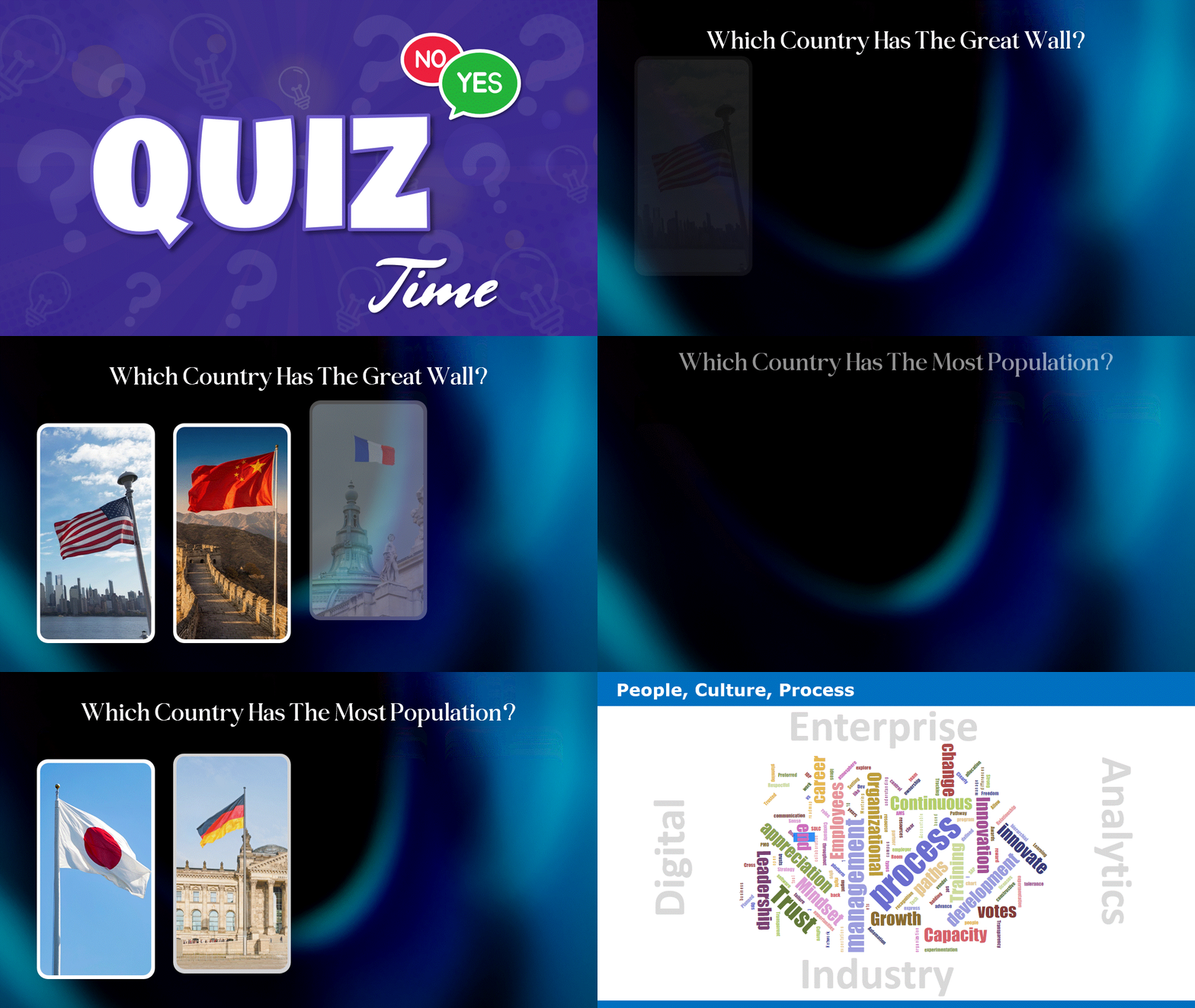
12. Let AI Draft, Then Make It Yours
In 2026 the first draft of a deck shouldn’t take your evening. AI presentation tools can generate structure, starter copy, and layout in minutes — your job is the judgment: cutting what doesn’t serve the message, adding the story only you can tell, and checking every generated fact. Treat AI as the intern, not the presenter.
13. Design for the Hybrid Room
Half your audience may be on a laptop screen. That changes the rules: fonts one size larger than feels necessary, no detail that dies at 720p, deliberate pauses for remote questions, and slides that work without your pointing finger. Present to the camera as much as the room.
14. Win the First 30 Seconds
Attention is highest before your first slide transition — spend it on a hook, not housekeeping. A surprising number, a one-line story, or a question the room can’t ignore beats “today’s agenda” every time. More delivery fundamentals in our presentation skills guide.

15. Study Real Examples — Great and Terrible
Nothing calibrates your instincts faster than seeing the same principles executed well and badly side by side. Our collection of the best and worst PowerPoint presentation examples is the fastest study session available. And if your question is visual design specifically — layouts, imagery, slide aesthetics — head to our dedicated PowerPoint design ideas guide.
Conclusion
No single idea works miracles — engagement compounds. A minimalist deck that opens with a hook, shows one story backed by clean data, invites the room in with a poll, and lands its summary inside twenty minutes will beat a beautiful deck that does none of it. Start with the two or three ideas that fix your weakest habit, and build from there. When you’re ready to build, SlideUpLift’s free presentation templates give every one of these techniques a head start.
FAQs
-
What are good presentation ideas to engage an audience?
The most reliable ideas are one-point-per-slide minimalism, turning data into visuals, asking the audience questions, live polls or quizzes, telling one central story, and keeping the whole talk under 20 minutes.
-
How do I make a presentation more visually interesting?
Use deliberate color, large readable type, one strong visual per slide, and relevant video or animation — and match every chart type to the data it shows. For slide-level design specifics, see our PowerPoint design ideas guide.
-
What are effective presentation techniques for virtual or hybrid meetings?
Design for the smallest screen in the audience: larger fonts, simpler visuals, deliberate pauses for remote questions, and interaction every ten minutes so remote attendees stay participants rather than viewers.
-
How long should a presentation be?
Under 20 minutes of speaking wherever the format allows. Attention measurably declines past that point; if the material needs more time, break it with interaction or discussion rather than pushing through.
Table Of Content


Related posts from the same category

21 Feb, 2023 | SlideUpLift
PowerPoint Design Ideas: Layouts, Colors, Charts & the Design Ideas Feature (2026)
A great message can still fail on a bad slide. Design is what carries your idea from your head into your audience's — the color choices, the layout, the way

29 Aug, 2025 | SlideUpLift
14 Best Presentation Software Tools in 2026: In-Depth Comparison Guide
The fact is, giving a great presentation is not only about how you choose your words, but rather involves expressing those very words. With the right PowerPoint presentation software, you

6 Sep, 2023 | SlideUpLift
10 Best Presentation Companies And Design Agencies
According to the Hinge Research Institute, an effective presentation can lead to 20.1% accelerated growth and 24.8% higher profits for a company. Well, it is more valid than ever in

28 Jul, 2023 | SlideUpLift
The 10 Best Presentation Websites To Build Stunning Slideshows
In today's fast-paced world, catching your audience's attention is one of the hardest things to do, but a well-crafted presentation will help you do just that! However, creating a presentation

14 Oct, 2022 | SlideUpLift
How To Create Your Perfect Webinar Presentation
Webinars are becoming an increasingly important tool for businesses to connect directly with their customers — to educate and inform, maintain relationships and even build a brand. They're also excellent
28 Jan, 2022 | SlideUpLift
Present TED-style: Six Things TED Presenters Do That You Can Copy And Use In Your Next Presentation
It's a harsh reality of the digital age: capturing and maintaining another person's attention is becoming increasingly difficult. While there is minimal factual information on the typical person's attention span

4 Oct, 2023 | SlideUpLift
The Best And Worst PowerPoint Presentation Examples
Engaging presentations are the lifeblood of effective communication in today's information-driven world. Whether you're in a boardroom pitching a new idea, standing in front of a classroom of curious learners,

20 Aug, 2021 | SlideUpLift
Storytelling Tips to Change the Way You Present Ideas
A piece of oft-given advice surrounding making presentations is that in order to engage an audience, your presentation and speech need to have a narrative. And we wholeheartedly agree with

24 Apr, 2025 | SlideUpLift
Boost Your Presentation Skills: Tips for Better Results
This blog explains how to boost your presentation and public speaking skills with practical tips for planning, practicing, and delivering more engaging talks. It covers key areas like audience awareness,

22 Jul, 2024 | SlideUpLift
10 Best Financial Presentation Examples For PowerPoint
Presenting large data in a concise format in a presentation is just as important as it affects the efficiency of your business decision-making process. To make your work easy, we