
 Fall Sale
  Flat 10% off on our Unlimited Access Yearly Membership plan!


Direction & Flow PowerPoint Templates

BHAG is an abbreviation for Big Hairy Audacious Goal. This framework is used by professionals to visualize and communicate a company’s long....


A detailed flowchart is a close-up view of the process, typically showing various steps. This Detailed Process Flow PowerPoint Template is crafte....

The Chevron Business Process Flow Template is a tool for visually displaying the stages of a business process in an engaging manner. This templat....

A mind map flowchart shows information in a clustered form and everything links back to the one main idea. It ideal for brainstorming, planning, ....

Enhance your effectiveness using this captivating Project Management Swimlane template that aims to simplify processes and is ideal, for project ....

The PowerPoint Three Levels Rectangle Nodes Tree Org Chart PowerPoint Template has an easy-to-understand hierarchical structure that can be prese....

The AIDA Marketing Framework for Business Use PowerPoint Template is created to assist business professionals in developing marketing strategies.....

The Marketing Plan Roadmap PowerPoint Template is created specifically for marketing professionals and business experts. It can be used to presen....

This template is great, for team meetings as it simplifies the realm of product testing into an interesting format! Its organized structure leads....
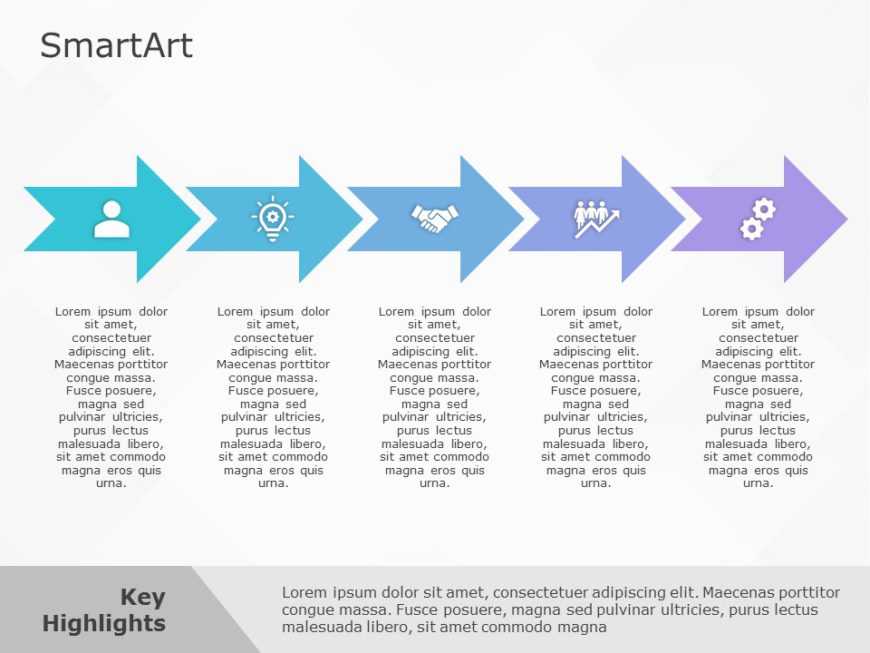
The SmartArt Process Arrow Chevron Five Steps template is designed to showcase workflows or processes in five simple steps. This template uses ch....
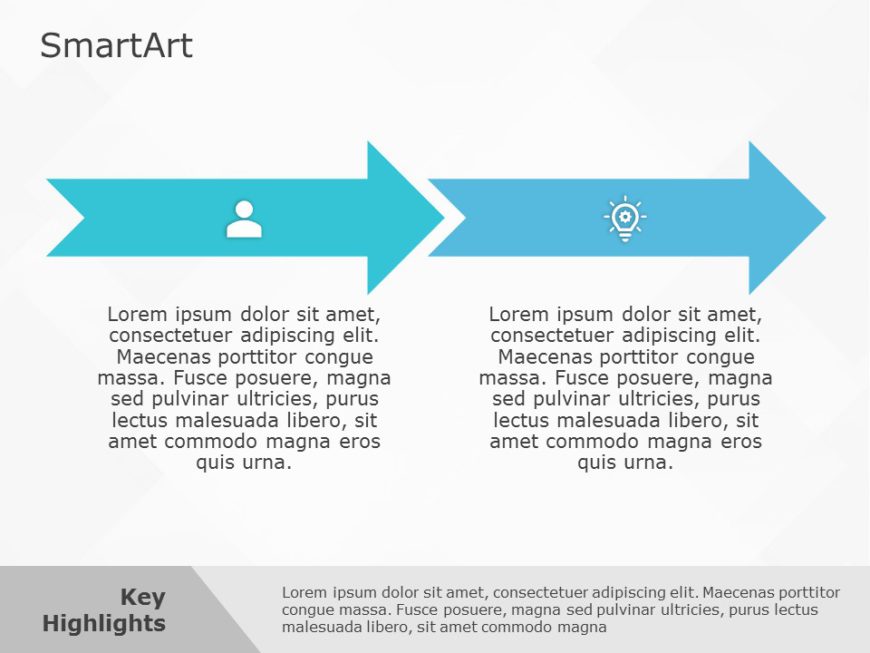
The SmartArt Process Arrow Chevron Two Steps template is designed to showcase workflows or processes in two simple steps. This template uses chev....
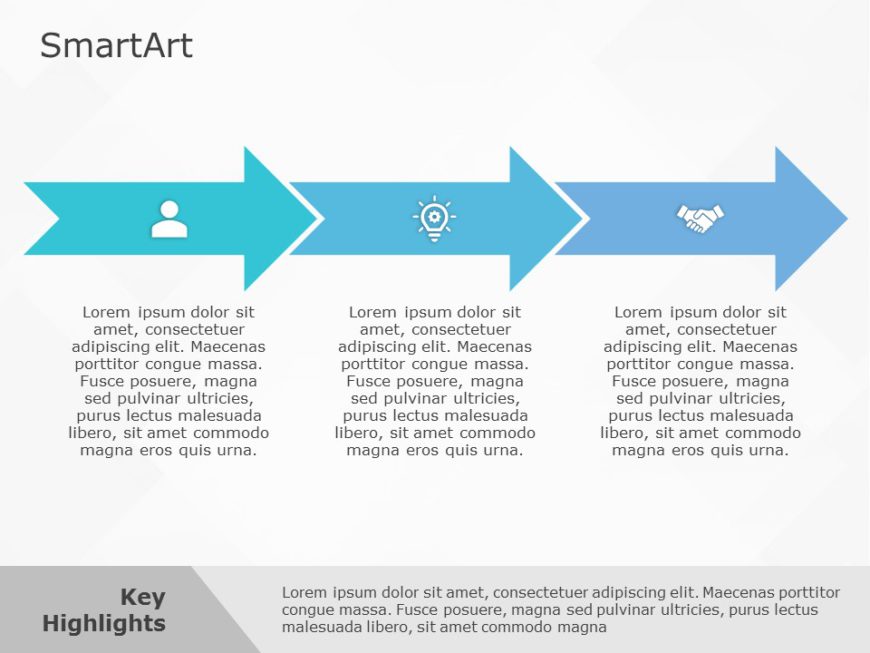
The SmartArt Process Arrow Chevron Three Steps template is designed to showcase workflows or processes in three simple steps. This template uses ....




Directional arrow templates
Problem–Solution Directional Arrows
Two opposing arrows that frame a challenge on one side and its resolution on the other — a clean way to present fixes, proposals, and before/after cases.


Five-Arrow Growth Tactics Slide
Five arrows fanning outward, each carrying one tactic or initiative. Ideal for strategy overviews where every path deserves equal weight.


Merging & Diverging Arrows Diagram
Show workstreams combining into one outcome — or one plan branching into options. A team-briefing favorite for making complex processes feel simple.


Process direction flow diagrams
Process Direction Flow Map
A step-by-step directional flow with color-coded stages — outline project phases, business workflows, or milestone timelines in a single slide.


Input–Output Flow Slide
Show how project inputs move through your process and emerge as outcomes. Great for operations reviews and systems overviews.


Strategic Paths Chart
A forward-looking layout that lays out the business paths ahead — where you are, the directions available, and the route you recommend.


Decision & roadmap direction slides
Direction Decision Layout
Directional signs frame each option side by side, turning a hard choice into a visual comparison your stakeholders can weigh in seconds.


Roadmap Direction Timeline
A roadmap layout that lays out schedules and direction of travel together — perfect when the “when” and the “where to” belong on one slide.


Not sure which layout fits? If your story is a sequence, start with a process direction flow map; if it’s a choice, use a decision layout; if it’s momentum, arrows carry it best. Every design works in both PowerPoint and Google Slides, and pairs well with our flowchart templates when your process has branches and decision points.
What is a direction flow PowerPoint template?
It’s a slide layout that uses arrows, paths, or staged sequences to show how a process moves — the order of steps, the direction of travel, and how paths merge or branch. They’re used for workflows, strategies, roadmaps, and decision framing.
Can I change the number of steps and arrow directions?
Yes. Every template is built from native PowerPoint and Google Slides shapes, so you can add or remove stages, rotate or redirect arrows, and restyle colors and icons without any design tools.
Are Direction PowerPoint Templates Compatible with Google Slides?
Yes, all our Direction presentation templates are compatible and can be used as Direction Google Slides templates.
How is a direction flow diagram different from a flowchart?
A flowchart maps logic — decisions, branches, and yes/no outcomes. A direction flow diagram emphasizes movement and momentum: stages advancing toward a goal. If your process has decision points, use a flowchart; if it’s a progression, a direction flow slide reads faster.
Do these templates work in Google Slides?
Yes — each design includes a Google Slides version alongside the PowerPoint file, with layouts, fonts, and colors carried over.
How to Download Direction PowerPoint Templates for presentations?
To download Direction presentation templates, you can follow these steps:
- Select the resolution (16*9 or 4*3).
- Select the format you want to download the Direction template in (Google Slides or PowerPoint).
- Make the payment (SlideUpLift has a collection of paid as well as free Direction PowerPoint templates).
- You can download the file or open it in Google Slides.