
 Fall Sale
  Flat 10% off on our Unlimited Access Yearly Membership plan!


Free Floral Backgrounds for PowerPoint & Google Slides
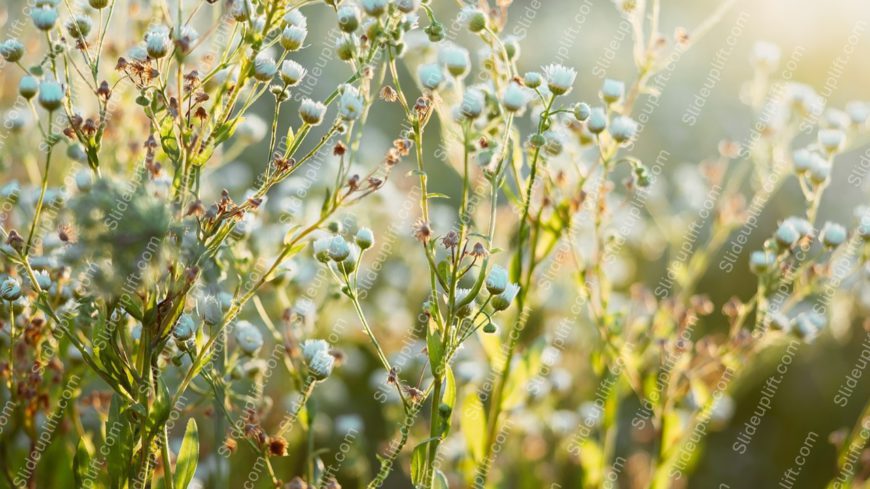
Make your presentation stand out with this stunning sunlit background featuring delicate green and blue flowers. This vibrant template is perfect....


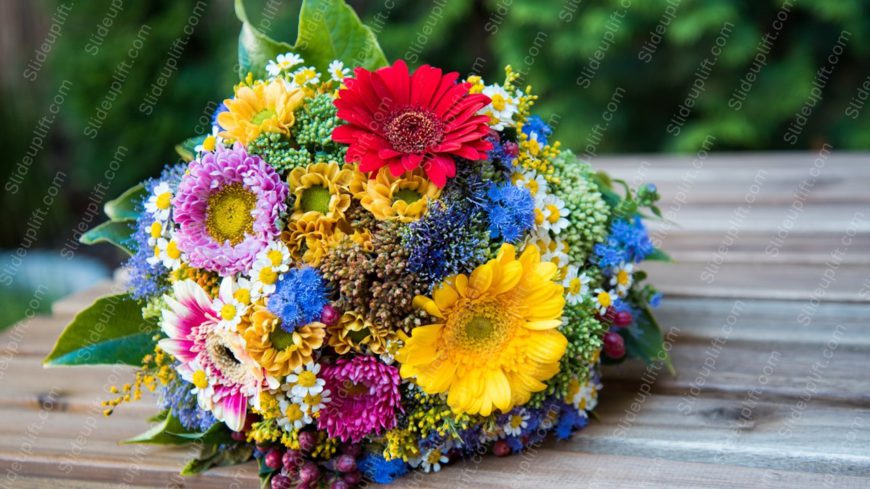
Maximize your impact with this vibrant floral bouquet presentation template! Bursting with colors like red, yellow, pink, and blue, this design i....
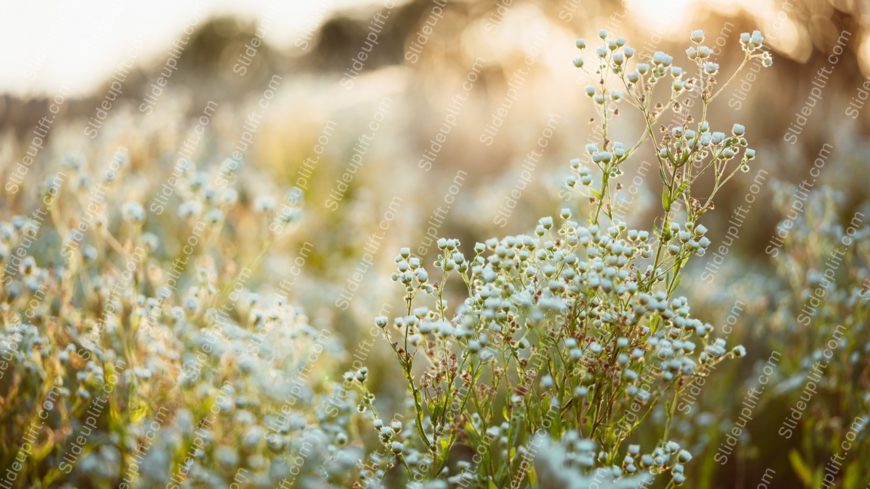
Bring your data to life with this stunning backdrop of delicate white and blue flowers bathed in golden hour light. This template is perfect for ....
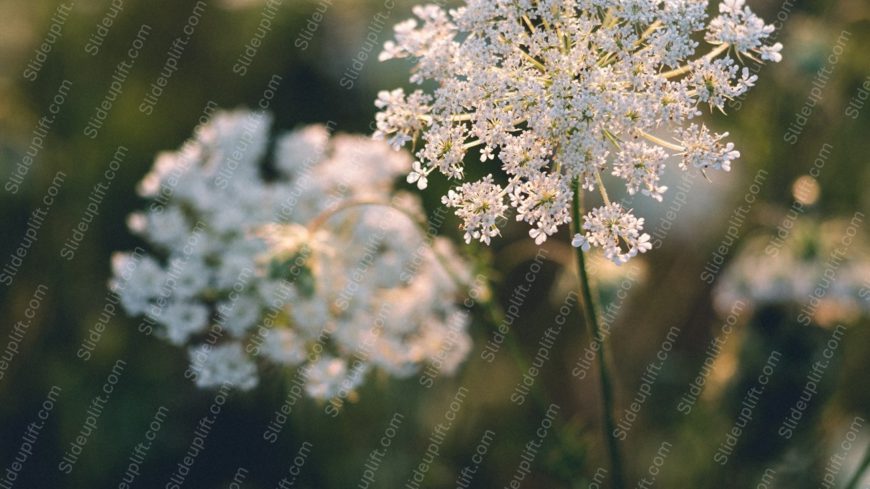
Craft a clear narrative with this stunning nature background image featuring delicate white flowers. Perfect for presentations that aim to evoke ....
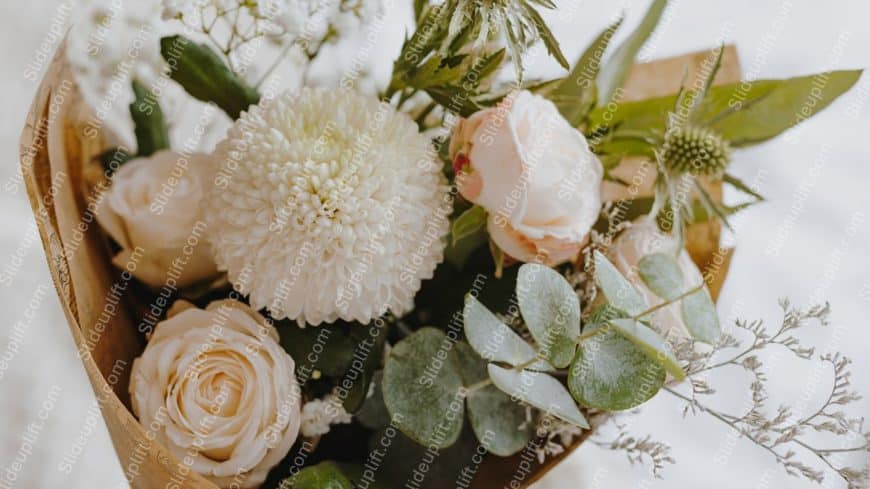
Bring your data to life with this stunning floral-themed presentation template! Perfect for anyone looking to add a touch of elegance and warmth ....
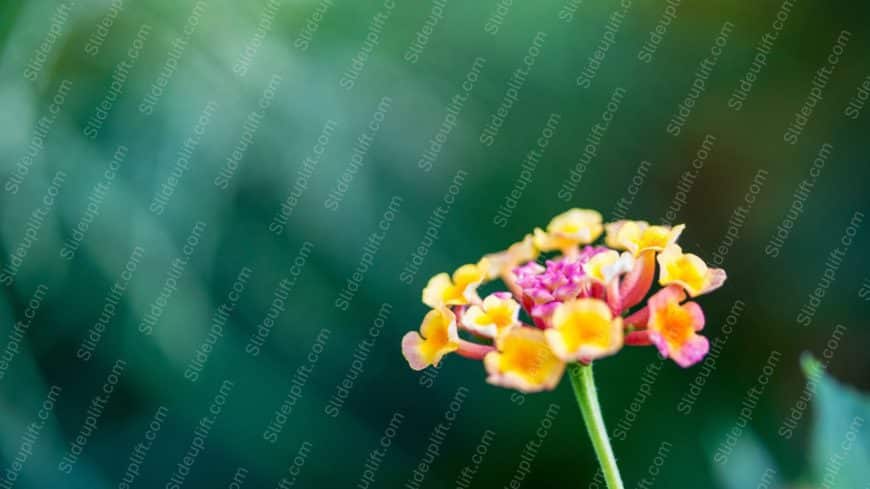
Streamline your presentation flow with this vibrant floral backdrop! This template features a stunning yellow and pink lantana flower set against....
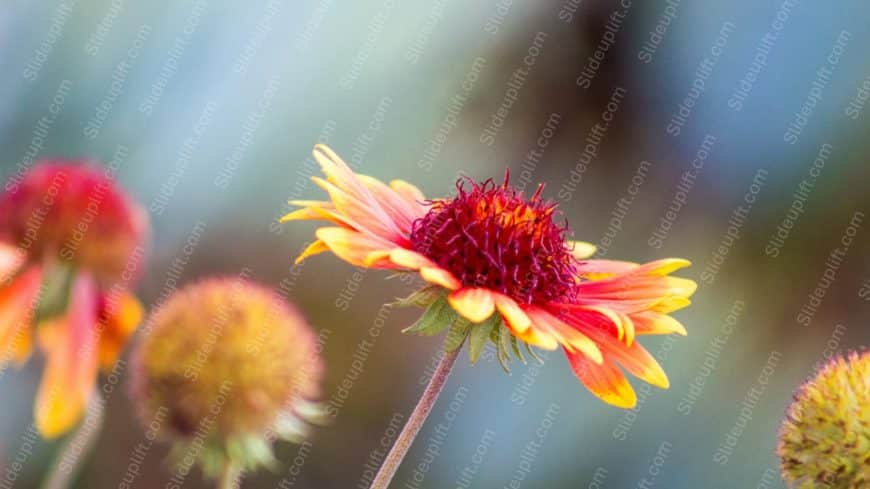
Create powerful visual stories with this stunning floral backdrop! This template features a vibrant image of a yellow and red flower, beautifully....

Take your meetings to the next level with this stunning background image featuring a golden honeybee on delicate white flowers. This visually cap....
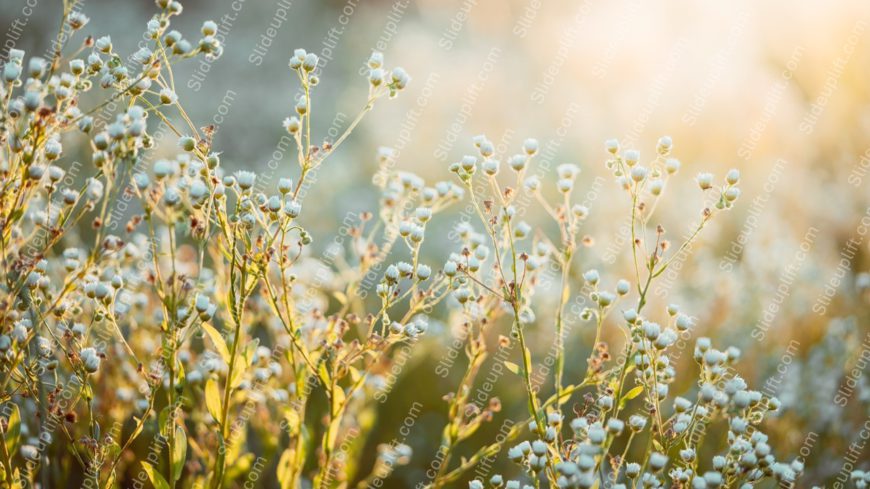
Capture your audience’s attention right from the start with this stunning sunlit meadow background. Perfect for presentations that aim to e....

This Animated slide set is perfect for grabbing your audience’s attention. It includes visually appealing backgrounds that allow you to present y....
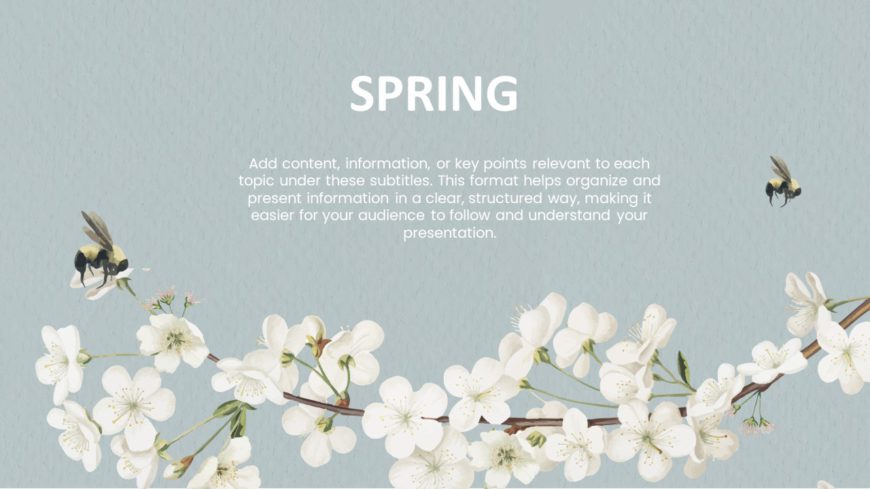
These spring backgrounds showcase elements associated with the spring season, perfect for seasonal presentations. The backgrounds highlight fresh....
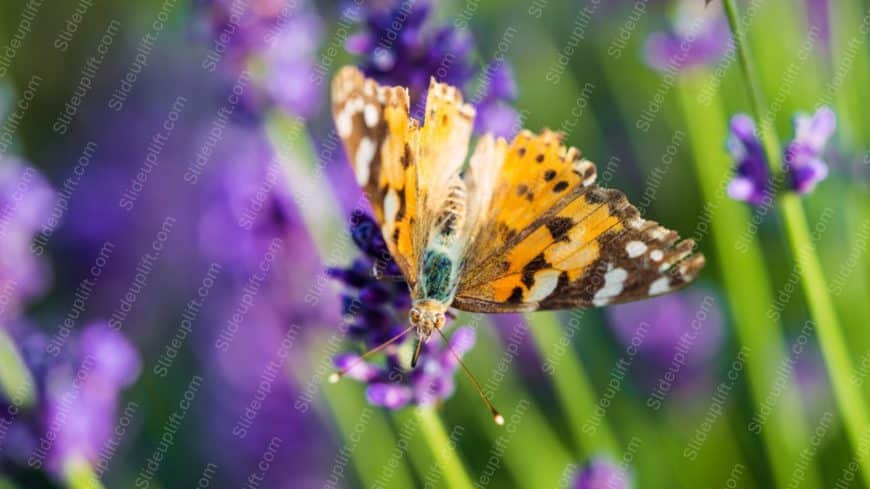
Impress stakeholders with this stunning visual featuring an orange-yellow butterfly gracefully perched among lavender flowers. This template is p....
Related Presentations
-

Fork Road
2 templates>
-

Options
24 templates>
-

Outsourcing
3 templates>
-

Tree
42 templates>
-

Hub Spoke
14 templates>
Why Use a Flower-Themed PowerPoint Template?
Using Google Slides templates is an intelligent decision for any presentation. Visuality is important for maintaining your audience’s attention; flowers do it naturally. Flower diagram templates enhance engagement by adding a natural flow to presentations. Use them to highlight core themes, showcase hierarchical relationships, and create visually balanced designs that improve audience retention. It also shows that you have taken the time to make your PowerPoint flower template look good, which will help build trust. Normally, flowers produce positive signals to the audience, making them feel comfortable and ready to receive the information. This means better comprehension and retention of the information you present in your presentation. In the end, the flower-themed template enhances the look and feel of your slides.
Browse Floral PowerPoint Backgrounds by Style
- Watercolor Flower Backgrounds: Soft, painted botanical designs with organic color washes. Ideal for creative, personal, and lifestyle presentations.
- Minimal Flower Backgrounds: Subtle botanical accents on clean white backgrounds. Perfect for corporate decks, portfolios, and academic slides where content takes center stage.
- Full-Bleed Floral Backgrounds: Bold, high-impact flower photography and illustration that fills the entire slide. Best used on title slides and section dividers for maximum visual drama.
- Cute Flower PowerPoint Backgrounds: Playful illustrated florals and doodle-style botanicals. Great for informal presentations, children’s content, and social media slides.
- Vintage Botanical Backgrounds: Detailed engraving-style illustrations inspired by Victorian botanical prints. Suits heritage brands, history lessons, and elegant event presentations.
- Spring & Seasonal Backgrounds: Fresh tulips, cherry blossoms, and wildflower designs in bright seasonal palettes. Built for spring campaigns, Mother’s Day, and seasonal marketing decks.
Find the perfect PowerPoint background to match your presentation style — from elegant and minimal to bold and seasonal. Choose a design that enhances your message while keeping your slides visually stunning.
Who Uses Floral PowerPoint Backgrounds?
- Business & Marketing Teams: Add warmth to quarterly reports, campaign pitches, and product launches with a professional floral background PowerPoint design. Minimal and botanical accent styles keep slides polished without sacrificing authority.
- Teachers & Students: Make classroom lessons and academic presentations more engaging. Our flower background for PowerPoint and Google Slides designs are clean enough to keep learners focused while adding genuine visual interest.
- Wedding & Event Planners: Romantic watercolor and peony backgrounds are perfect for wedding presentations, event proposals, and celebration slideshows. Download free floral backgrounds and customize colors to match your event palette.
- Designers & Creatives: Use bold botanical and dark floral slide backgrounds to showcase portfolio work in a frame that reflects your aesthetic. Our powerpoint backgrounds floral collection includes distinctive styles built for creative professionals.
How to Make the Most of a Flower-Themed PowerPoint Template?
- Ensure slides remain professional & readable with subtle floral accents – Remember that more concise is more attractive. A good flower PPT template should use delicate floral accents rather than overwhelming designs. The text should use a clear and easy-to-read font that compliments the background.
- Theme-matching colors – The last thing you want to do is distract the audience from the content. To avoid that, use soft and natural colors. The text and background colors should be easily distinguishable to prevent eyestrain. The chosen colors must create harmony with the information and the overall mood of the presentation.
- High-quality backgrounds – Only choose sharp and clear visuals relevant to the audience and the topic of discussion. A blurry or pixelated image may seem unprofessional and affect the impact of the presentation. Also, your background should support the content and not compete with it.
- Designs suited to the presentation’s purpose – Some topics, for example, a serious one, may require a more conservative floral design, while others, a bolder one. The design should always reinforce your purpose and enable you to reach your audience. Having the right flower slide template can be a real game-changer.
By balancing elegance with clarity, the right flower-themed PowerPoint template — including thoughtfully designed free PowerPoint templates — can elevate your slides, strengthen your message, and leave a lasting impression on your audience.
Are these floral PowerPoint backgrounds free?
Yes — the majority of our floral backgrounds for PowerPoint are free to download with a SlideUpLift account. Premium designs offer exclusive styles and additional slide variants.
Can I edit the floral background colors?
Yes. All backgrounds are fully editable in PowerPoint and Google Slides. Adjust colors, transparency, and individual botanical elements to match your brand or event palette — no design experience required.
Do these work in Google Slides?
Yes. Every flower background for Google Slides in our library is fully compatible. Templates marked as Google Slides themes open directly in your browser; PowerPoint files upload and convert instantly via Google Drive.
What formats are available?
Our floral ppt backgrounds are available in 16:9 widescreen (standard), 4:3, and A4 formats. Use the format filter above the grid to find the right fit for your presentation.