 Fall Sale
  Flat 40% off on our Unlimited Access Yearly Membership plan!

Cool PowerPoint Templates

4 Steps Vertical Agenda Template for PowerPoint & Google Slides The “4 Steps Vertical Agenda PowerPoint Template” provides a well....


Wow your audience, with this contemporary agenda design tailored for business meetings! With a teal gradient that grabs attention and exudes prof....

Elevate your meetings with this agenda format crafted to captivate and inform your audience effectively! With a gradient design scheme that exude....
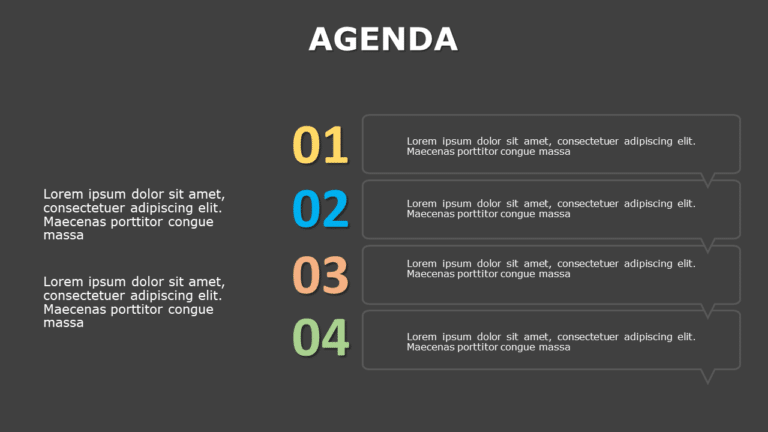
Crafted to be clear and impactful, for captivating presentations is this agenda slide template that will keep your audience engaged with its dark....

Capture the attention of your audience with this eye catching agenda summary template that stands out visually and is sure to impress stakeholder....

Enhance your presentation with an agenda slide that blends dark and light themes seamlessly for a professional look and feel. The simple design m....

The Bulb Agenda Slide Template is a creative and engaging way to shine a light on the list of agenda topics in the presentation. It is designed t....

The Blue Background PowerPoint Template is a deck with a sleek and elegant design. It is crafted for business professionals, startups, entreprene....

Enhance your presentation, with this captivating design tailored for outlining meeting objectives ! Utilizing a blend of blue gradients creates a....

Professionals can use the Professional Theme & Background PowerPoint Template to introduce their business or company. The deck can be used by....

The Professional Background Theme PowerPoint Template is a versatile template used by a wide range of professionals. Entrepreneurs, sales and mar....

Meeting Agenda Template for PowerPoint & Google Slides 04 Before entering a meeting, the presenter has to make a list of topics they wish to ....
How To Make Cool PowerPoint Slides?
Infographics are probably the best way to make your business presentations more attractive and attention-grabbing. It results in increased engagement as compared to other visual media. And also make sure to choose the font size appropriately, use strong contrast with the text, and try not to use too much text and too many colors on your PowerPoint slides.
How to make Cool PowerPoint presentation?
To make your presentations more appealing and memorable you need cool backgrounds, simple transitions, clean fonts, & attractive graphics to make the presentation more engaging.
Here are a few ways to make a cool presentation,
- Use a consistent theme
- Use more images & less text
- Use animations to highlight each bullet point
- Convey one message in each slide
- Use 2/4/8 rule - The 2/4/8 rule is-don't spend more than 2 minutes on a one slide, don't use more than 4 bullets per slide, and no more than 8 words per bullet.