 Fall Sale
  Flat 40% off on our Unlimited Access Yearly Membership plan!

Colorful Slides That Pop And Persuade With Impact

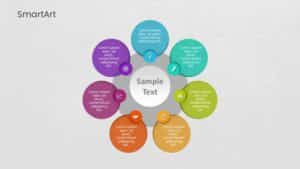
The SmartArt Cycle Overlapping Seven Steps template is designed to help professionals showcase 7 steps of stages of a difficult process or workfl....


Designed by professionals, this unique roadmap helps professionals and businesses highlight their steps, milestones, knowledge and experiences es....

The Executive Summary PowerPoint Template for Brands is a must-have presentation template for professionals. It is for those who aim to showcase ....

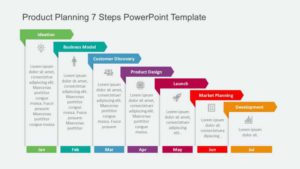
Explore this roadmap template that leads your audience through the phases of product planning, in a visually engaging way with vivid colors and e....

Get your audience hooked from the get go using this template for building strategies! Its crafted to break down concepts in a to understand way b....

Similar to how a lighthouse on shore guides ships to stay on course, this template can be used to highlight important points through a presentati....

The Executive Summary PowerPoint Template is a professional presentation template designed to communicate crucial information to your audience ef....

SWOT analysis offers insightful information that compares your brand’s resources and competencies to the environment in which it competes. SWOT i....

The Conveyor Belt Process Flow PowerPoint Template is an aid crafted to simplify the stages of a process flow in a straightforward and comprehens....

A flowchart is a diagram of the different steps in a process in a chronological order. The template for the 4 Step Process Flow is a tool that ef....
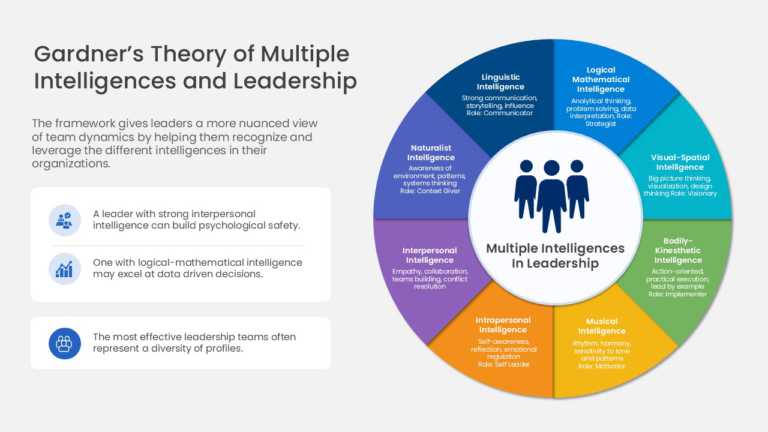
The Leadership PowerPoint Template is designed to present leadership competencies and multiple intelligence concepts using a structured wheel dia....
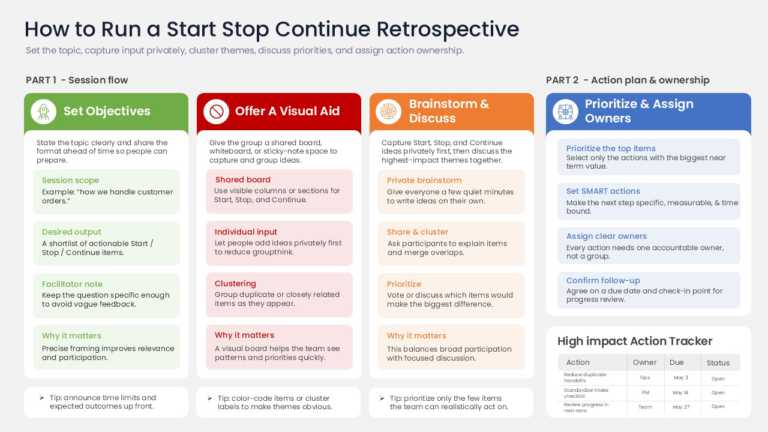
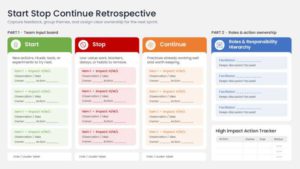
This PowerPoint Template is designed to present feedback, retrospectives, and continuous improvement discussions using a structured Start, Stop, ....





Colorful slide palettes that work (with hex codes)
Steal one of these tested combinations — each palette links to a template already built around it.
Bold Brights
Electric blue #2563EB, coral #FF6B6B, and sunshine yellow #FDE047 on white. High energy without chaos — the go-to for marketing decks and product launches.


Pastel Pop
Mint #A7F3D0, blush #FBCFE8, and lavender #C4B5FD on cream. Colorful at a whisper — ideal for lifestyle brands, education, and wellness topics.


Sunset Gradient
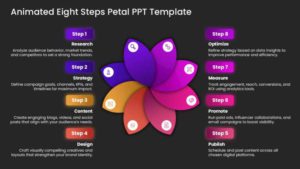
Deep purple #7C3AED flowing through magenta #EC4899 into orange #FB923C. One gradient carries the whole deck; keep text white and charts simple.
Tropical Punch
Teal #14B8A6, lime #A3E635, and hot pink #F472B6. Loud on purpose — events, campaigns, and creative pitches that want to be remembered.


Professional Splash
Navy #1E3A5F base with a single coral #FF6B6B accent. The business-safe way to be colorful: one vivid color doing all the work against a serious backdrop.
Want more options? See our full guide to the best PowerPoint color palettes for 25 tested combinations.
Free colorful PowerPoint templates
Start with our free colorful designs — fully editable, no watermark, ready for PowerPoint and Google Slides. If you need more variety, every premium template on this page is one download away.



How to use colorful slides and still look professional
- Pick one palette and commit. A deck that uses one bold combination looks designed; a deck that uses five looks accidental.
- Give color a job. Use your brightest shade only for what matters: the key number, the CTA, the takeaway – so attention goes where you point it.
- Keep text high-contrast. Vivid backgrounds need white or near-black text; if you squint and can’t read it, your audience can’t either.
- Let charts stay calm. One accent color per chart against neutral gridlines keeps data readable inside even the most colorful deck.
What are colorful slides in PowerPoint?
Colorful slides are presentation templates built around bold, multi-color palettes instead of corporate neutrals — vivid backgrounds, bright accents, and playful graphic elements. They’re used to boost attention and energy in marketing, education, and creative presentations.
Where can I download free colorful PowerPoint slides?
Right on this page — the free colorful templates section above lists our no-cost designs, each fully editable with no watermark. Premium designs are included with a paid plan.
How do I change the background color on a colorful template?
Open the template and use Design > Format Background in PowerPoint, or Slide > Change background in Google Slides. To recolor the whole deck at once, edit the theme colors in the master slide — every element using theme colors updates automatically.
Can colorful slides look professional?
Yes — the trick is discipline, not volume. Stick to one palette, use your brightest color only for emphasis, and keep text high-contrast. Our Professional Splash palette above is built exactly for business settings.
Are colorful PowerPoint templates compatible with Google Slides?
Yes. Every template in this collection includes both a PowerPoint file and a Google Slides version, with layouts, fonts, and colors carried over.