 Fall Sale
  Flat 40% off on our Unlimited Access Yearly Membership plan!

Cool PowerPoint Templates

The Action Plan Task Assignment and Timeline PowerPoint And Google Slides Template helps users assign responsibilities, set realistic deadlines, ....


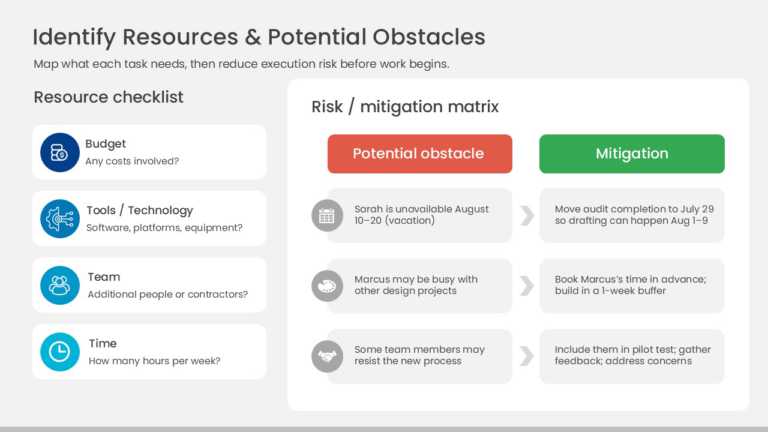
The Resource Planning and Risk Mitigation PowerPoint And Google Slides Template helps users identify essential project resources and evaluate pot....
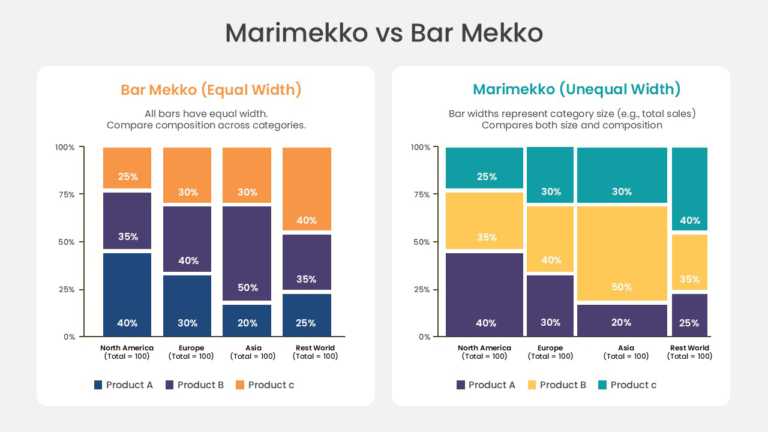
The Marimekko and Bar Mekko Chart PowerPoint And Google Slides Template helps users compare two stacked chart formats side by side across four ca....
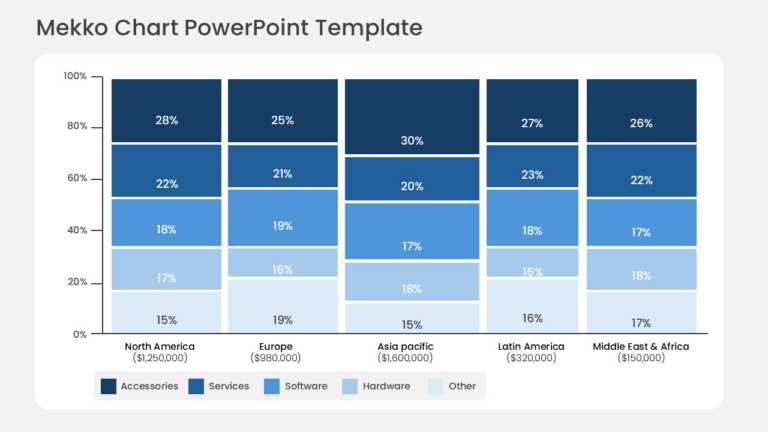
The Mekko Chart PowerPoint Template helps users present sales or revenue breakdowns across five regions and multiple product categories in a sing....
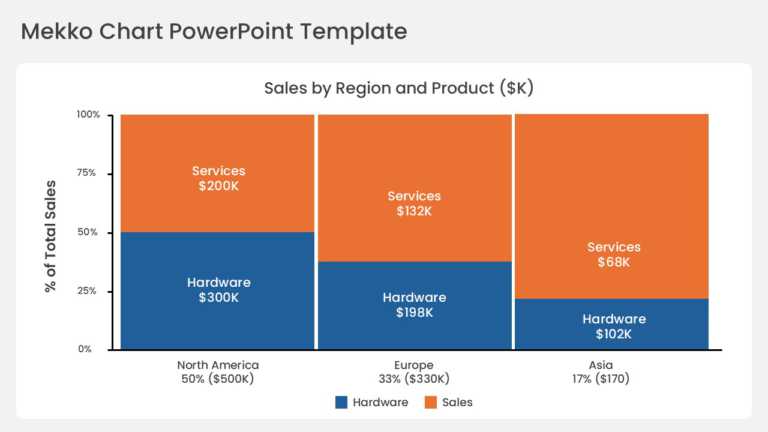
The Mekko Chart PowerPoint Template helps users present sales or revenue breakdowns across multiple regions and product categories in a single pr....
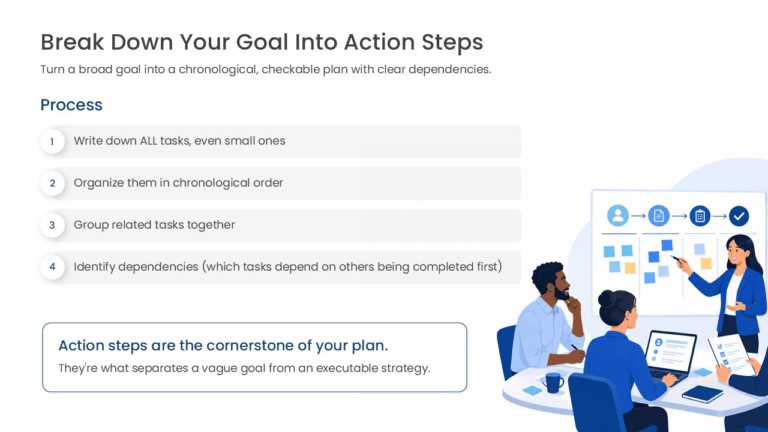
The Action Plan Steps PowerPoint And Google Slides Template helps users break down a broad goal into a chronological, checkable action plan acros....
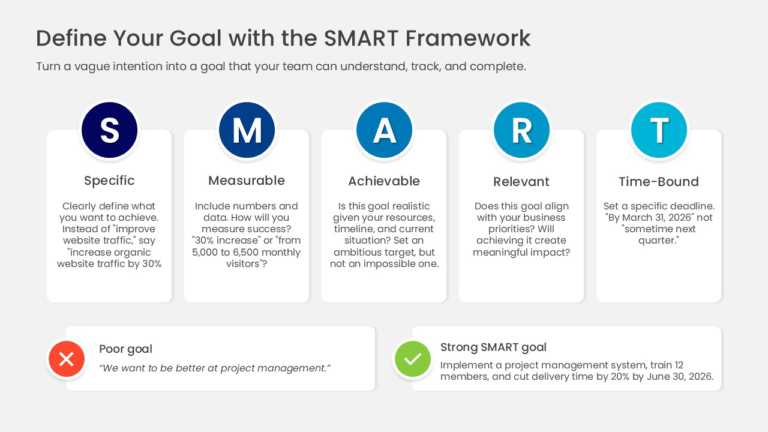
The SMART Goal Framework PowerPoint And Google Slides Template helps users define and evaluate goals across five SMART criteria. It is suitable f....
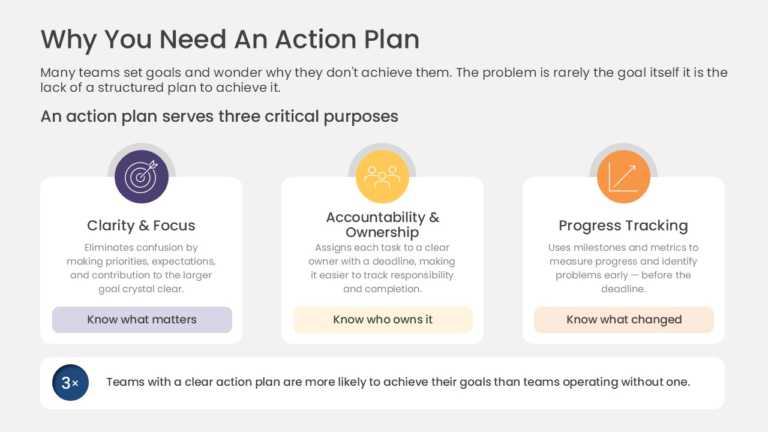
The Action Plan Benefits PowerPoint And Google Slides Template helps users present the case for structured planning across three key benefit area....
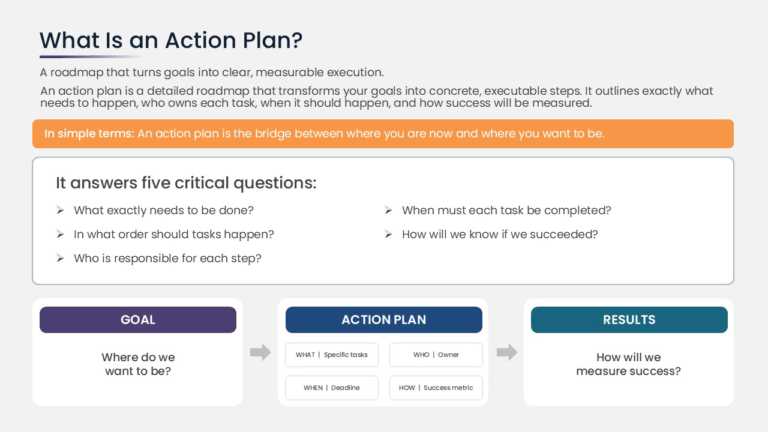
The Action Plan Process Overview PowerPoint And Google Slides Template helps users explain what an action plan is and how it connects goals to re....
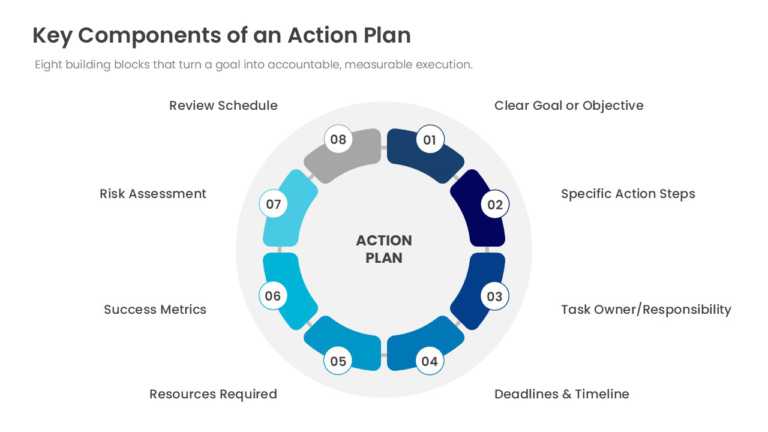
The Action Plan Process Framework PowerPoint And Google Slides Template helps users present the building blocks of an action plan across eight se....
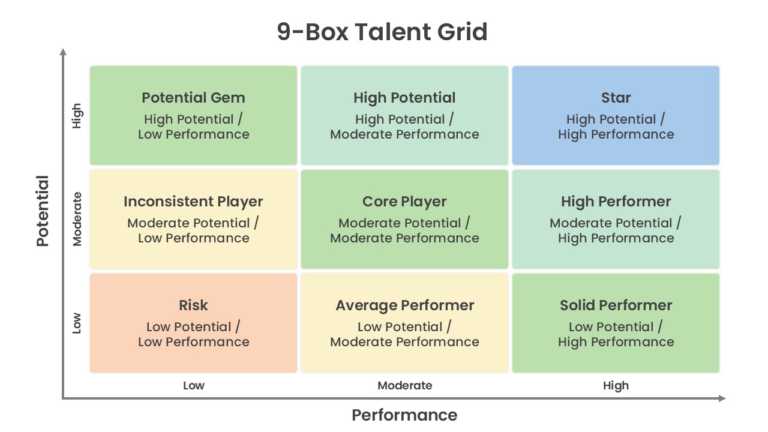
The 9-Box Talent Assessment Matrix PowerPoint And Google Slides Template helps users map employee talent across nine performance and potential ca....

The Business Presentation Appendix PowerPoint And Google Slides Template helps users present supporting data, methodology, and source documentati....
How To Make Cool PowerPoint Slides?
Infographics are probably the best way to make your business presentations more attractive and attention-grabbing. It results in increased engagement as compared to other visual media. And also make sure to choose the font size appropriately, use strong contrast with the text, and try not to use too much text and too many colors on your PowerPoint slides.
How to make Cool PowerPoint presentation?
To make your presentations more appealing and memorable you need cool backgrounds, simple transitions, clean fonts, & attractive graphics to make the presentation more engaging.
Here are a few ways to make a cool presentation,
- Use a consistent theme
- Use more images & less text
- Use animations to highlight each bullet point
- Convey one message in each slide
- Use 2/4/8 rule - The 2/4/8 rule is-don't spend more than 2 minutes on a one slide, don't use more than 4 bullets per slide, and no more than 8 words per bullet.