 Fall Sale
  Flat 40% off on our Unlimited Access Yearly Membership plan!

Recently Published


Google Slides are an effective way to convey and present information online. They are easy to share and offer better customizable options, making them handy for professionals and businesses to conduct team meetings. This blog explores the best Google Slides themes and templates for all your presentations.
Learning how to translate Google Slides presentation fosters inclusive communication across languages, broadens global accessibility, and simplifies cross-cultural collaboration in a workspace. We will show you how this feature can enhance your professionalism with our step by step guide to translate Google Slides Presentations.
Learn how to effortlessly enhance your Google Slides presentations by seamlessly inserting PDF files. Elevate your content with a simple guide on incorporating PDFs for a more dynamic and engaging presentation experience.

GIFs add a visual aid to convey information in your presentations. These short animations can save time by expressing your point in a visually efficient way. Learn the clever way to add GIFs to Google Slides that captivate your audience's attention.
Editor's Pick
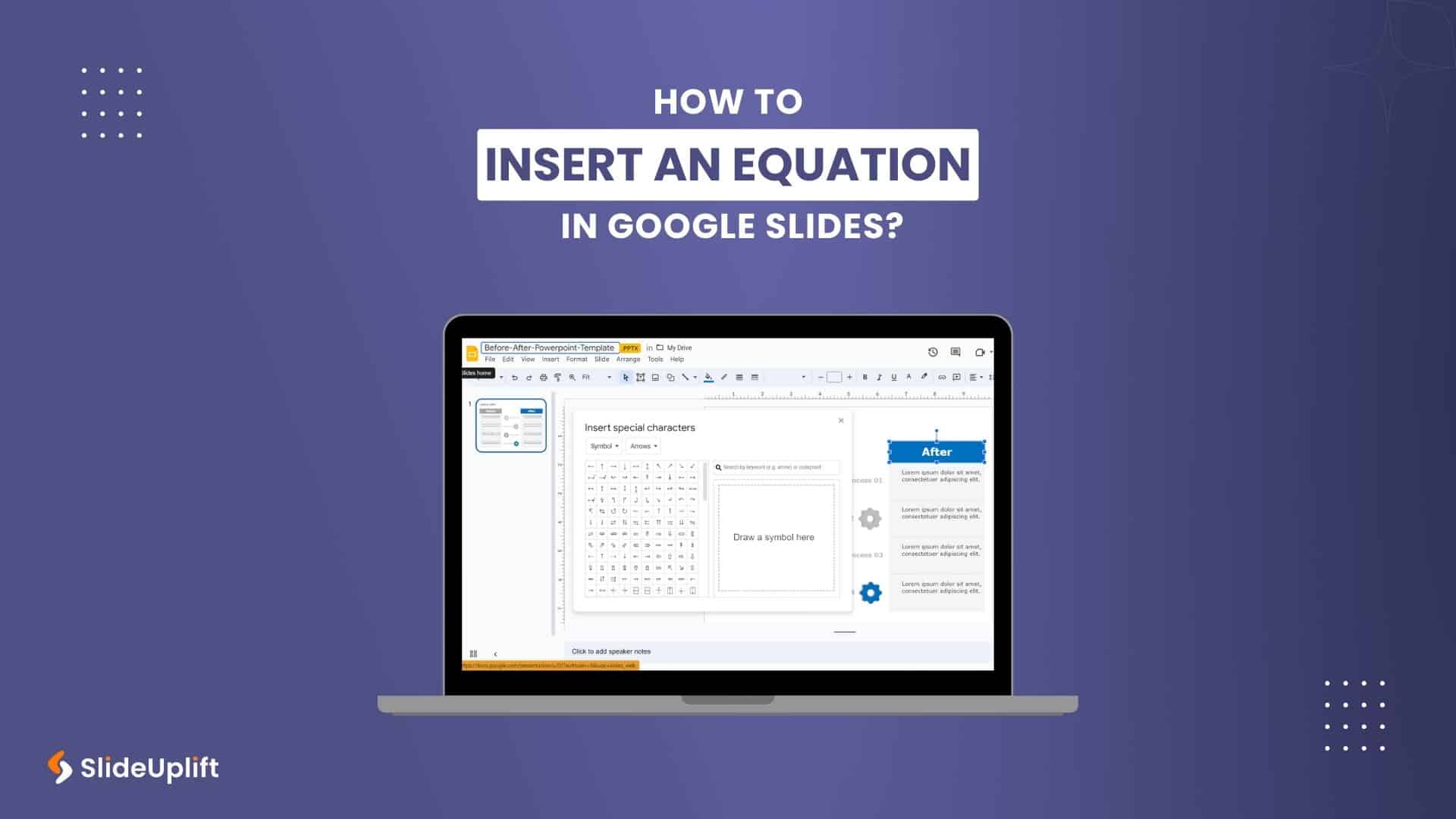
How To Insert An Equation In Google Slides?
How To Make Google Slides Look Good?

How To Create An Org Chart In Google Slides Presentation?
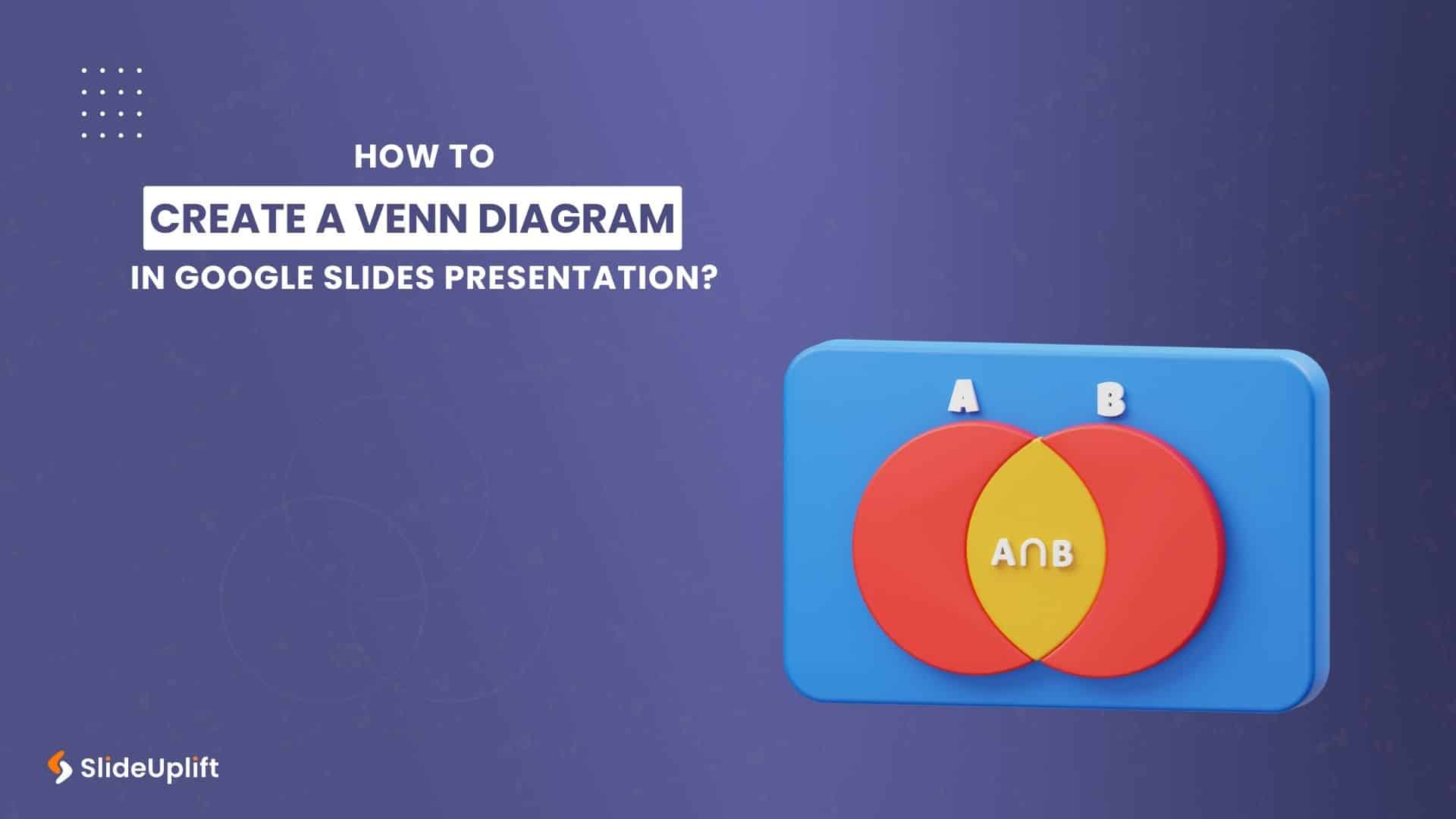
How To Create A Venn Diagram In Google Slides Presentation?
Most Read
These are our most read articles and blogs which have helped millions to make their life easy
29 Jul, 2026 | SlideUpLift
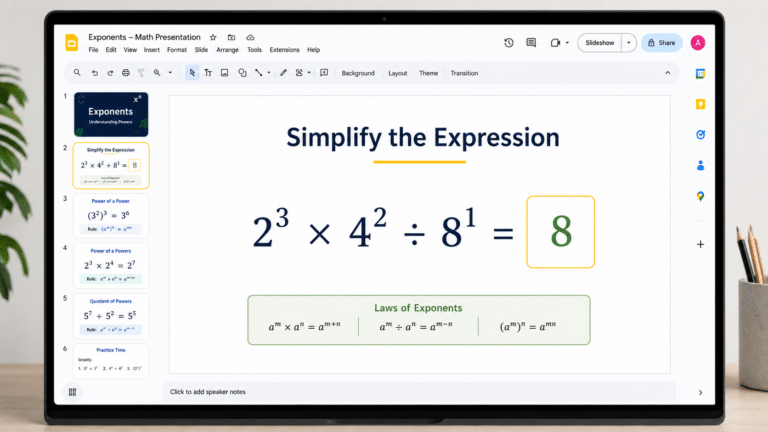
How to Add Exponents in Google Slides (3 Methods)
Quick Answer: To add an exponent in Google Slides: Click inside a text box and type your full equation (e.g., x2). Highlight only the character to raise (e.g., the '2').

5 May, 2026 | SlideUpLift
How to Add a Border in Google Slides (7 Easy Methods)
To add a border in Google Slides, insert a rectangle shape, set its fill to transparent, and customize the border color and weight from the toolbar. You can apply borders

28 Sep, 2026 | SlideUpLift
How to Insert a PDF into Google Slides Every Method That Actually Works
No, Google Slides does not let you insert a PDF directly as an editable PDF object. Instead, you can use one of three practical workarounds. First, convert the PDF pages

24 Apr, 2026 | SlideUpLift
How to make a Venn Diagram on Google Slides (3 Easy Methods)
Need to compare two products, contrast competing ideas, or map shared traits for a classroom exercise? The most common question designers and educators ask is how to make a Venn

14 Aug, 2026 | SlideUpLift
How To Lock An Image In Google Slides: Complete Step-By-Step Guide
If you have ever carefully positioned a logo or background graphic in Google Slides — only for an accidental click to send it flying across the slide — you are
28 Sep, 2026 | SlideUpLift
How To Change Opacity in Google Slides (Images, Shapes & Backgrounds)
In Google Slides, images and shapes use different controls for opacity. To change the opacity of an image, select it, open Format options, and adjust the Opacity or Transparency control

15 Apr, 2026 | SlideUpLift
How to Add a Video to Google Slides Step by Step (2026)
Embedding a video in your presentation takes just a few clicks through the Insert menu — but getting it to actually play for your audience requires knowing a few rules

3 Apr, 2026 | SlideUpLift
How to Print Google Slides with Notes: Step-by-Step Guide
Knowing how to print Google Slides with notes gives presenters and audiences a richer, more complete version of any presentation — each printed page shows the slide in the upper

31 Mar, 2026 | SlideUpLift
How to Curve Text in Google Slides (5 Methods That Actually Work)
This guide explains how to curve text in Google Slides using simple workarounds like Word Art, text rotation, and external tools, since there’s no built-in feature for curved text. It