
 Fall Sale
  Flat 10% off on our Unlimited Access Yearly Membership plan!


Recently Published


Google Slides are an effective way to convey and present information online. They are easy to share and offer better customizable options, making them handy for professionals and businesses to conduct team meetings. This blog explores the best Google Slides themes and templates for all your presentations.
Learning how to translate Google Slides presentation fosters inclusive communication across languages, broadens global accessibility, and simplifies cross-cultural collaboration in a workspace. We will show you how this feature can enhance your professionalism with our step by step guide to translate Google Slides Presentations.
Learn how to effortlessly enhance your Google Slides presentations by seamlessly inserting PDF files. Elevate your content with a simple guide on incorporating PDFs for a more dynamic and engaging presentation experience.

GIFs add a visual aid to convey information in your presentations. These short animations can save time by expressing your point in a visually efficient way. Learn the clever way to add GIFs to Google Slides that captivate your audience's attention.
Editor's Pick
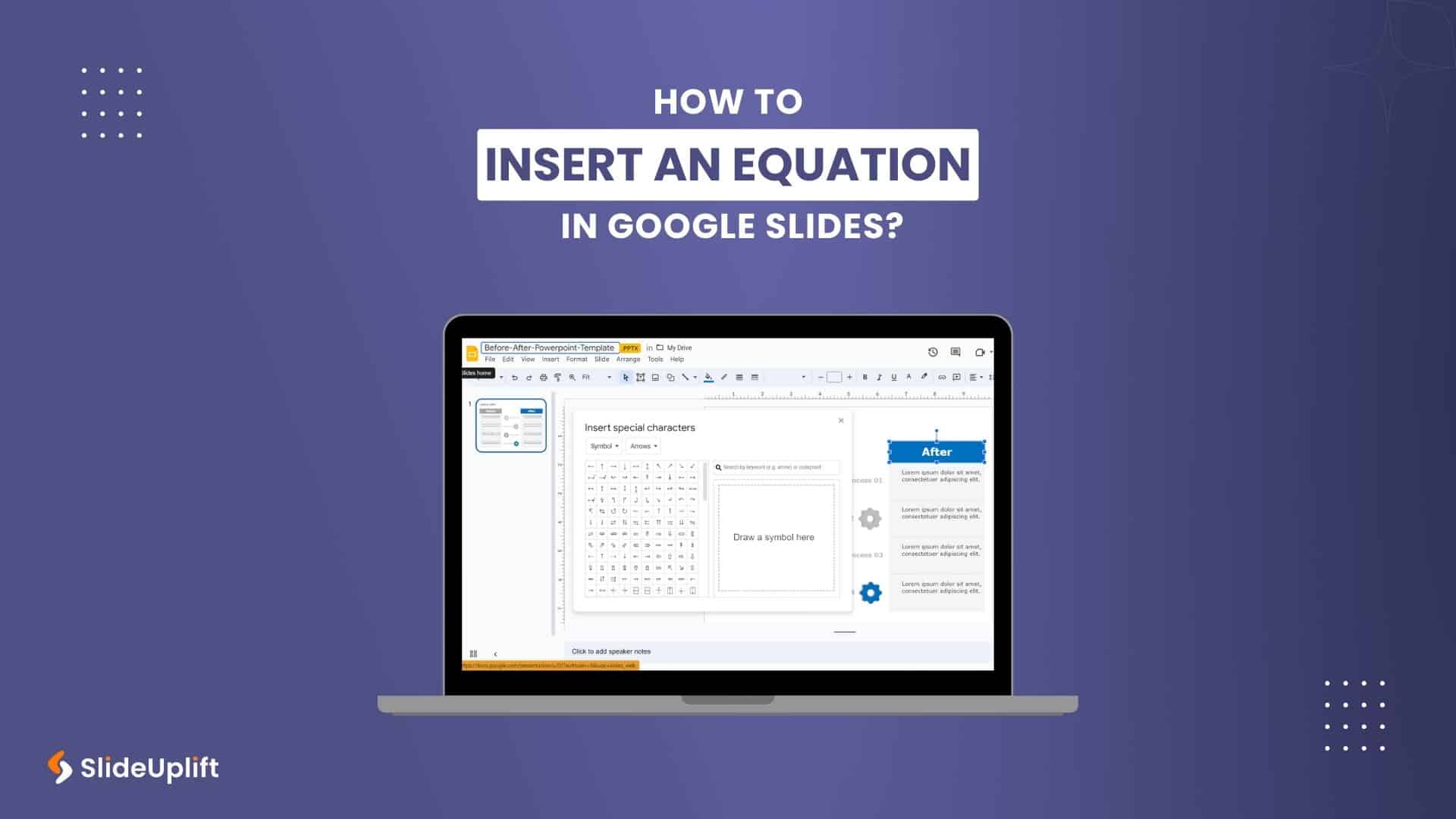
How To Insert An Equation In Google Slides?
How To Make Google Slides Look Good?

How To Create An Org Chart In Google Slides Presentation?
How To Create A Venn Diagram In Google Slides Presentation?
Most Read
These are our most read articles and blogs which have helped millions to make their life easy

21 Mar, 2024 | SlideUpLift
How To Insert A Fraction in Google Slides?
Google Slides is not just a versatile tool for conveying ideas and strategies but also numbers and complex data. Some numbers and data are part of advanced equations, including fractions.

14 Aug, 2026 | SlideUpLift
How to Make Checkboxes in Google Slides?
Google Slides is one of the most widely used presentation tools today. It is used for creating simple text and picture presentations and complex presentations. You can create surveys and

13 Dec, 2023 | SlideUpLift
How to Record a Presentation on Google Slides?
Remote presenting is crucial in the modern business landscape, offering the flexibility to engage audiences globally. It enhances accessibility, allowing seamless communication regardless of geographical barriers. Occasionally, you may record

19 Jun, 2026 | SlideUpLift
How to Add Superscript and Subscript in Google Slides
Quick Answer: To add a superscript in Google Slides: Click inside a text box and type your full expression (e.g., x2). Highlight only the character to raise (e.g., the 2).

15 Jun, 2026 | SlideUpLift
How to Insert Icons in Google Slides Presentations
Quick Answer There are 5 ways to insert icons in Google Slides quickly and effectively: Install the Flaticon or Noun Project add-on via Extensions > Add-ons > Get add-ons Use

18 Nov, 2023 | SlideUpLift
How to Select Multiple Slides in Google Slides Presentations?
The feature to select multiple slides in Google Slides is a game-changer for anyone looking to boost efficiency in presentation creation. It enables you to make bulk edits, apply consistent
2 Sep, 2026 | SlideUpLift
How to Convert Canva to Google Slides Presentation?
The fastest way to convert a Canva presentation to Google Slides is to download the Canva deck as a PowerPoint (.pptx) file and then open that file in Google Slides.

27 Oct, 2023 | SlideUpLift
How to Convert Keynote to Google Slides Presentations?
Presentations are essential for effective communication, from classrooms and boardrooms to conferences and webinars. PowerPoint, Keynote and Google Slides are popular tools for creating top-class presentations. While everyone is aware
12 May, 2026 | SlideUpLift
How to Do Hanging Indent on Google Slides: 4 Easy Methods (Complete Guide)
Have you ever tried to format citations or multi-line bullet points in Google Slides, only to end up with text that wraps messily back to the left edge? You are